44
Projection
Wireless projection
Wireless projection is available only after the supplied ATV dongle (QS02)
is installed, and the projector and your device are connected to the same
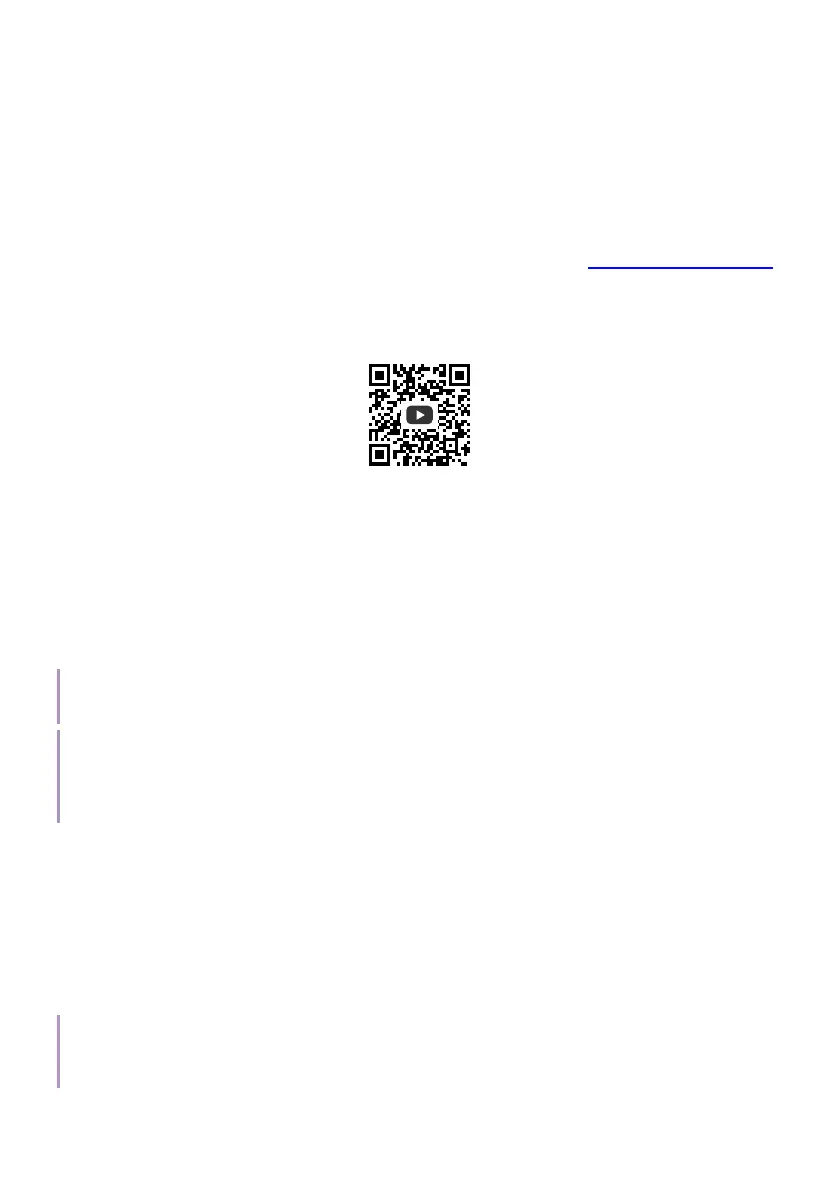
wireless network. Refer to the QS02 user manual from Support.BenQ.com
or scan the following QR code for instructions on how to perform wireless
projection.
How-to video
Wireless projection
Wired projection
Using an HDMI or certified USB-C 3.0 cable you can connect a device that
is equipped with HDMI or DisplayPort capabilities to broadcast videos and
images on the projector.
Warning
Connections with other devices are made by certified HDMI or USB-C cables only.
Note
Not all devices with a USB-C port have DisplayPort functionality. Check your device’s documentation
for clarification. The USB-C port on this projector cannot support media reader (i.e., it cannot access
files stored on a flash storage drive).
To connect a device with HDMI or USB-C with DisplayPort:
1. Connect the device to the HDMI or USB-C port on the projector with
a certified cable. A pop-up notification will appear indicating that a
device is connected.
2. Confirm whether you want to project video from the device. The video
from the device will be displayed once the signal from the device is
detected.
Note
If no signal is detected or the signal is interrupted, a message will appear. Check cable connection
again.



 To Next Page