English
29
Operations
Switch on/off the projector
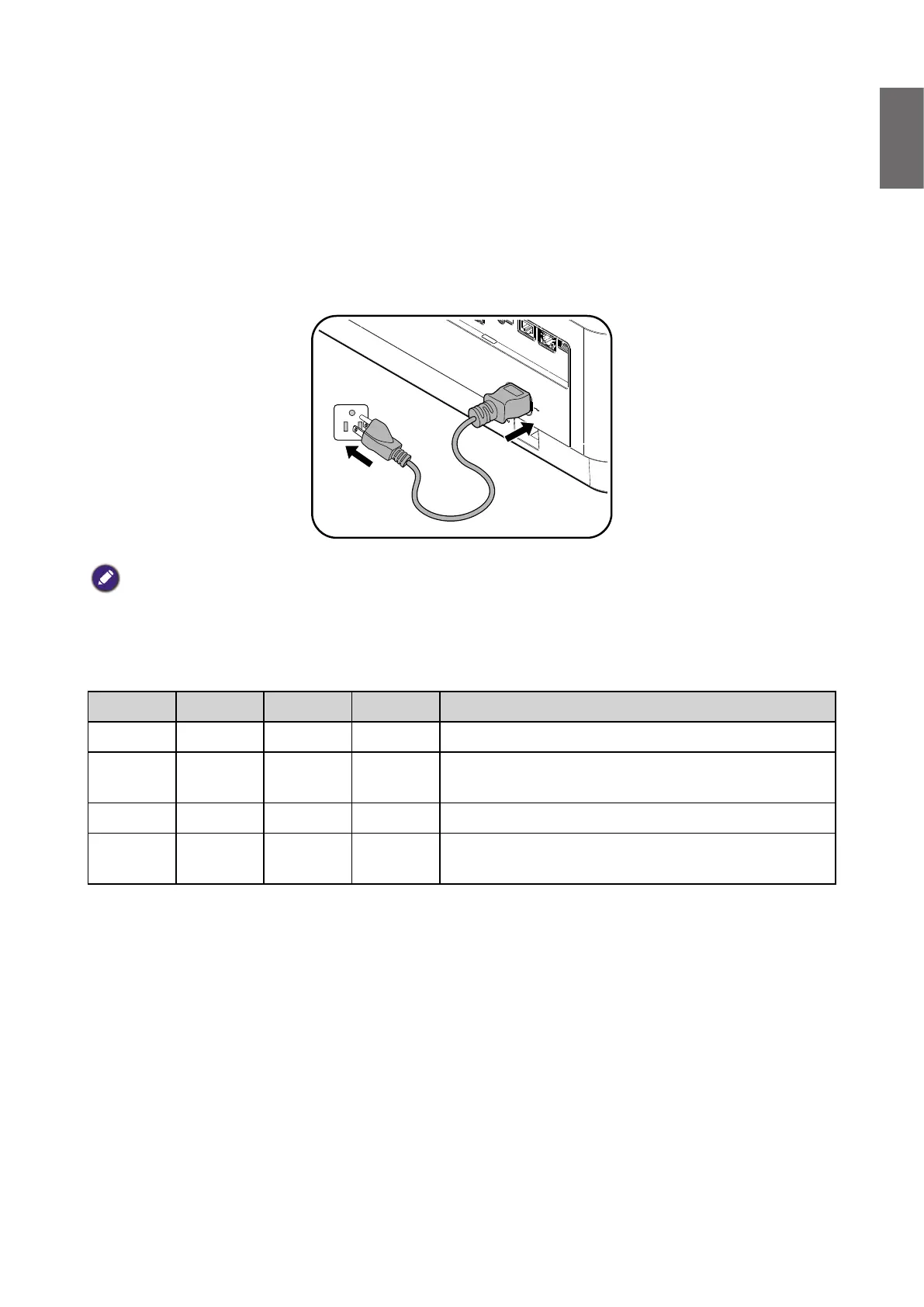
Connecting the power cord
Plug the power cord into the projector and into a wall socket. Turn on the wall socket switch
(where tted). Check that the POWER indicator light on the projector lights orange after power
has been applied.
Caution:
Please use the original accessories (e.g. power cable) only with the device to avoid possible dangers such as electric
shock and re.
Power indicator
Power Temp Light Filter Status & Description
Orange - - - Stand-by
Green
Flashing
- - - Powering up
Green - - - Normal operation
Orange
Flashing
- - - Normal power down cooling



 To Next Page