English
56
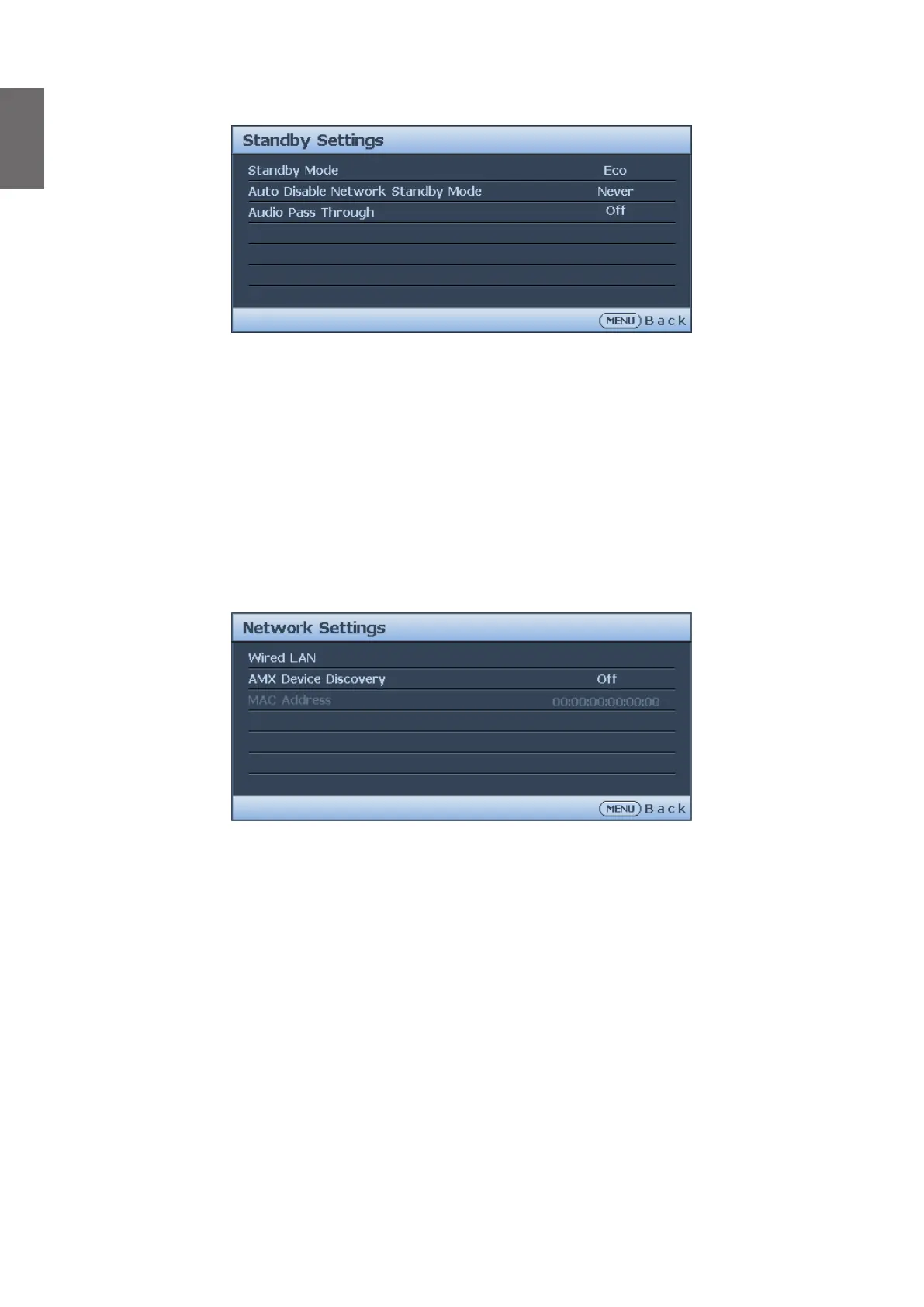
Standby Settings menu
• Standby Mode
Press
◄
/
►
to select the standby mode. The options are Eco, Network and Normal.
• Auto Disable Network Standby Mode
Press
◄
/
►
to enable or disable the auto switch from network standby mode to non-network
standby mode after a period of time.
• Audio Pass Through
Press
◄
/
►
to enable the audio line-out function when the projector is in standby mode. The
options are Audio In, HDMI 1, HDMI 2 and Off.
Network Settings menu
• Wired LAN
Press ENTER to enter the Wired LAN menu to setup the IP address, subnet mask, default
gatway, DNS server and DHCP.
• AMX Device Discovery
Press
◄
/
►
to enable or disable the AMX device discovery function. When the function is
enabled, the projector can be detected by an AMX controller.
• Mac Address
Displays the cureent MAC address of the projector.



 To Next Page