English
41
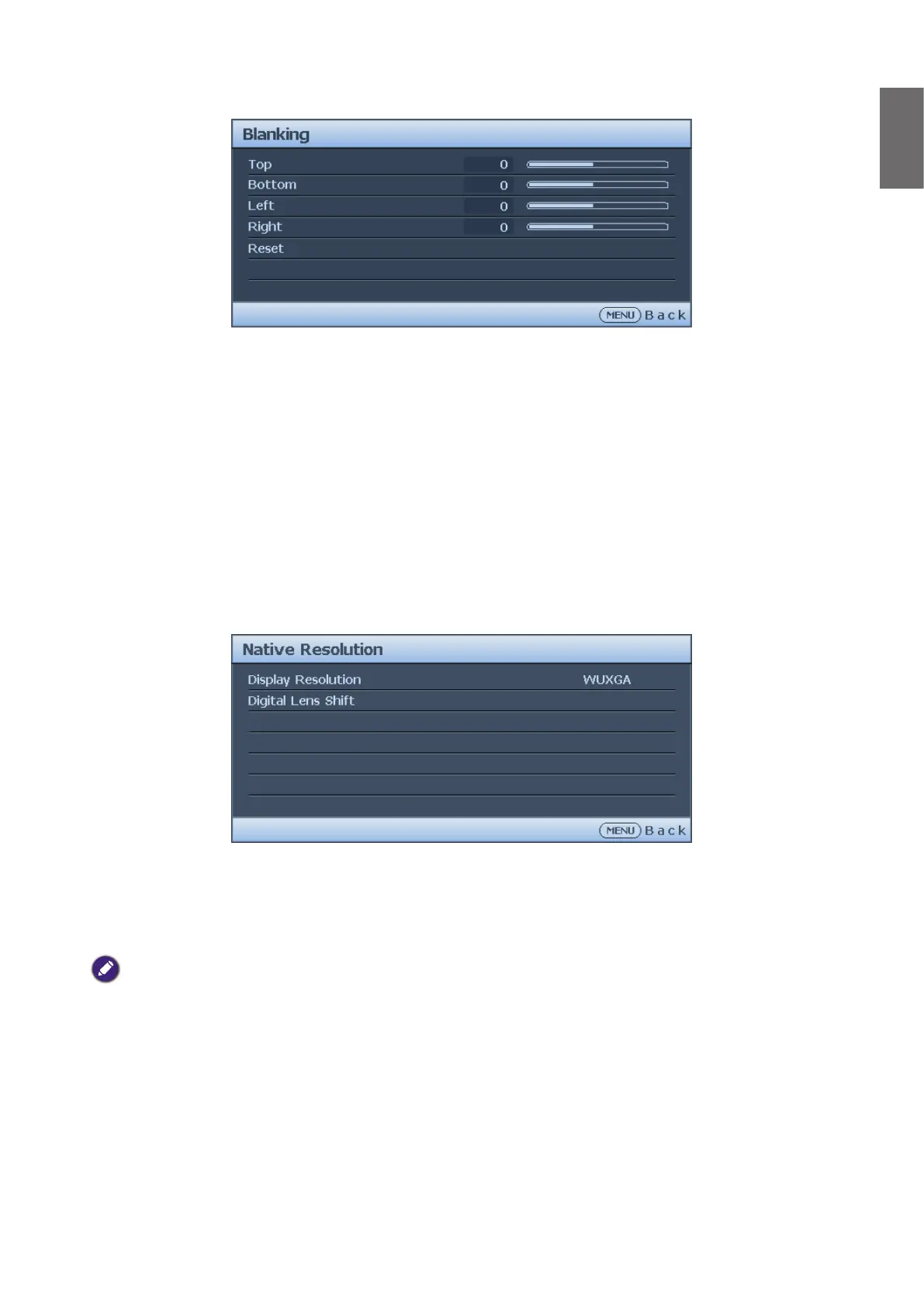
Blanking menu
• Top
Press
◄
/
►
to adjust the top blanking area on the projected picture.
• Bottom
Press
◄
/
►
to adjust the bottom blanking area on the projected picture.
• Left
Press
◄
/
►
to adjust the left blanking area on the projected picture.
• Right
Press
◄
/
►
to adjust the right blanking area on the projected picture.
• Reset
Press ENTER to set up all Blanking settings to default.
Native Resolution
• Display Resolution
Select the native resolution of this projector between WUXGA and 1080P.
• Digital Lens Shift
After the Digintal Lens Shift page displays, press
▲
/
▼ to shift the projected image.
Note:
This function is not available in the following situations:
Picture Moder
is
3D
;
Native
Resolution
is
WUXGA



 To Next Page