English
55
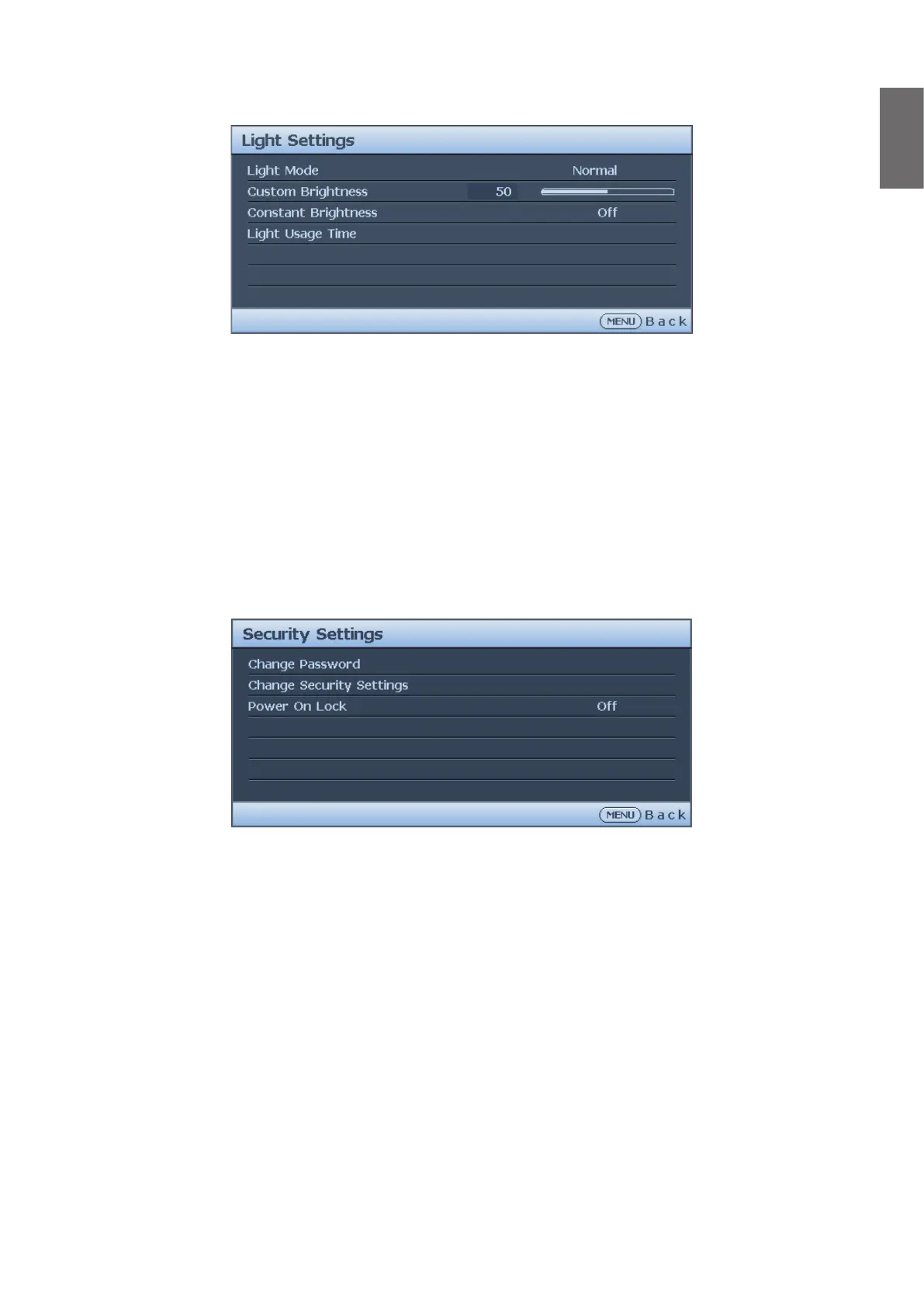
Light Settings menu
• Light Mode
Press
◄
/
►
to select the light mode. The options are Normal, Economic, Dimming and
Custom.
• Custom Brightness
Press
◄
/
►
to adjust the brightness of the projector.
• Constant Brightness
Press
◄
/
►
to enable or disable the function to maintain the brightness at similar level.
• Light Usage Time
Press ENTER to enter the Light Source Information menu.
Security Settings menu
• Change Password
Press ENTER to change the password.
• Change Security Settings
Press ENTER to change the security settings.
• Power On Lock
Press
◄
/
►
to enable or disable the power on lock function. If the function is enabled, you
must enter the password every time the projector is turned on.



 To Next Page