English
50
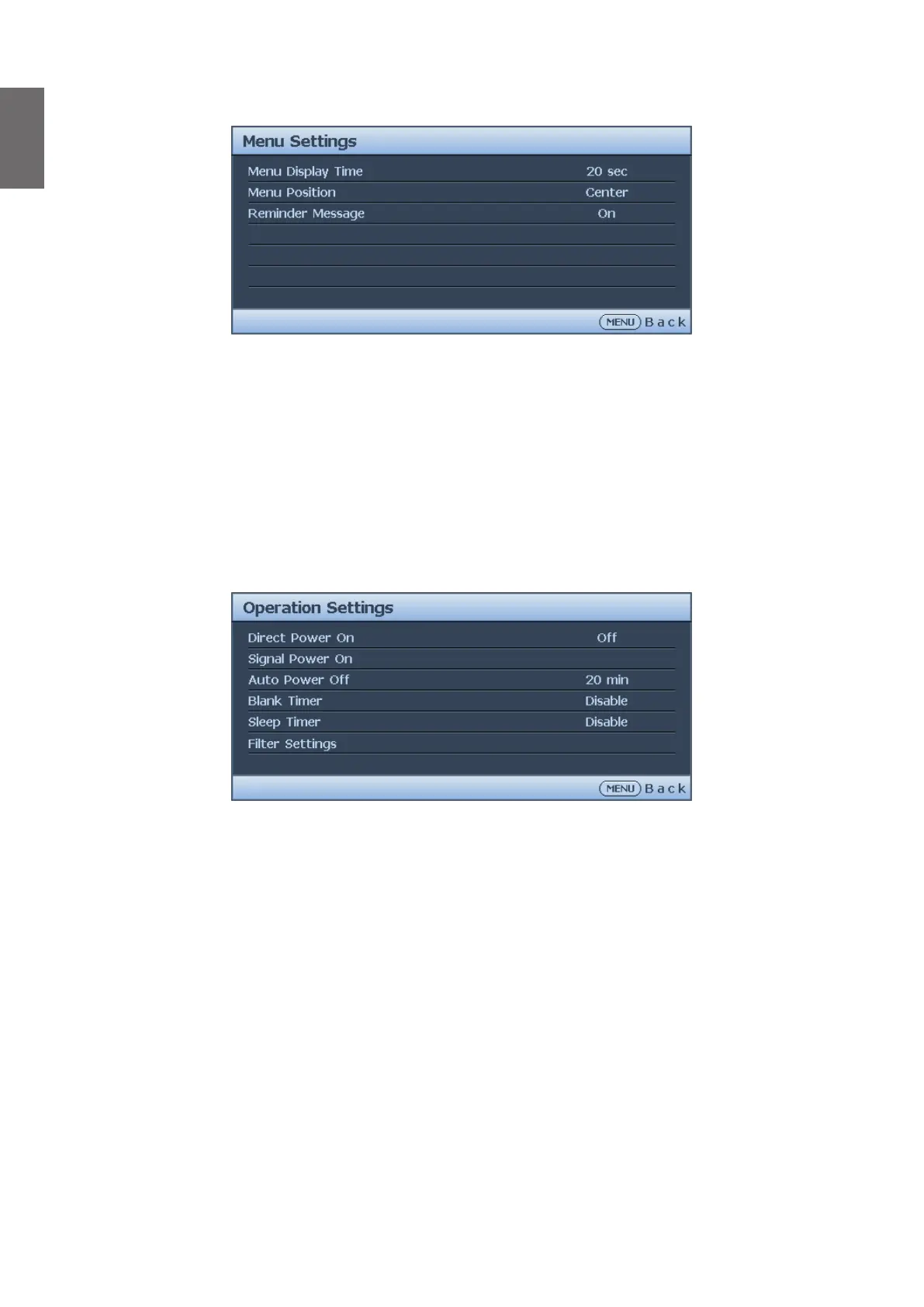
Menu Settings menu
• Menu Display Time
Press
◄
/
►
to select the menu display time period. The options are 5 sec, 10 sec, 20 sec, 30
sec and Always.
• Menu Position
Press
◄
/
►
to select the menu display position. The options are Center, Top-Left, Top-Right,
Bottom-Right and Bottom-Left.
• Reminder Message
Press
◄
/
►
to enable or disable reminder message displays.
Operation Settings menu
• Direct Power On
Press
◄
/
►
to enable or disable automatically turning on the projector when the AC power is
connected.
• Signal Power On
Press
◄
/
►
to enable or disable automatically turning on the projector when an input signal is
detected.
• Auto Power Off
Press
◄
/
►
to enable or disable automatically turning off the projector when there is no input
signal.
• Blank Timer
Press
◄
/
►
to set the length of time the image is blanked. The options are Disable, 5 mins, 10
mins, 15 mins, 20 mins, 25 mins and 30 mins.
• Sleep Timer
Press
◄
/
►
to set the length of time before the projector is turned off. The options are
Disable, 30 mins, 1 hr, 2 hrs, 3 hrs, 4 hrs, 8 hrs and 12 hrs.
• Filter Settings
Press ENTER to enter the Filter Settings menu. See "Filter Settings menu" on page 51
for more details.



 To Next Page