English
34
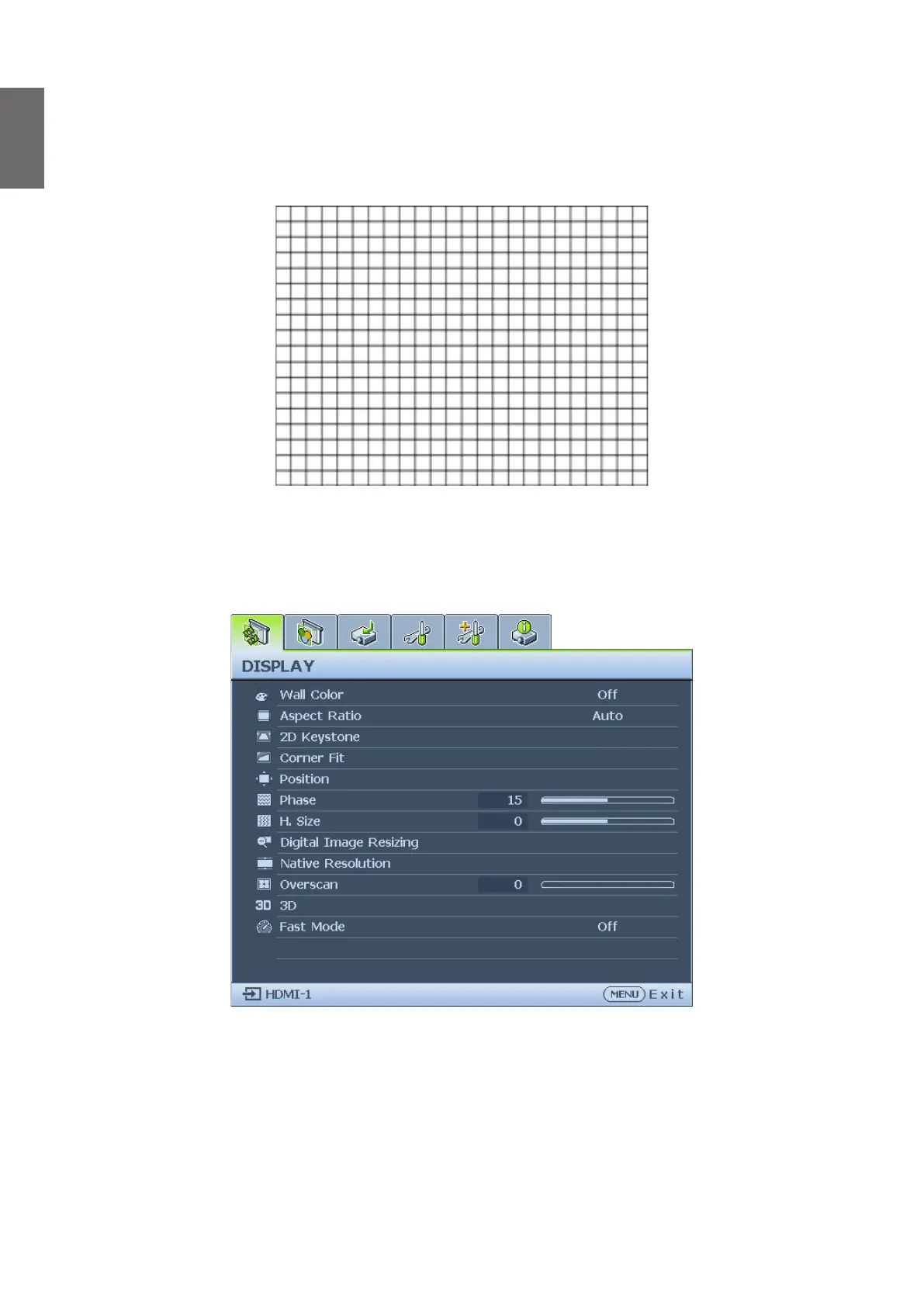
Using test pattern
The projector is capable of displaying the grid test pattern. It can be used to assist you with the
adjustment of image size and focus, ensuring that the projected image is free from distortion.
To display the test pattern, open the OSD menu and go to the System Setup: Advanced >
Test Pattern and press
◄
/
►
to select On.
Adjusting by corner t
Manually adjust four corners of the image by setting the horizontal and vertical values.
Using the OSD menu
1. Press MENU and then press
◄
/
►
until the Display menu is highlighted.
2. Press
▼
to highlight Corner Fit and press ENTER. The Corner Fit page displays.



 To Next Page