USER HANDBOOK 2.0 | DC20XX, ET20XX, ECC21XX SLIM
Berghof Automation GmbH | Harretstrasse 1 | 72800 Eningen | www.berghof.com
Dialog-Controller-DC20XX_EN.docx
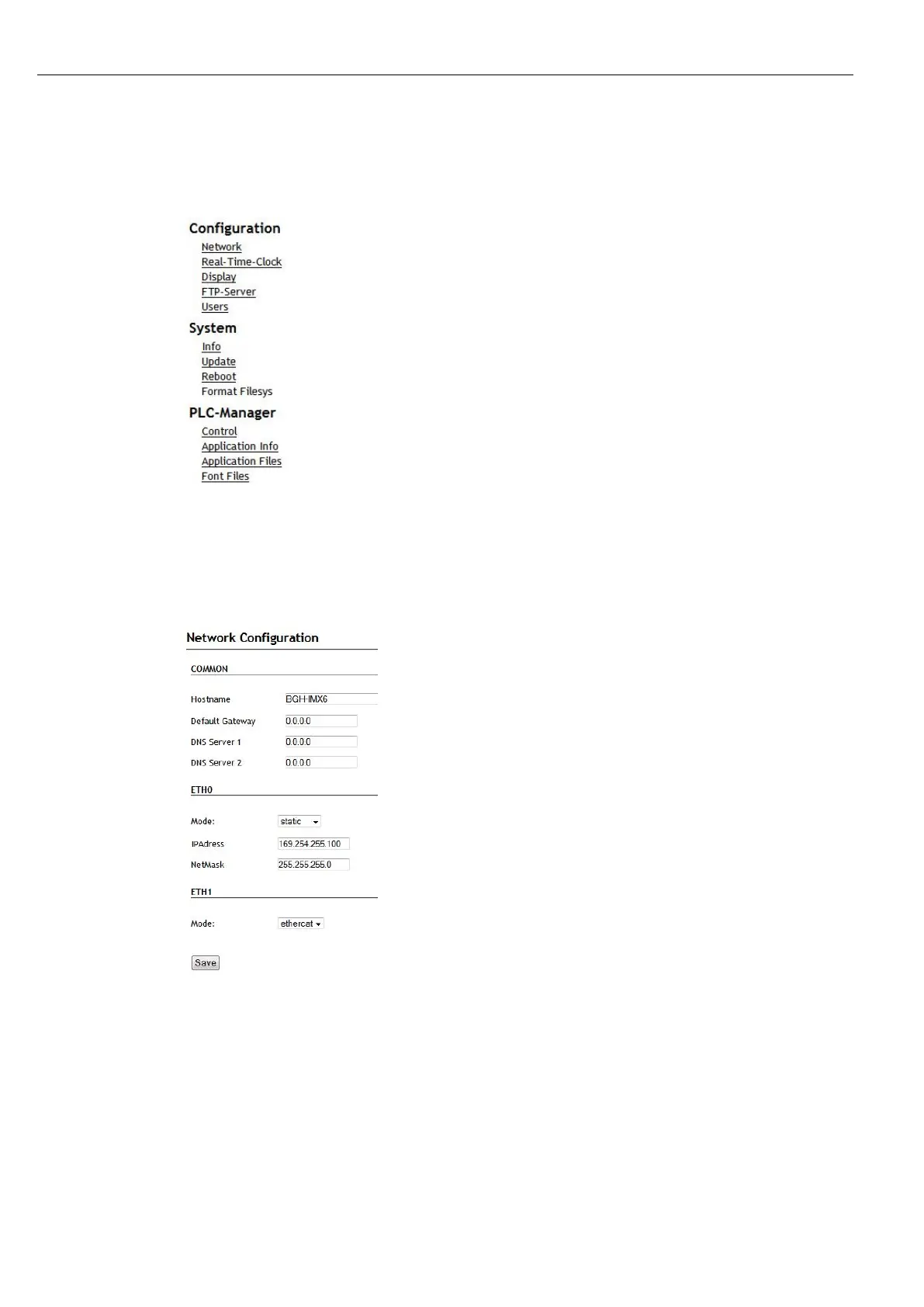
The web configuration page will be displayed.
Fig. 34: list of web interface settings
6th Click on the “Network” link.
The “Network Configuration” page is displayed.
Fig. 35: “Network Configuration” page
7th Check the network settings and make any changes in the text boxes if required.
DC20XX configuration: ETH0 = X4, ETH1 = X5
8th Save the settings by clicking on “Save”.
9th Additional settings can also be viewed and/or modified on the web configuration page (e.g. system
time, display resolution, TargetVisu).



 To Next Page