USER HANDBOOK 2.0 | DC20XX, ET20XX, ECC21XX SLIM
Berghof Automation GmbH | Harretstrasse 1 | 72800 Eningen | www.berghof.com
Dialog-Controller-DC20XX_EN.docx
6.2. Network start-up
6.2.1. DC20XX
The device must be connected to the network with the correct settings before it can be used.
Damage to property
Before connecting the power supply, ensure that all cabling is correct,
including the polarity of all the connections.
1st Supply the device with power (24 V).
After startup, the current IP-address and netmask of the DC20XX are shown in the top right of the display.
2nd Connect the device to a programming computer using a network cable (X4) and network switch.
3rd Open a web browser on the programming computer.
4th Enter the IP address of the device into the web browser.
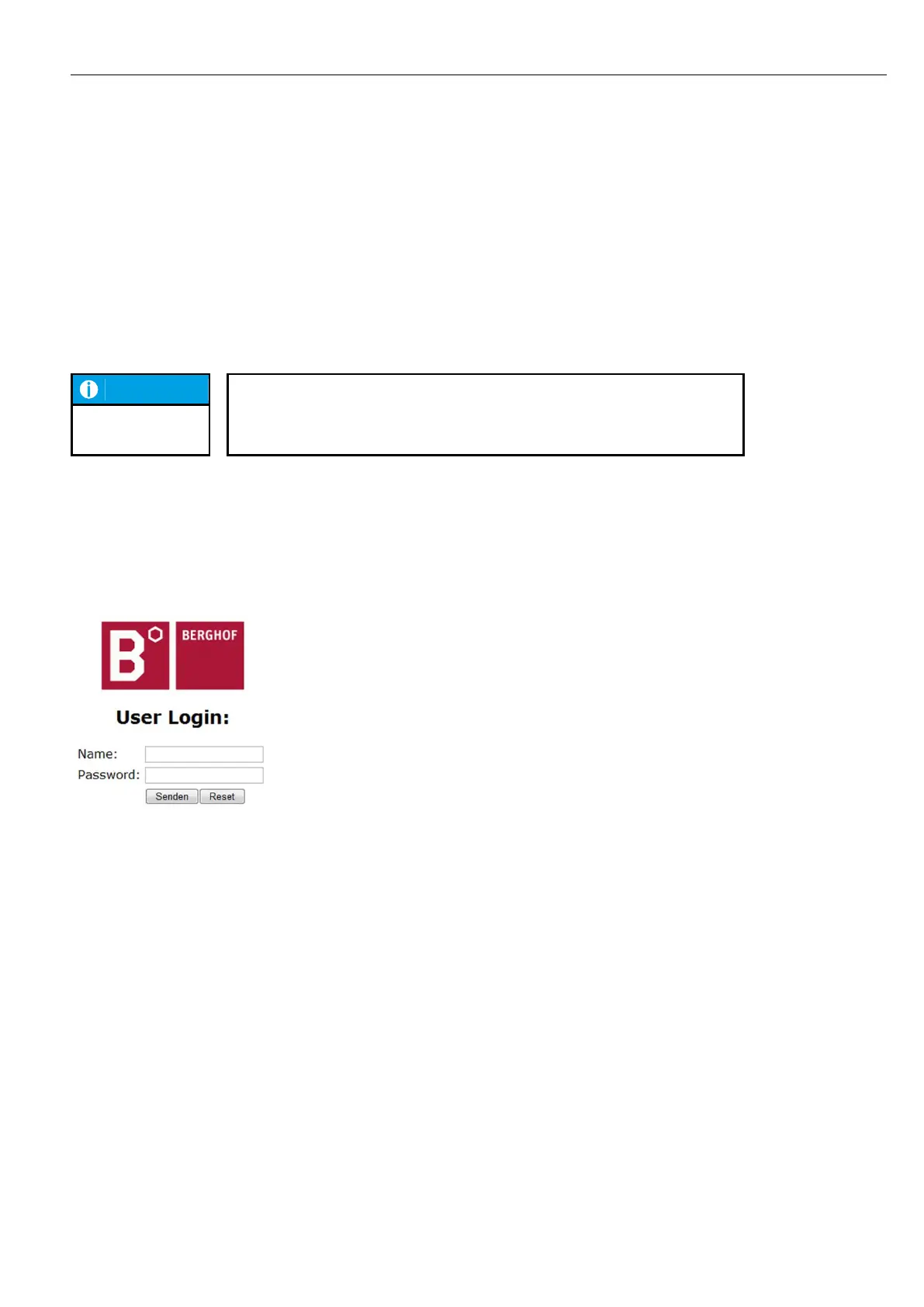
The login screen will appear.
Fig. 33: login window
5th Use the following user name and password to log into the device:
Name: admin
Password: admin



 To Next Page