USER HANDBOOK 2.0 | DC20XX, ET20XX, ECC21XX SLIM
Berghof Automation GmbH | Harretstrasse 1 | 72800 Eningen | www.berghof.com
Dialog-Controller-DC20XX_EN.docx
Meaning of the LED displays
System statuses are shown using flashing signals on the Run/Stop LED in yellow.
CODESYS operating statuses are shown via continuous illumination of the Run/Stop LED as either red
or green.
While the Run/Stop light is flashing yellow: the device is in use and must not be switched off.
The device does not show warnings via the LEDs during start-up.
6.3.2. Start/Stop
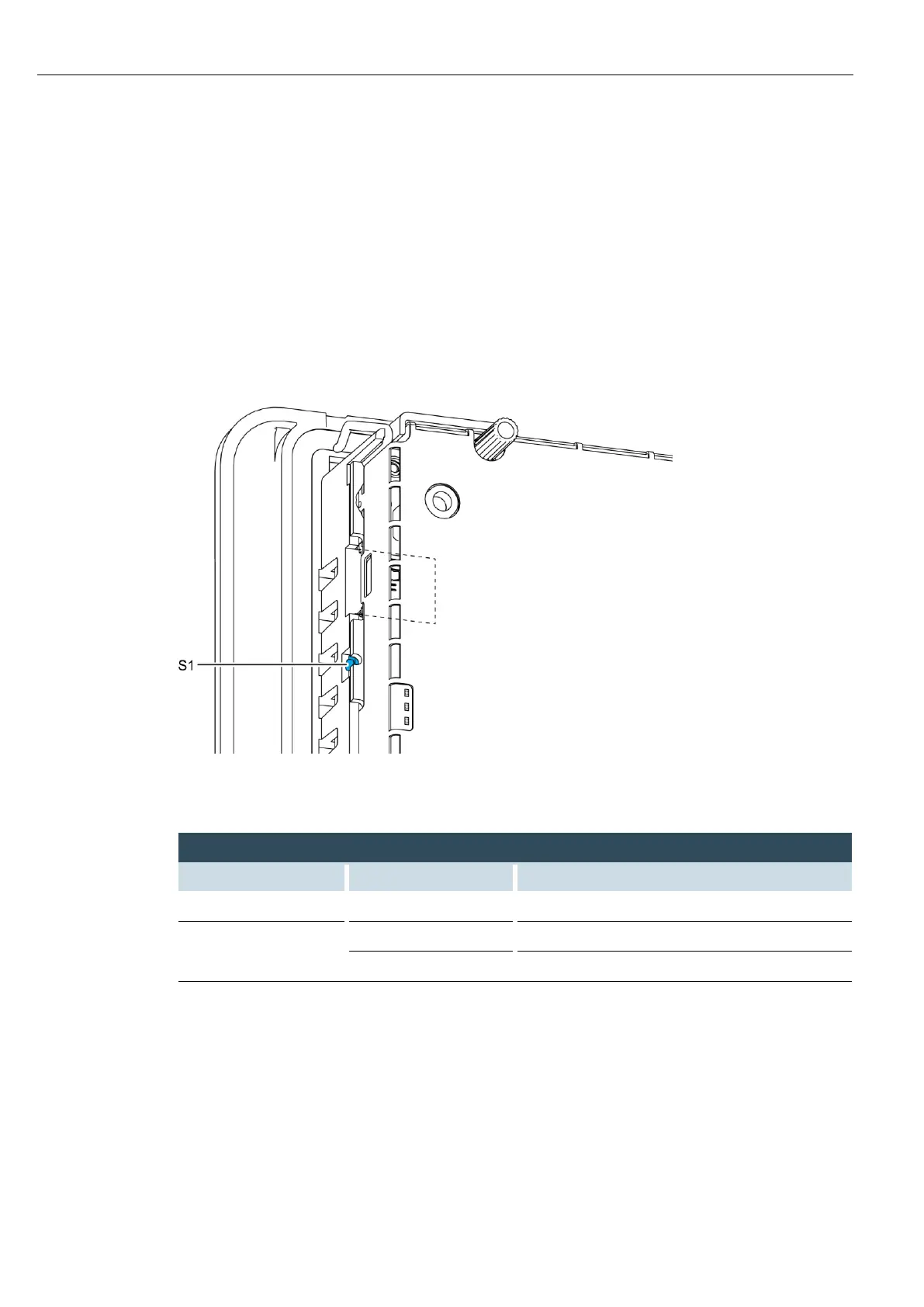
Fig. 47: function key (S1)
Change to maintenance mode
Change between PLC run and stop mode.
Stop PLC with reset of variables (cold reset)



 To Next Page