29
Display Explanation & Operating Functions
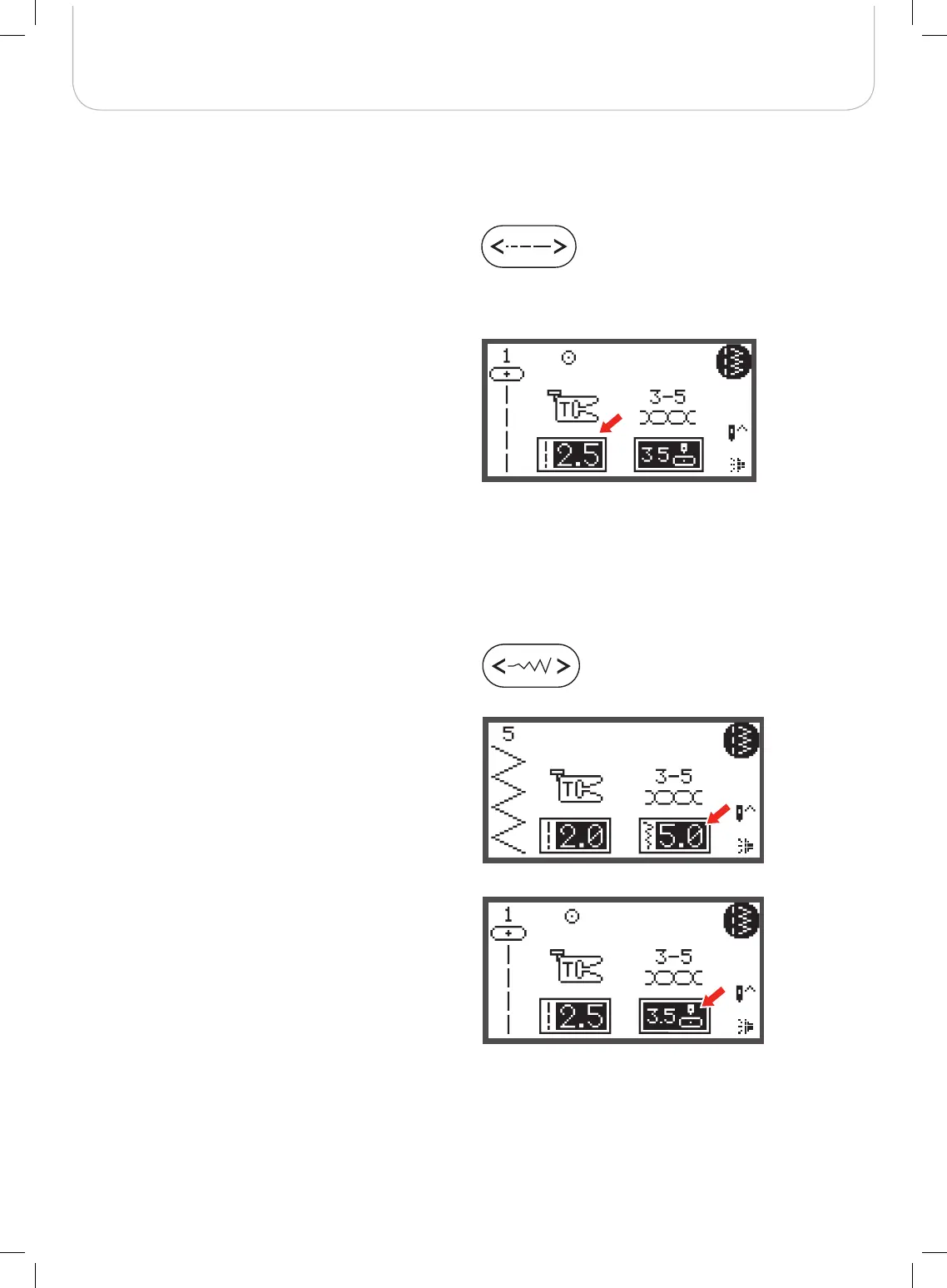
Stitch width adjustment
When selecting a stitch, the machine will automatically set the
recommended stitch width, which will be indicated by num-
bers on the LCD display.
• The stitch width can be regulated by pressing the stitch
width adjustment button.
• For a narrower stitch, press the button left.
• For a wider stitch, press the button right.
– The stitch width can be altered from «0.0 to 7.0».
Certain stiches have a limited stitch width.
When Direct Patterns 1-4 and A Group Pattern 00 are
selected, the needle position is regulated by the stitch width
adjustment buttons.
• Press the button left and the needle moves to the left.
• Press the button right and the needle moves to the
right.
– The number will be changed from left position «0.0»
to extreme right position «7.0».
– The pre-set center needle position will be indicated
as «3.5».
Stitch length adjustment
When you select a stitch, the machine will automatically set
the recommended stitch length which will be indicated by
numbers on the LCD display.
• The stitch length can be altered by pressing the stitch
length adjustment button.
• To shorten the stitch length, press the «-» button (left).
For a longer stitch length, press the «+» button (right).
The stitch length can be altered from «0.0 to 4.5». Cer-
tain stitches have a limited stitch length.



 To Next Page