79
Special Functions
Memory Editing functions - Insert an additional stitch
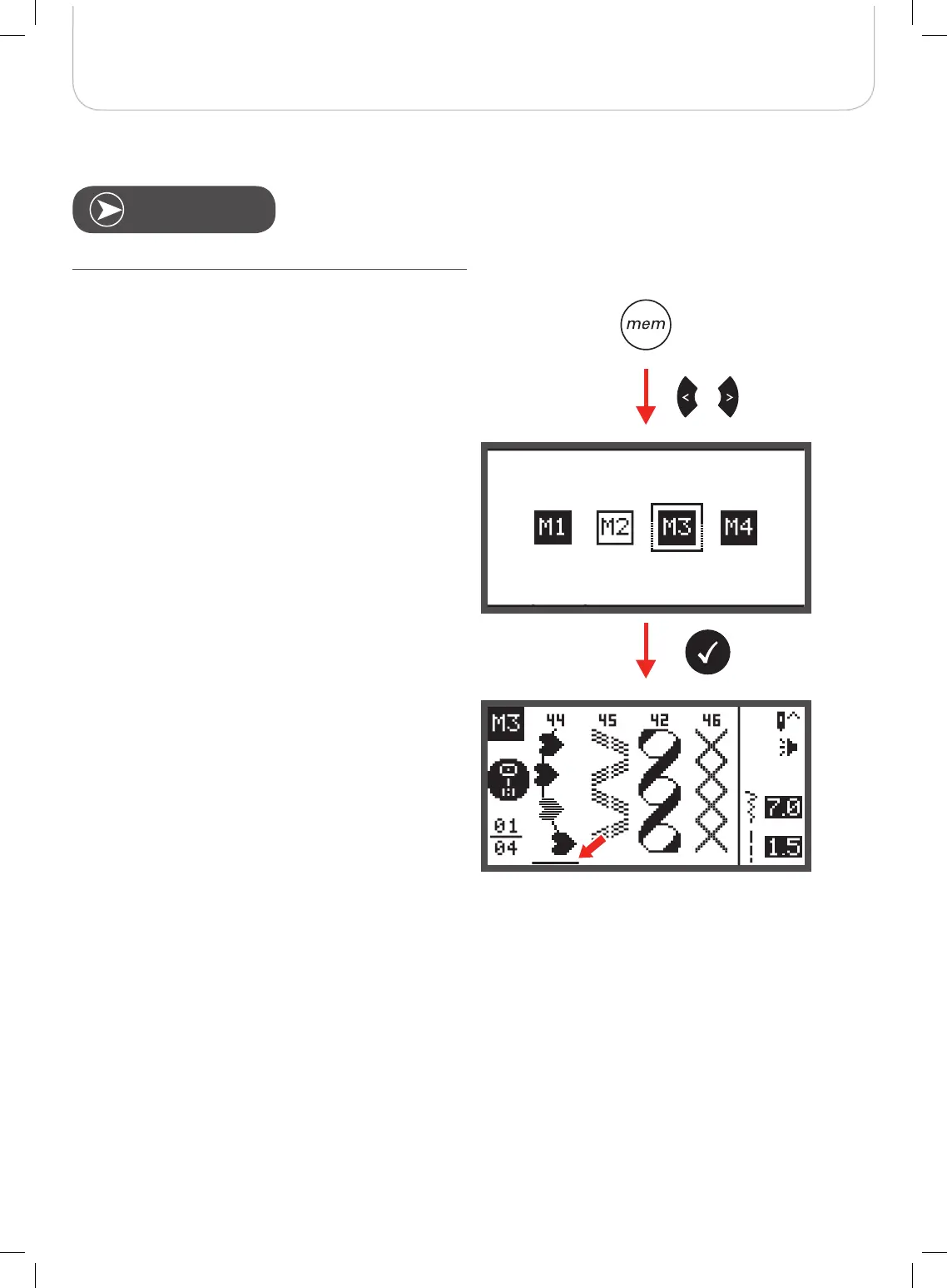
• Press the memory button to enter the Memory Mode.
• Use the arrow buttons to choose the desired Memory
file.
• Press the OK button to enter the selected Memory file.
– The cursor stays at the first position.
Requirement: with existing patterns in Memory.



 To Next Page