68
Special Functions
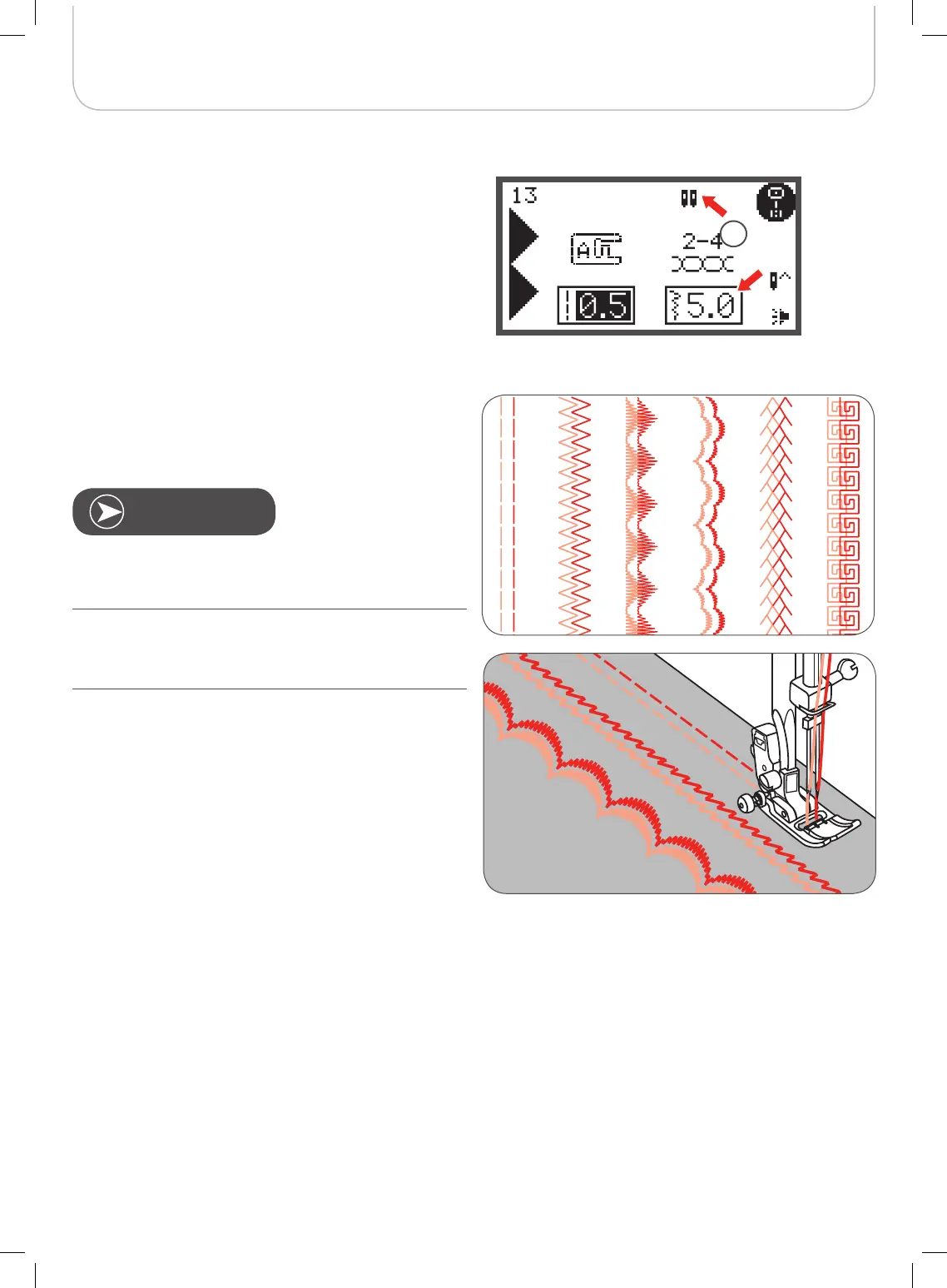
• Press the button.
– The LCD display shows the symbol (1)
and the machine reduces the maximum stitch
width for
sewing to 2mm automatically.
• Start to sew and two lines of stitches are sewn parallel
to each other.
When sewing with the , always proceed slowly
and make sure to maintain a low speed to ensure a good
stitch formation.
When
sewing has been selected, it will remain
active even the stitch pattern is changed. To deactivate
sewing press the button again.
1
twin needle
twin needle
twin needle
twin needle
twin needle
twin needleneedle
twin



 To Next Page