134
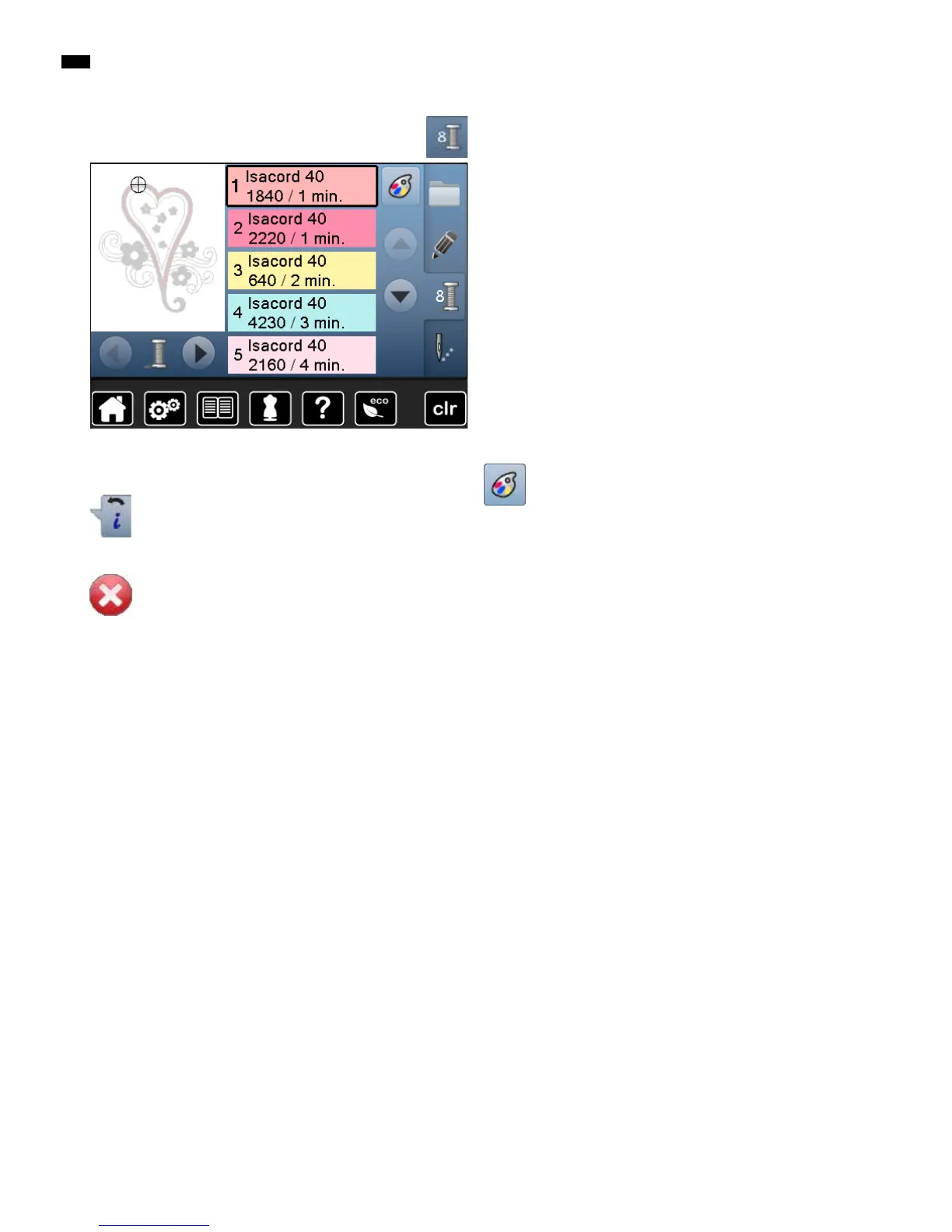
Overview Display
Changing the thread brand
►
the Display showing different thread brands is
opened
█
press «Color number»-button
Back
█
touch the button
►
goes back to the previous Display
►
any changes/alterationen are accepted
Leaving active Display
█
touch the button
►
the Display is closed
►
the previous Display appears
General Functions



 To Next Page