133
Overview Display
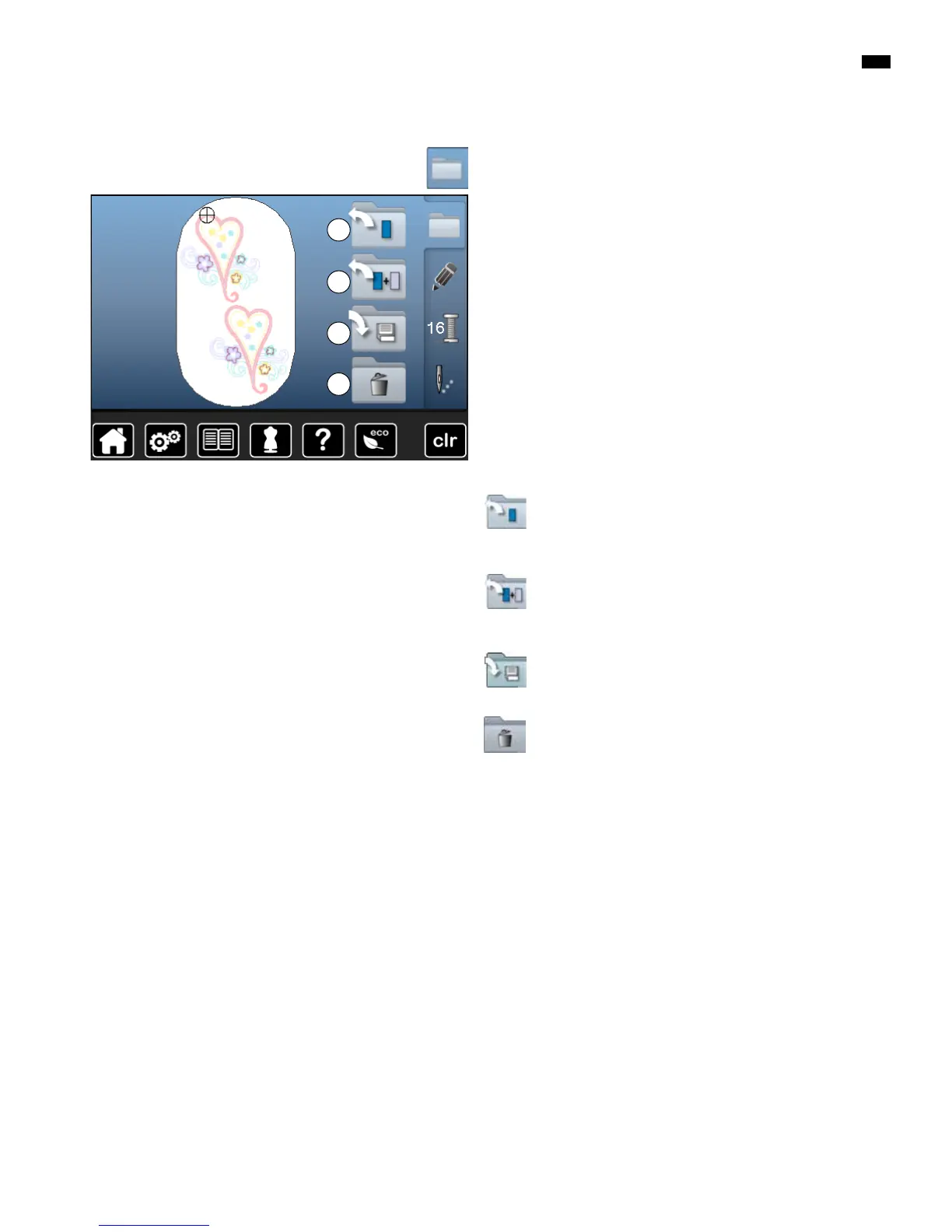
New Motif
►
the overview of the previous Display is opened
(Alphabet, Motifs, My Designs)
█
select the desired motif
Add Motif
►
the overview of the previous Display is opened
(Alphabet, Motifs, My Designs)
█
select the desired motif
Saving Motif
►
the save Display is opened
Deleting Motif
►
the delete Display is opened
C
B
█
press «Selection»-button
A
Functions
A New motif
B Add motif
C Saving motif
D Deleting motif
D



 To Next Page