144
Motifs
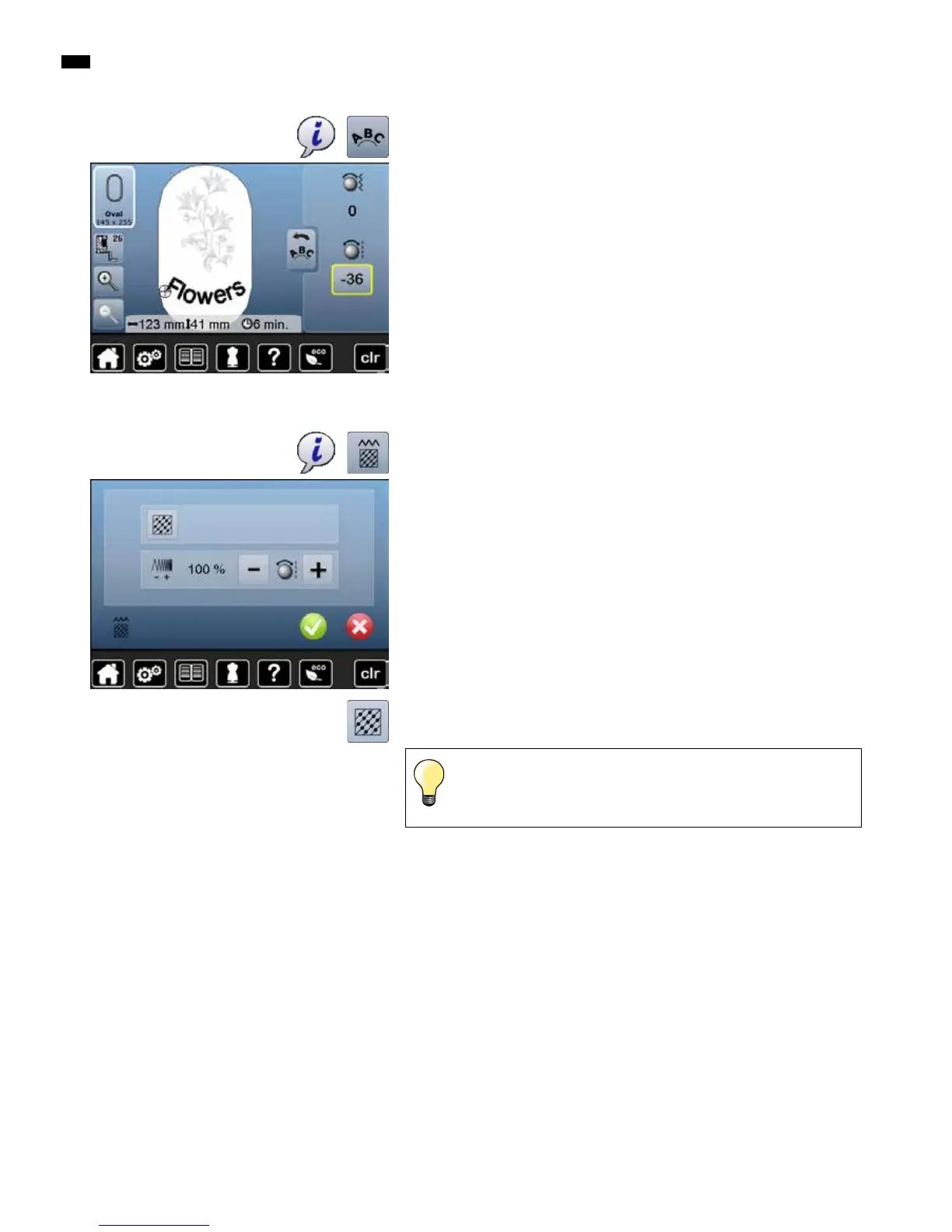
To alter stitch type.
To alter the stitch density.
█
touch «i»-icon
█
touch «Alter motif features»-icon
█
touch «Alter stitch type»-icon
►
the basic setting of the step stitch is activated
If the motif is enlarged substantially, long satin stitches occur.
This can result in tunneling of the material. In this case, it is
recommended to switch to a step stitch fill.
Altering motif features
Lettering Manipulation
█
touch «i»-icon
█
touch «Letter manipulation»-icon
█
turn the stitch length knob to the left
►
the text is bent downwards



 To Next Page