160
Troubleshooting
Sewing-/
Embroidery
computer
Sewing-/
Embroidery
computer
Upper thread
indicator does not
respond
Lower thread
indicator does not
respond
Update error
Sewing computer fails to run or runs slowly
Turn power switch to «0» (off)
Deleting or overwriting data, e.g.
drawers
Stitch number not known in direct entry
Stitch selection not possible in the
combination mode
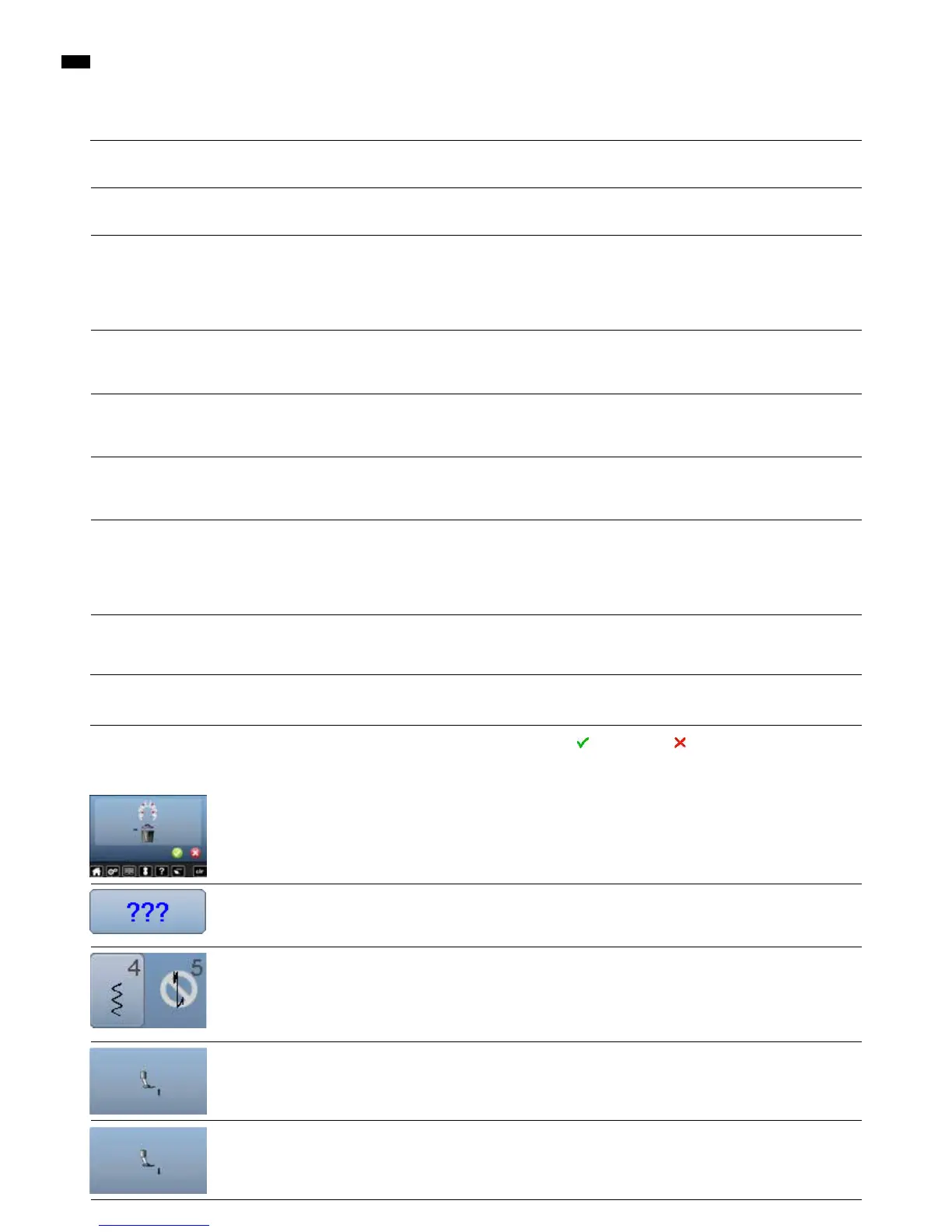
Raise the presser foot
Lower the presser foot
Not activated in the Setup Program
Not activated in the Setup Program
USB stick is not recognized
Update process is blocked (hourglass
stays on display)
Update-data aren't identified
█
alter the speed control
█
place the sewing computer in a warm room one hour before use
█
turn the power switch to «I» (on)
█
take the sewing computer to the nearest authorized
BERNINA dealer
█
confirm with or cancel with
█
check command entered and enter a new number
█
make another selection
█
the presser foot is raised
█
the presser foot is lowered
█
activate in the Setup Program
█
activate in the Setup Program
█
use a BERNINA USB stick
█
remove the stick and turn the sewing computer off and on
again. Proceed with the update as indicated by the message
█
don't save update-data in a folder
█
unzip update-data
Fault Cause Repair
General Explanation Repair Messages
Display is inactive Calibration data incorrect
ECO-function active
█
re-calibrate the Display in the Setup Program
█
turn off ECO function
Stitch width not
adjustable
Setting activated in the security
program
█
deactivate setting
Lower thread
indicator reacts
Thread used/broken
Bobbin inserted incorrectly
Brake spring is missing
█
wind thread and thread
█
insert bobbin correctly
█
insert brake spring into bobbin case
LED sewing light
do not light up
LED defective
deactivated in the Setup Program
█
take the sewing-/embroidery computer to the nearest
authorized BERNINA dealer
█
activate in the Setup Program



 To Next Page