EasyManua.ls Logo

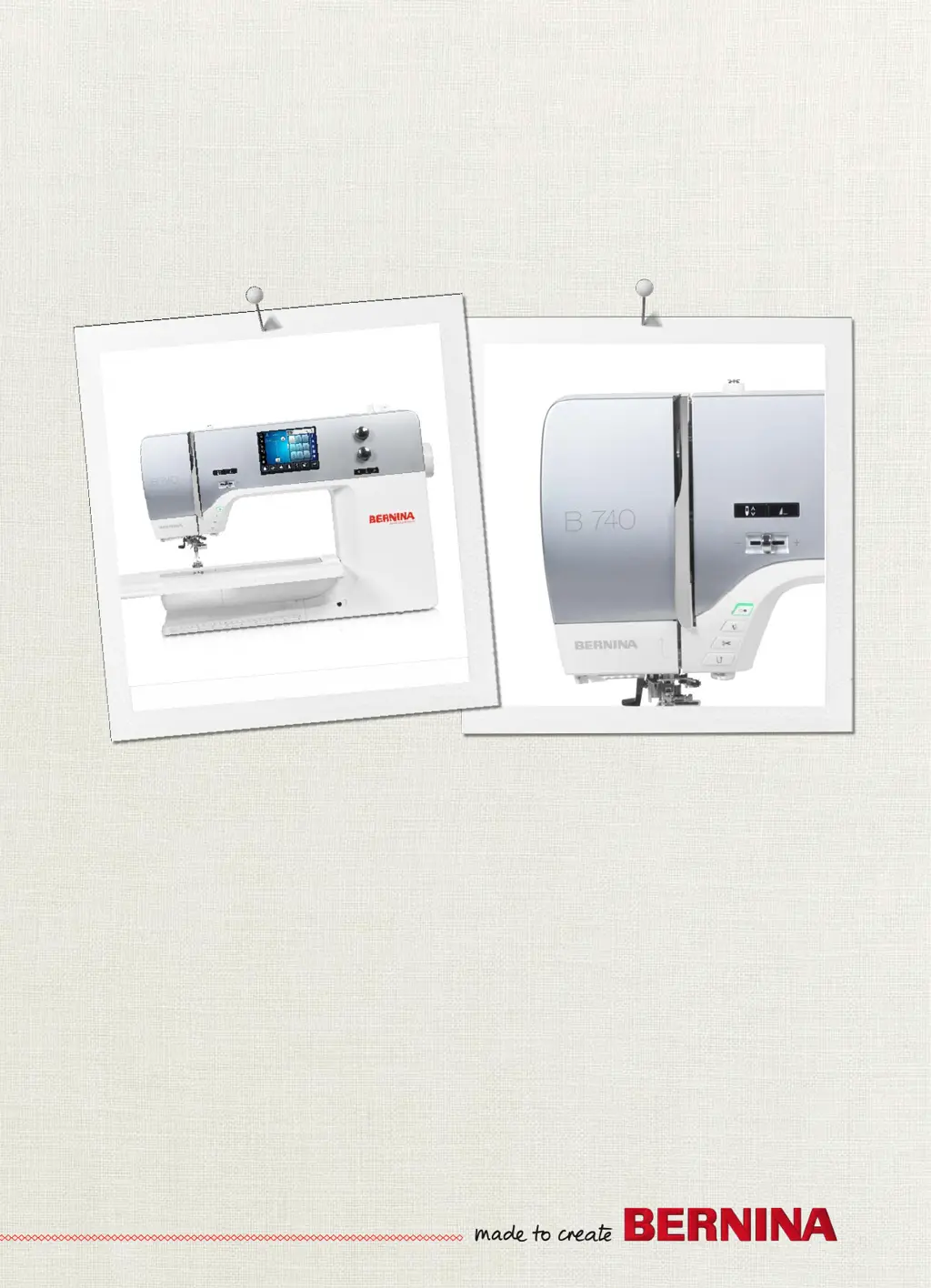
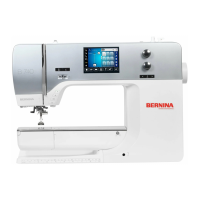
Bernina 740 - User Manual

Bernina 740
138 pages
Print Icon
To Next Page IconTo Next Page
Loading...
BERNINA740
User Manual

Table of Contents

Other manuals for Bernina 740

Questions and Answers

  • S
    Steven PayneAug 25, 2025
    How to fix an error during software update on Bernina 740 Sewing Machine?
    • A
      annahopkinsAug 26, 2025
      An error during a software update on your Bernina Sewing Machine can occur if the USB stick is not recognized, so use a BERNINA USB Stick. If the update process is blocked and the hourglass on the display is inactive, remove the USB Stick. If the date of the software update cannot be found, switch the machine off.
  • S
    Susan HoweAug 23, 2025
    What to do if my Bernina 740 doesn't start?
    • A
      Amanda FloydAug 25, 2025
      If your Bernina Sewing Machine doesn't start, it could be due to an unfavorable room temperature. Put the machine into a room with room temperature 1 hour before starting to sew. If that's not the case, the machine might be damaged, so contact your BERNINA specialized dealer.

Summary

IMPORTANT SAFETY INSTRUCTIONS

Hazard Warnings

DANGER, WARNING, general facts, working environment, technical condition.

Appropriate Use and Accessories

Machine usage, safety, and accessory guidelines.

Sewing preparation

Initial Setup and Accessories

Before first use, lubricating hook, and accessory box setup.

Connection and Switching On

Connecting foot control, mains cable, and powering on the machine.

Foot control and Knee Lifter

Attaching knee lifter, fixing pen, switching on, and using foot control.

Spool pin and Feed dog

Installing spool pins and adjusting the feed dog.

Slide-on table and Needle;Plate

Attaching tables, changing needles/plates, and UI selection.

Presser foot operations

Adjusting presser foot position, pressure, and changing presser feet.

Threading Procedures

Threading upper, double, and triple needles, winding bobbins.

Setup Program

Sewing Settings

Adjusting upper thread tension, sewing speed, and securing stitches.

Creative sewing

Practical stitches

Alphabets

Buttonholes

Quilting

BERNINA Stitch Regulator (BSR)

BSR Modes and Functions

Explains BSR modes, straight/zigzag functions, and preparation.

Using the BSR Mode

Operating the BSR function via foot control or Start/Stop button.

Securing Stitches with BSR

Securing stitches in BSR1 and BSR2 modes.

Care and maintenance

Errors and faults

Error Messages

Common error messages, their causes, and solutions.

Troubleshooting Common Issues

Solutions for needle breaks, stitch issues, and machine operation problems.

Bernina 740 Specifications

General IconGeneral
Stitch Width9 mm
Sewing Speed1000 stitches per minute
Color Touch ScreenYes
LED Sewing LightsYes
Automatic Thread CutterYes
Adjustable Presser Foot PressureYes
MemoryYes
BSR compatibilityYes
TypeComputerized
Needle Positions11
Stitch Length6 mm
Presser FeetIncluded
Speed ControlYes
LCD ScreenYes
USB PortYes
Built-in MemoryYes
Sewing Space to the Right of the Needle10 inch

Related product manuals