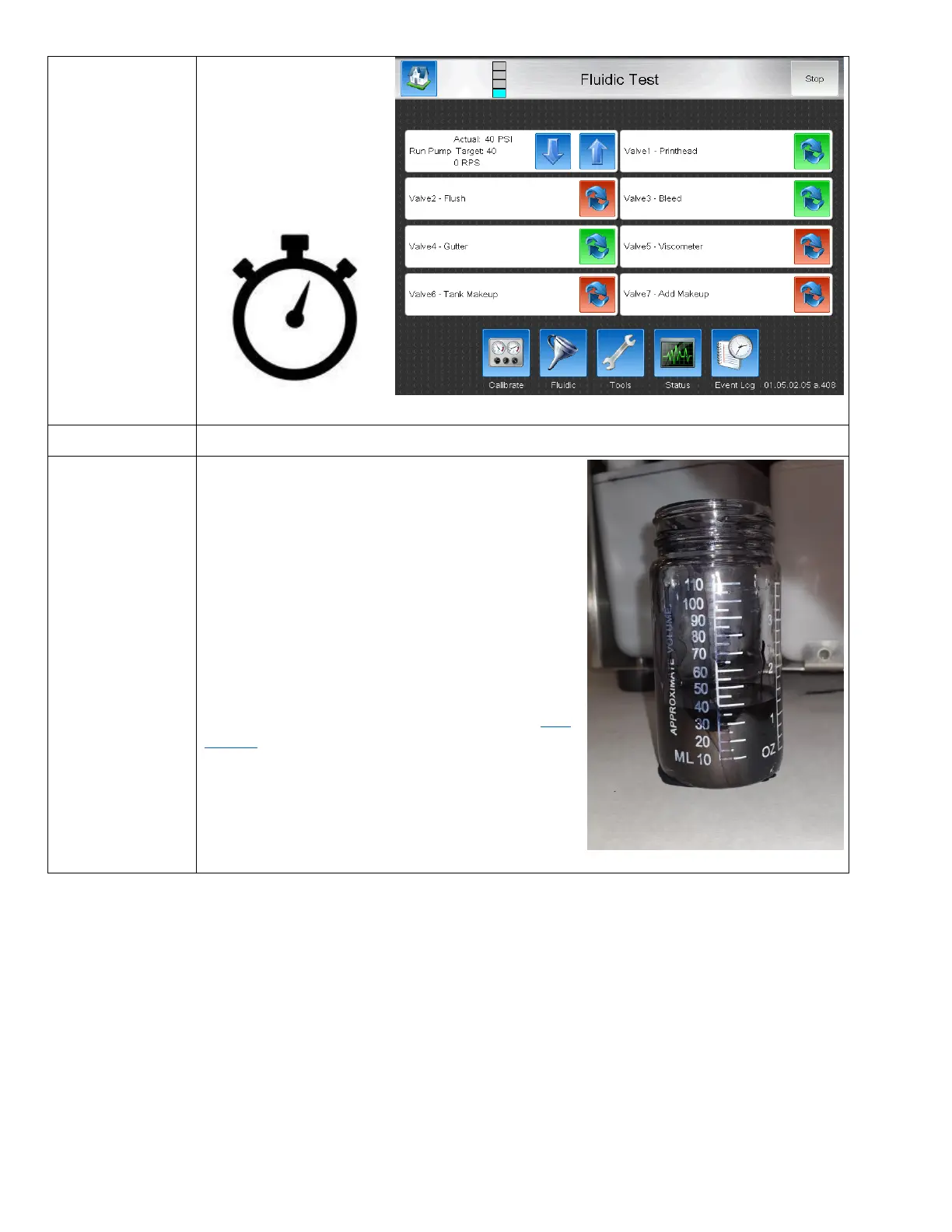
Simultaneously start a 60
seconds timer and open the
bleed valve.
This will begin filling the
graduated cylinder with ink.
Measure the Ink in the Graduated Cylinder
For all models, there should be atleast 35ml of Ink or
about 1.5oz in the cylinder.
Less than this indicates a flow restriction that will interupt
printer performance that must be resolved using the Flow
Diagram and diagnose this restricted component.
If flow is low, perform the Nozzle Flow test below to
determine if issue is feed or bleed related.



 To Next Page