EasyManua.ls Logo

BestCode NExT 86 - Message Creation

Default Icon
305 pages
Print Icon
To Next Page IconTo Next Page
To Previous Page IconTo Previous Page
Loading...
BestCode Next Series 8 Technical Manual October 2022 Page 25 of 290
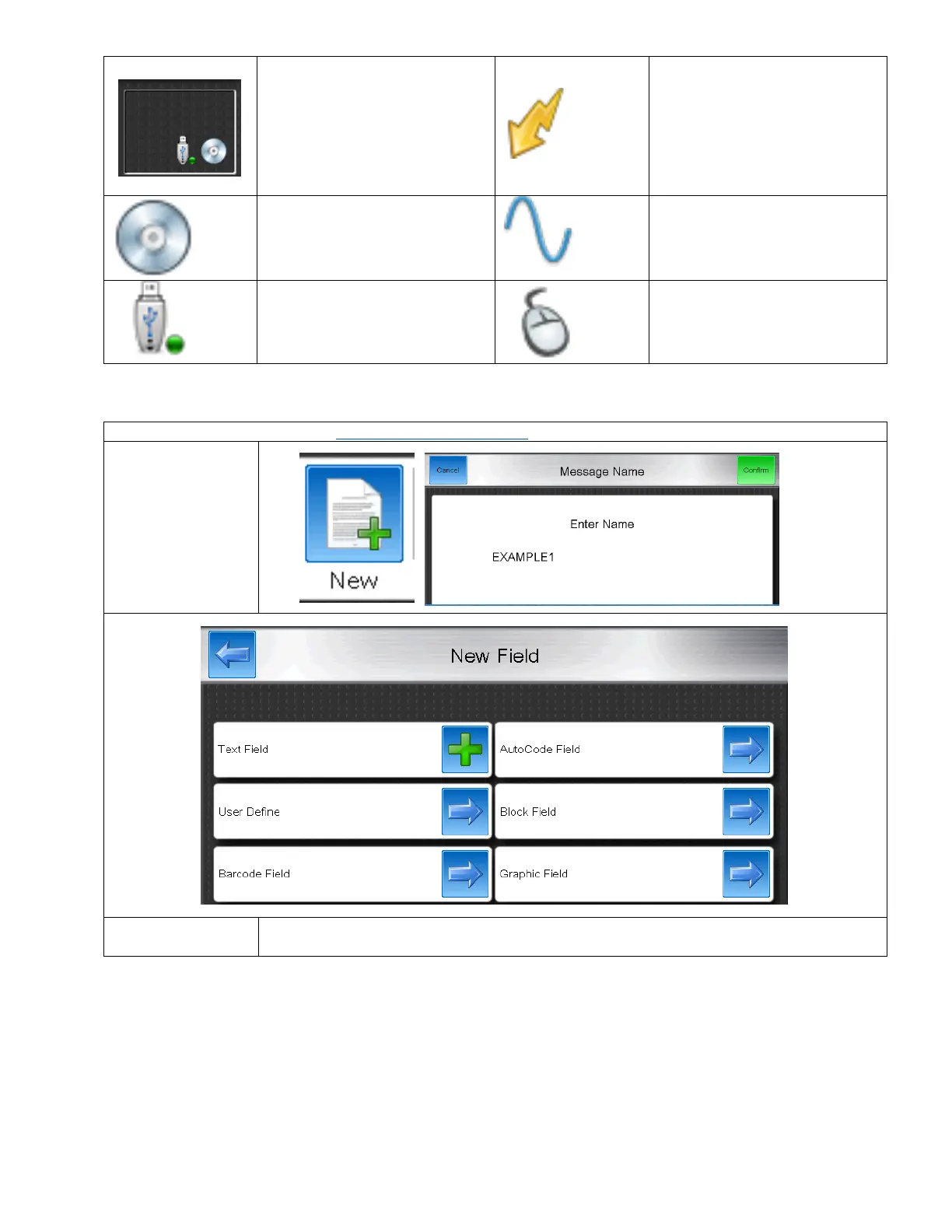
This is a quick status window to let
the operator at a glance know
what features are enabled on the
Printer.
Indicates that High Voltage is
Enabled.
Indicates that Shaft Encoder is
Enabled.
Indicates that Phase is Enabled.
Indicates that USB is installed.
Indicates that Mouse is installed.
Message Creation
Video Guide for Message Creation: https://youtu.be/N9rjTEF1T90
1. Create a new
message. Name
it, and press
confirm.
Text Field
Enters directly into the Message Editor and allows characters to be typed directly into the
message.

Table of Contents

Related product manuals