BestCode Next Series 8 Technical Manual October 2022 Page 19 of 290
Procedure time: 15 minutes
A video guide is available here: https://youtu.be/e2N_05D5yVE?t=1035
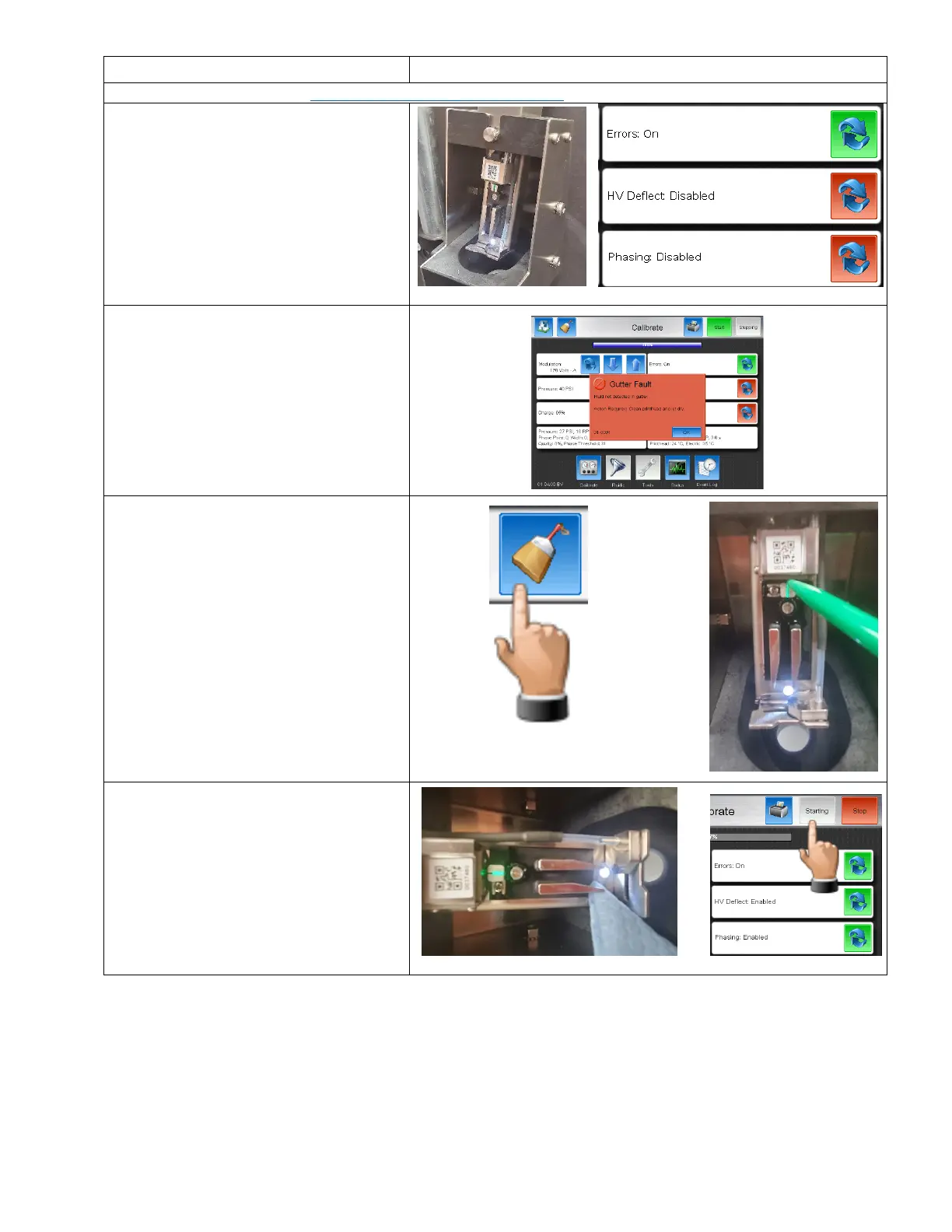
1. Secure the printhead into the Printhead
Clean Station (40-002-01).
2. Disable the High Voltage, and Phase.
3. Press the Start Button on the Service
Screen.
4. Clear any errors that appear and repeat
from Step 3 until the jet starts without
errors.
5. Stop the Jet, then perform the backflush
nozzle routine up to 6 times.
6. Dry the printhead, then start the Jet
normally with Errors, High Voltage and
Phase enabled.



 To Next Page