BestCode Next Series 8 Technical Manual October 2022 Page 23 of 290
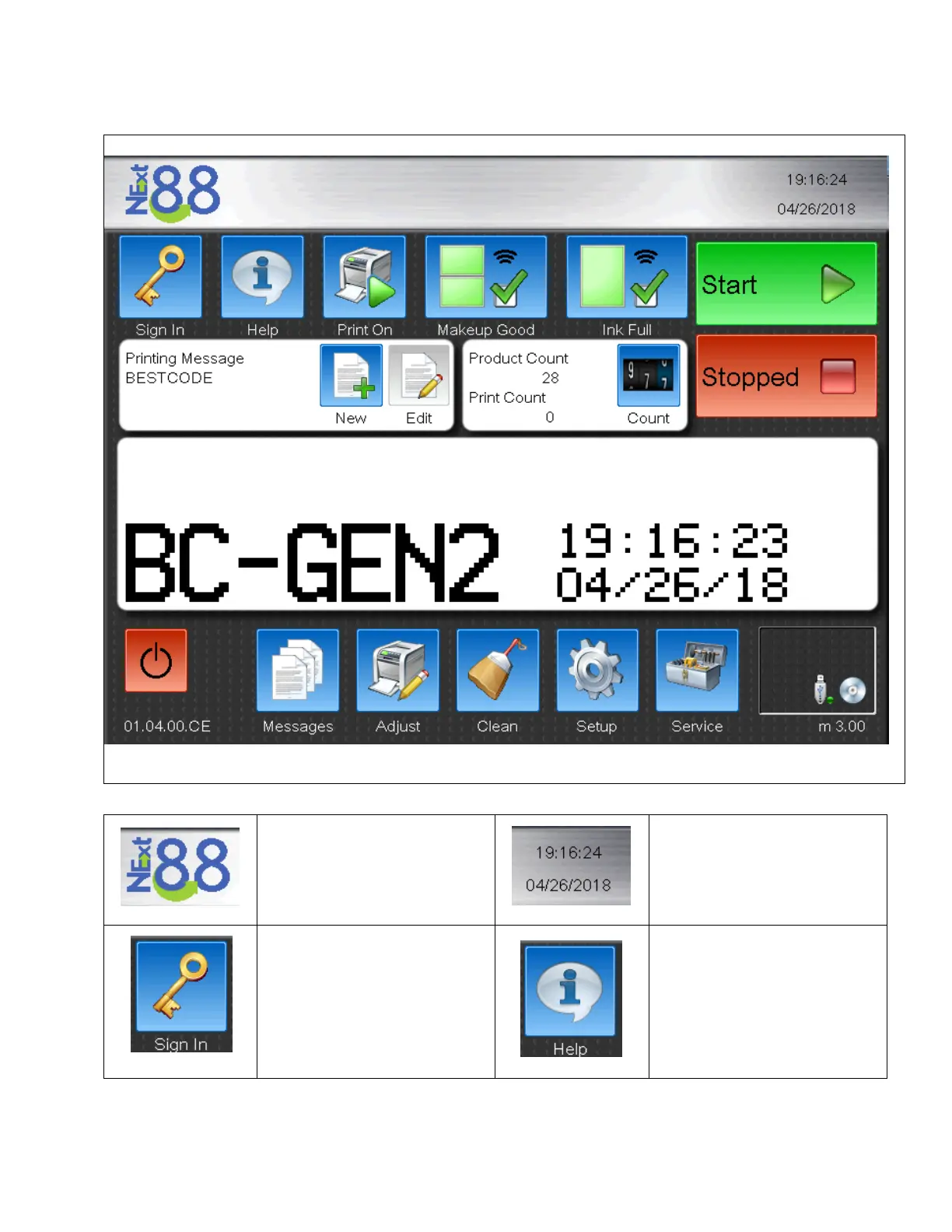
Navigating the Next Series 8 User Interface
Home Screen Features
Shows the system type and model
of the CPU board installed into the
machine.
Shows the current Time and Date
for the Printer. These values
impact the time printed on the
product. Make sure they are
accurate!
Allows operators or technician to
login and unlock features in the
machine. Operator passwords can
be configured in the Setup
window.
Quick screen to view the System
information, Ink Type, and receive
contact information for BestCode.
Contact information on this screen
can be translated using the
translator tool to give on screen
distributor contact information to
the operator.



 To Next Page