BestCode Next Series 8 Technical Manual October 2022 Page 30 of 290
Special Barcode Types
Depending on the Type of Barcode, the functionality may be straight forward or complex. This section will discuss the more
complex types of barcodes.
Code 128
Code 128 Barcodes are complex because they have multiple protocols for data entry into the editor.
start code
data
checksum
stop code
Conforms to the UCC/EAN-128
standard.
Application Identifier allows
understanding and sorting or data
after scanning.
start code
FNC1
application identifier
data
checksum
stop code
UCC/EAN-128
Serialized Shipping
Container Symbol
This type of barcode uniquely
identifies every package currently
in transit and makes global
tracking systems possible
Start code
FNC1
Application Identifier (00)
Package Type (0 = carton)
UCC/EAN number system/numbering authority
Manufacturer's ID code
Package serial number
Check character for readable text
Check character for entire barcode
Stop code
Allows custom barcode creation
for integration into existing
scanning systems.
start code
FNC1
Application Identifier
Application Identifier Data
FNC1
Application Identifier
Application Identifier Data
Checksum
Stop Code
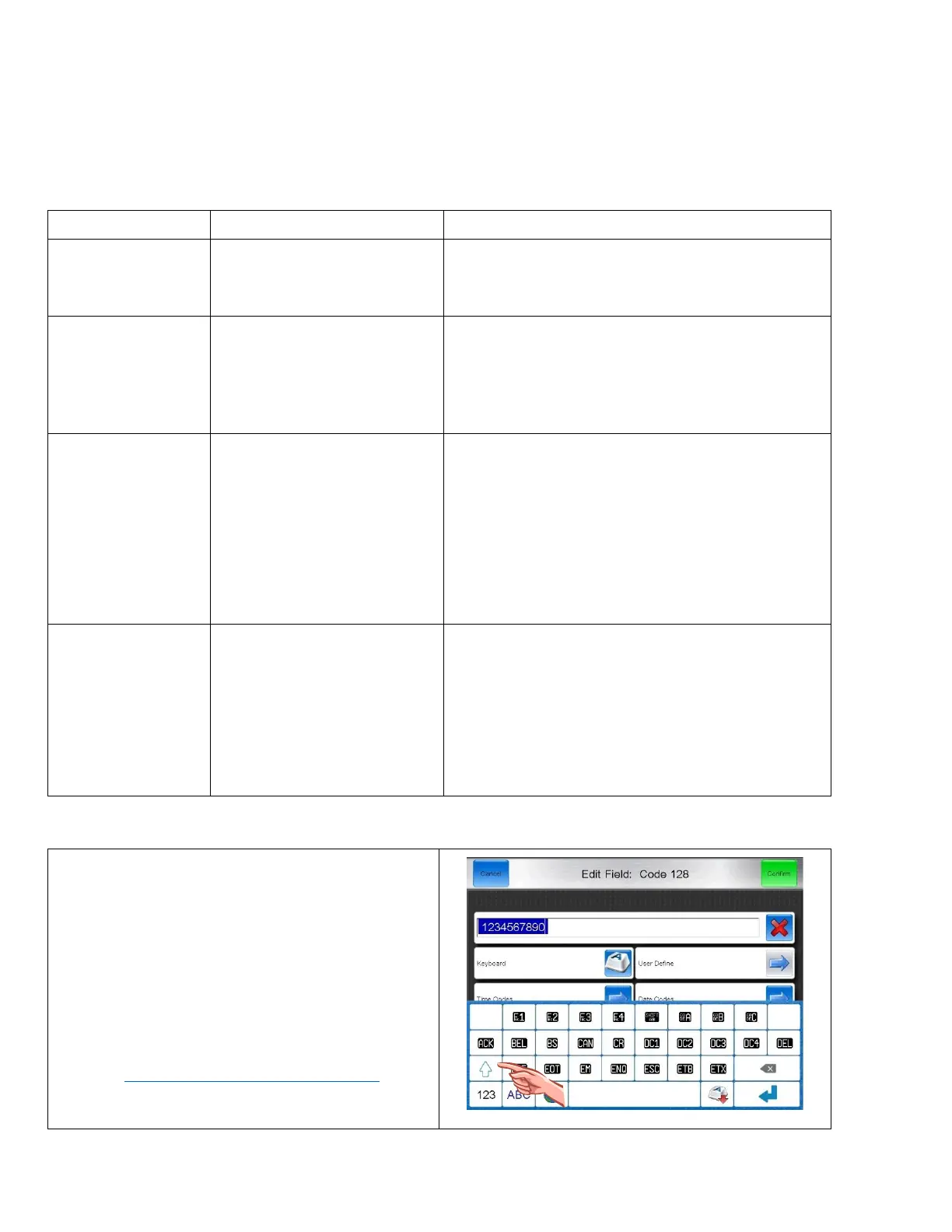
Accessing Code 128 Functions
Functions are available on the Keyboard while creating the
barcode.
Press the Symbol key to access the 1
st
page of Functions.
• Select a Function or Press the Shift Key to access
additional Functions.
• Select the Desired Function.
For more information on the Functions and how they
work, visit https://en.wikipedia.org/wiki/Code_128



 To Next Page