BestCode Next Series 8 Technical Manual October 2022 Page 41 of 290
Print Mode
Normal
The printer will produce 1 print when a print trigger is provided.
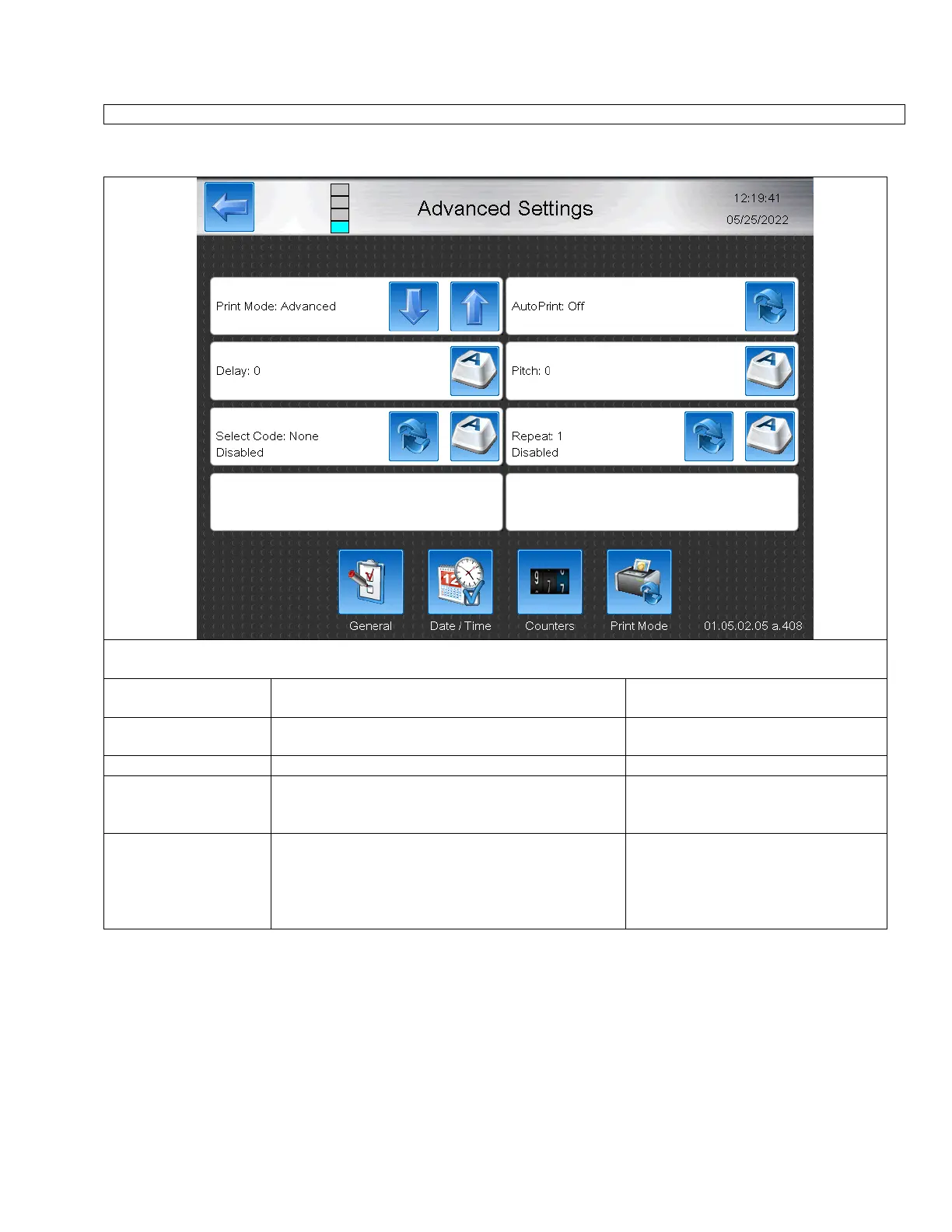
The Advanced Print Mode allows the ultimate flexibility in coding operations. It permits the user to combine
AutoPrinting mode, Repeat or AutoSelect Print Modes. Features can be enabled or disabled independently.
Enables or Disables the AutoPrint function for this
message.
Increases or decreases the time between receiving a
print trigger and print occuring.
Specifies the delay between repeated prints.
Allows Auto-Select function to be enabled. Remote
changes to the printing message would begin printing
immediately during AutoPrint mode.
Allows the Repeat Print function to be enabled.
AutoCode data would be repeat printed in AutoPrint
Mode. In Auto-Select Mode, the code could be
repeated a set number of times for a single Print
Trigger.
Disabled / Enabled 1-32000



 To Next Page