11
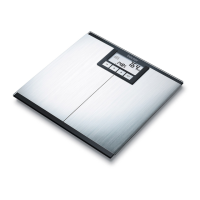
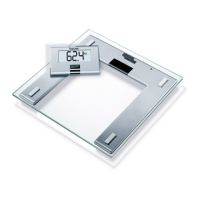
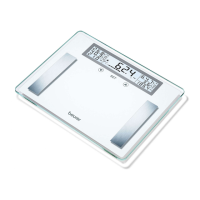
• Ages10to100yearsandheightsettingsfrom100to225cm(3'03"to7'05")canbepreset.Loadcapacity:max.
180kg(397lb,28st).Resultinstepsof100g(0.2lb,1/4st).Measurementsofbodyfat,bodywaterandmuscle
density in steps of 0.1%.
• Whensuppliedtothecustomer,thescaleissettoweighandmeasurein“kg”and“cm”.
Onthebackofthescale,thereisatogglebuttonwhereyoucanselect“pounds”(lb)and“stones”(st).
•
Placethescaleonarmleveloor;armoorcoveringisrequiredforcorrectmeasurement.
• Thescaleshouldbecleanedoccasionallywithadampcloth.Donotuseabrasivedetergentsandneverimmerse
the scale in water.
• Protect the scale against hard knocks, moisture, dust, chemicals, major temperature uctuations and heat
sourceswhicharetooclose(stove,heatingradiator).
• Repairsmayonlybecarriedoutbycustomerserviceorauthorizeddealers.Beforesubmittinganycomplaint,
first check the batteries and replace them if necessary.
2. Operation
2.1Batteries
Ifpresent,pullthebatteryinsulatingstripothebatterycompartmentcoverorremovethebattery’sprotectivelmand
insert the battery according to the polarity. If the scale fails to operate, remove the battery completely and insert it again.
Your scale is equipped with a “replace battery” indicator. When the scale is operated with a battery which is too weak,
“Lo”appearsinthedisplayeldandthescaleautomaticallyswitcheso.Inthiscasethebatteriesmustbereplaced
(2x3VlithiumbatteryCR2032).
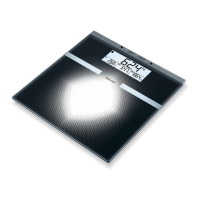
2.2Measuringweightonly
Placethescaleonafirmlevelfloor(nocarpet);afirmfloorcoveringisre-
quiredforcorrectmeasurement.Pressquicklyandforcefullywithyourfoot
ontheplatformofyourscale!
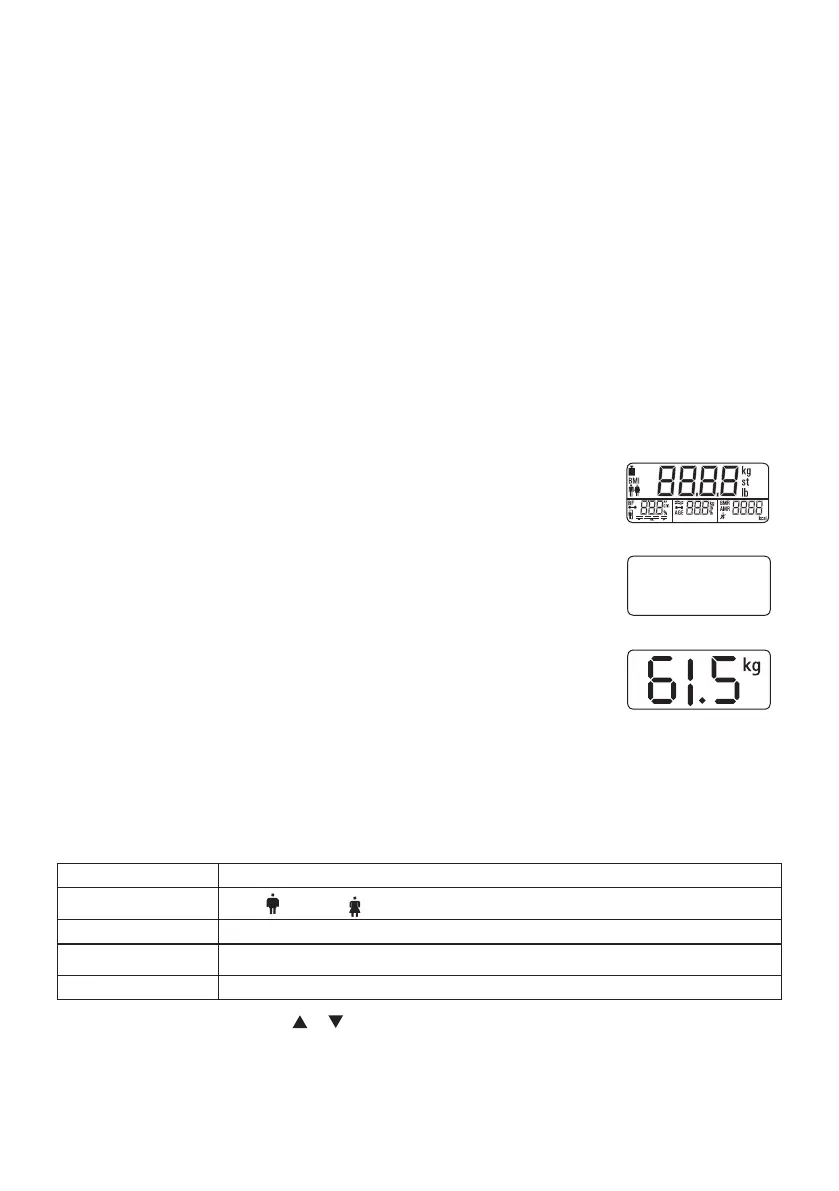
Theentiredisplay(Fig1)appearsupto“0.0”(Fig.2)asaself-test(tap-on
technology).
Now the scale is ready to measure your weight.
Stand on the scale without moving about and distribute your weight evenly on
both legs. The scale immediately begins to measure your weight
(Fig.3)
.
The scale switches off 10 seconds after you step down from it. The measuring re-
sult remains visible during this time.
Make sure that you always switch on the scale first and wait for the display “
0.0
”
(Fig.2)beforesteppingon.
2.3 Setting user data
To measure your body fat percentage and other physical data, you must enter your personal user para meters.
The scale has 10 memory positions in which you and other members of your family can save and recall personal
settings. Please note that the memory begins with 1.
Switchonthescale(tapthestandingsurface).Waituntilthedisplayshows“0.0”.
Then press “SET”. The first memory position will appear flashing on the display. Now you can enter the following
settings:
Memory position 1 to 10
Sex
male( ),female( )
Body size 100to225cm(3'03"to7'05")
Age 10 to 100 years
Degree of activity 1 to 5
–Changingthevalues:Pressbutton or .
–Conrmingtheentries:Pressthe"SET"button.
Thevaluesthatyouhavesetherearethendisplayedagainoneafteranother.Thescalethenswitchesitselfo
automatically at this point.
Fig. 1
0.0
kg
Fig. 2
Fig. 3


 To Next Page
 Loading...