TG 1000 – Digital Diversity Receiver
10
dBu -54 -42 -30 -18 -6 +6 +18
1
2
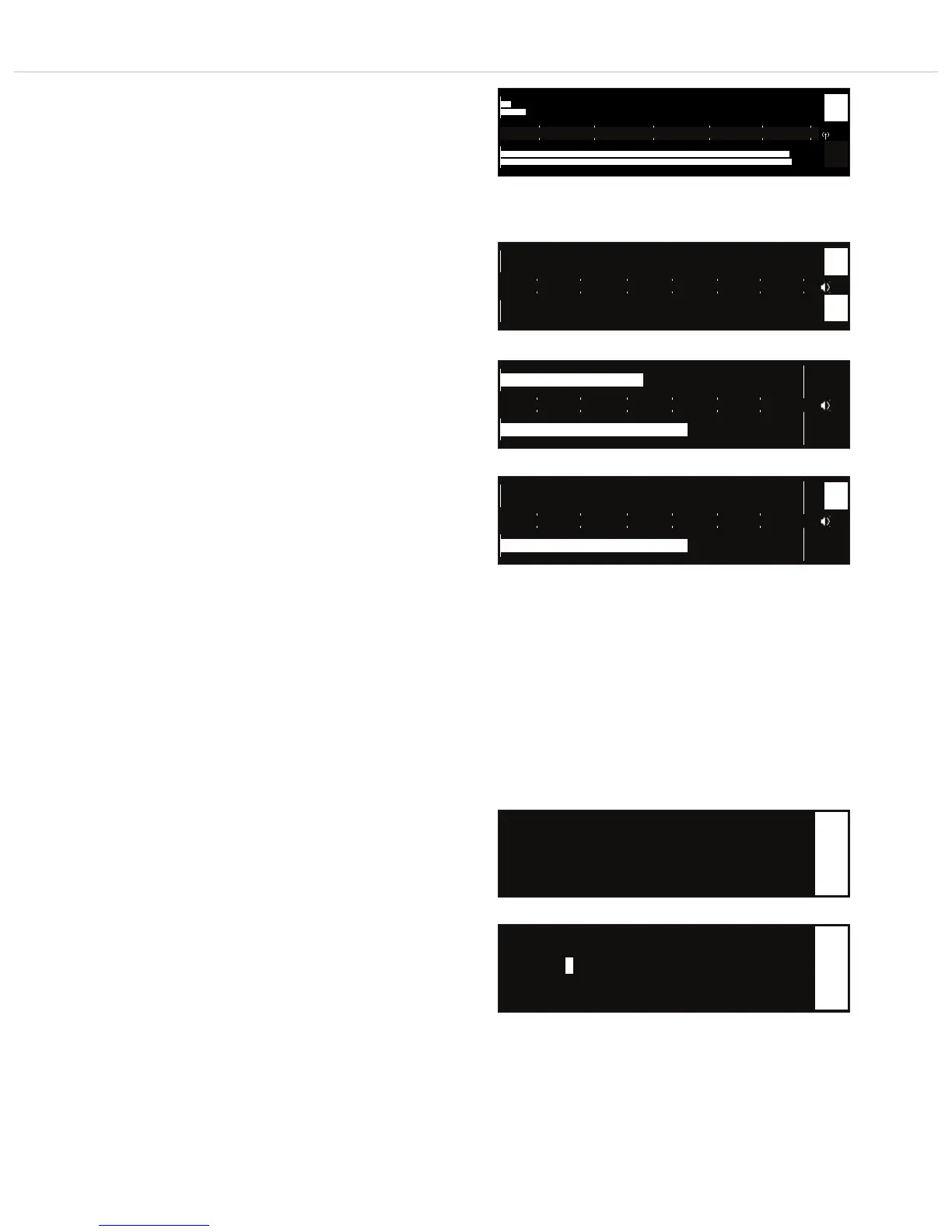
Interference of the transmitted signal is displayed by inversion of
the “1 A/B” or “2 A/B” channel description.
Audio level display
If you turn the rotary switch further to the right, the audio level
for channel 1 and 2 will be displayed each by a bar.
When the transmitter is muted, the channel description “1” or
“2” will be inverted.
Note:
The display of the “Meter” submenu is not automatically finished.
For further settings of the appropriate channel, press the button
“ch 1” or “ch 2”.
If you want to change into the menu for function settings, press
the “fnc” button.
If you want to return to the standard display, press the “ESC”
button.
RF level display – interference on channel 1
dBm -90 -80 -70 -60 -50 -40
A
B
1
A
B
2
dBu -54 -42 -30 -18 -6 +6 +18
1
2
Audio level display – transmitter turned off
Audio level display – transmitter turned on
dBu -54 -42 -30 -18 -6 +6 +18
1
2
Audio level display – transmitter muted on channel 1
• Name: Sample
1
• Name
Here you can enter the name of the artist.
Press the rotary switch to enter the sub-menu. Turn the rotary
switch to the left or right to select the letter/character. Press the
rotary switch to confirm.
▲ Meter
• Name: Sample
▼ GR/CH --/--
1
S
Select the “Name” submenu
Select letter/character



 To Next Page