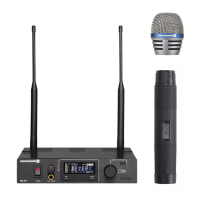
TG 1000 – Digital Diversity Receiver
21
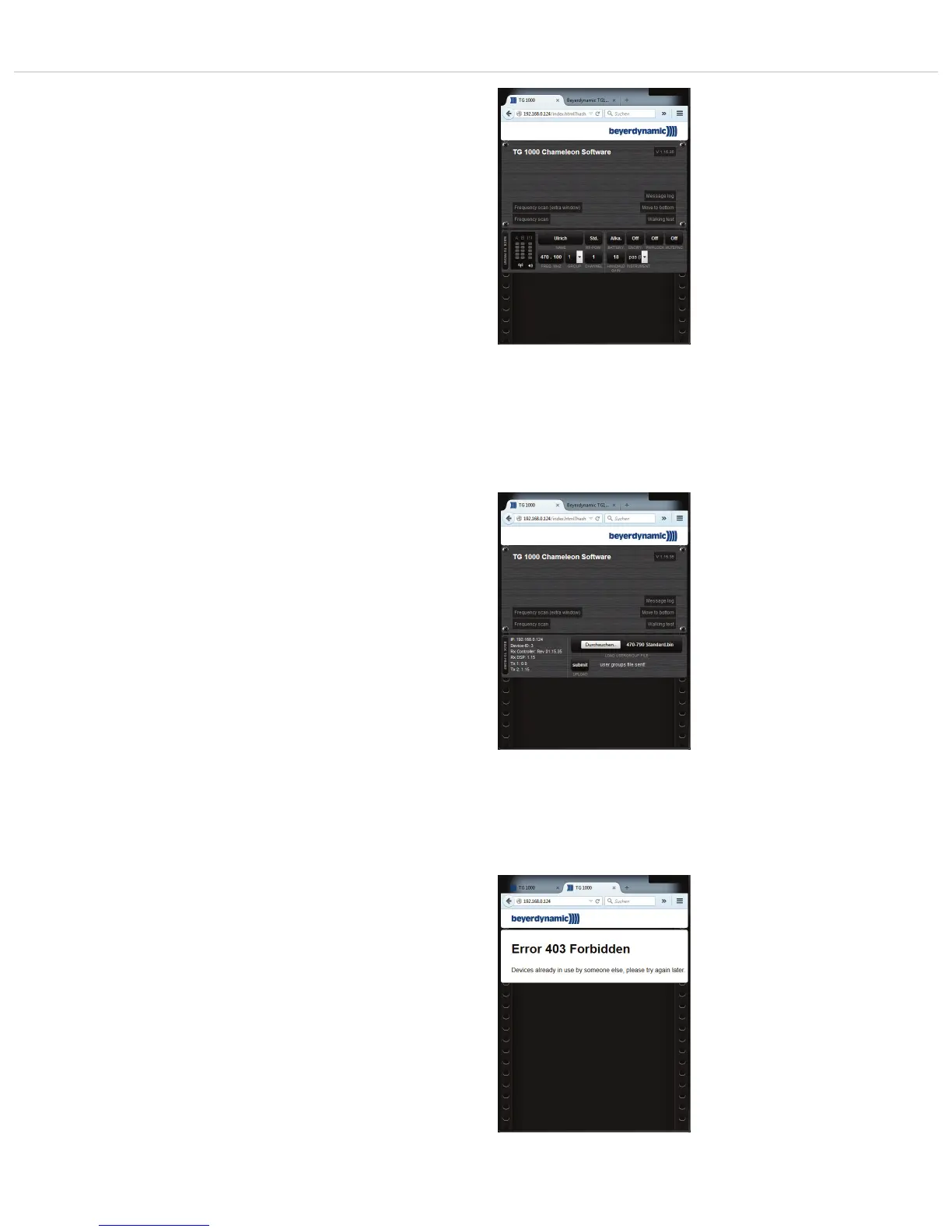
• Select the channel window of the receiver to enter the channel
menu.
• You can enter the following settings:
Name: You can enter the artist’s name.
RF Power: You can set the transmitter power.
Battery: You can select if an alkaline or rechargeable NiMH
battery has been inserted in the transmitter.
Encryp: You can enable or disable the encryption.
Power Lock: You can enable or disable the Power Lock function
of the transmitter.
Freq MHz: You can enter a frequency manually.
Group / Channel: You can select a channel within the selected
group stored in the receiver.
Di.Gain: You can set the “Digital Gain”. Refer also to chapter 2.7
“Menu Settings”.
Boost: You can set the “Analog Out” boost. Refer also to
chapter 2.7 “Menu Settings”.
• You will find detailed descriptions of each setting in chapter 2.7
“Menu Settings”.
• Select the “Back to Front” button to return to the front view of
the receiver.
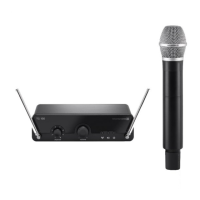
Device-specific View
• If you click on the Device ID of the receiver, you will receive more
information such as IP address, Device ID, firmware of receiver
controller and DSP, transmitter firmware (when transmitter is
active).
• On the right hand side there is a selection dialogue to load user
groups into the receiver.
• Select a file to select the “User Group”.
• Select the “Submit” button to send the selected user group to
the receiver.
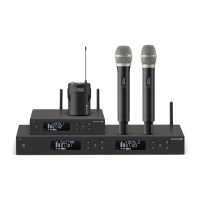
Restricted Access
• For safety reasons there is a restricted access, so that only one
client can be connected to the software.
• If another client tries to connect to the software, an error message
will be displayed.
Chameleon-Software - Settings of receivers
Chameleon-Software - Device-specific view
Chameleon-Software - access restriction


 To Next Page