8
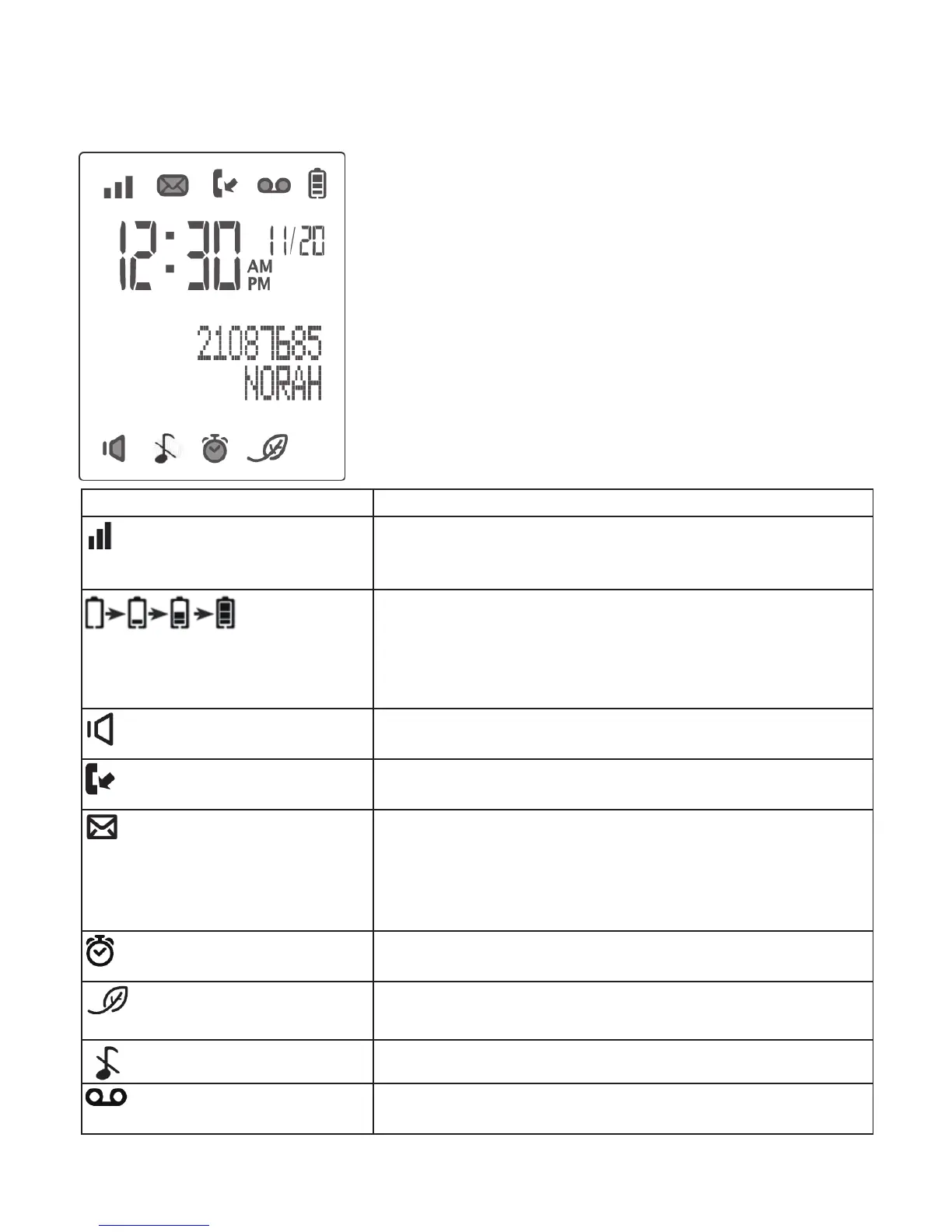
The LCD display gives you information on the current status of the
telephone.
Icon Meaning
Displays when the telephone base is within
reception range.
Off when the telephone base is out of range.
Scrolls to indicate battery charging when handset
is in the telephone base or charger.
Battery icon is full and steadily ON to indicate the
battery is fully charged.
Flashes and empty when battery level is low.
Speakerphone is in use.
Flashes when there are new calls in the call log.
Flashes when there is a new voice mail message.
(This is a Caller Display service and is not usually
available from UK network providers.)
Displays when the alarm is set.
Flashes when the alarm time is reached.
Displays when energy saving mode is activated.
Displays when the handset ringer is turned off.
Displays when the answering system is on.
Flashes when there are new messages.














 To Next Page