10
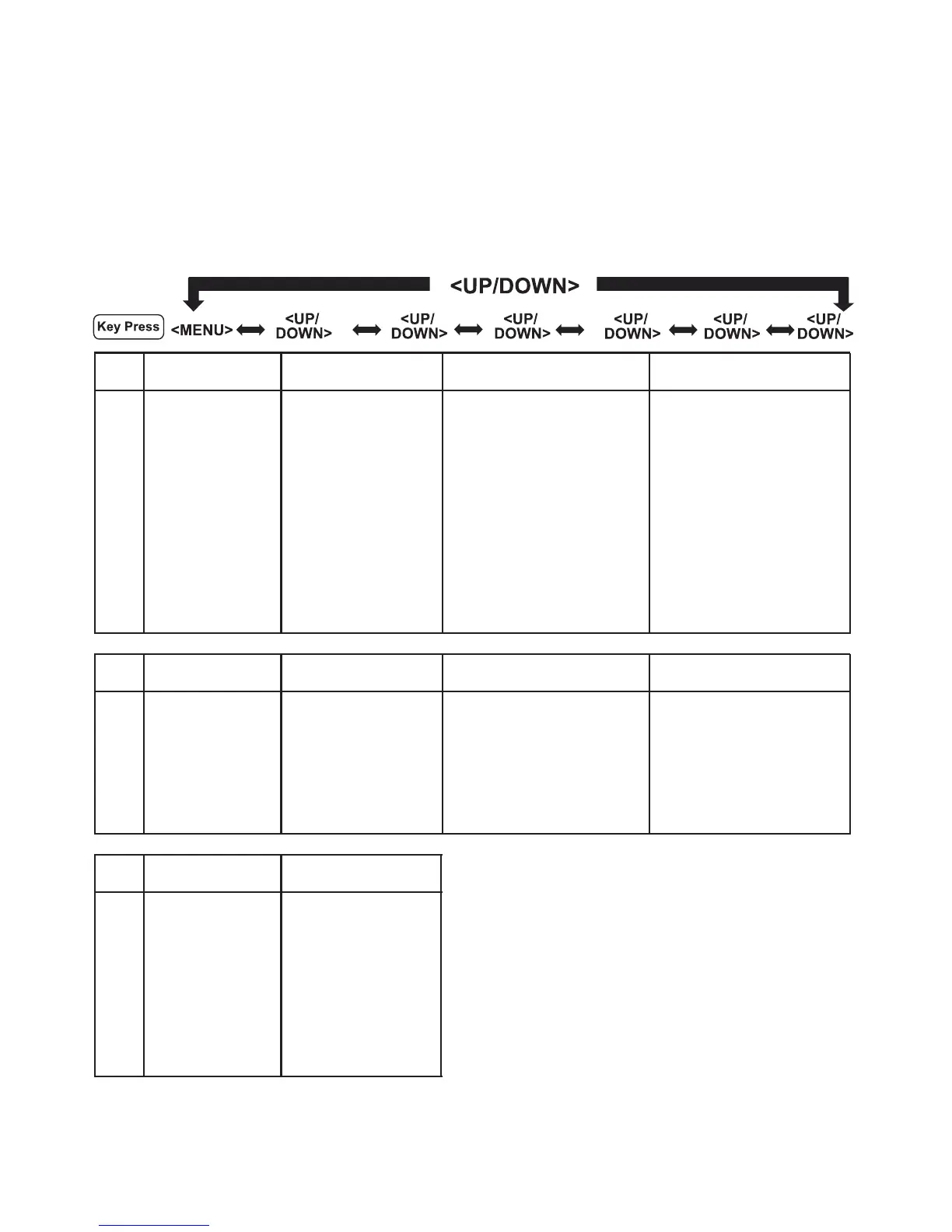
In idle mode, press the <MENU/OK> to go to PLAY MESSAGES, the rst
option in the Main Menu list.
Press <UP> or <DOWN> to go to other options in the menu list.
Press <MENU/OK> to enter a sub-menu or function.
Press <OFF> to go back to the previous level.
Refer to the following for the menu structure.
Menu
PLAY MESSAGES ANS SYSTEM PHONEBOOK BLOCK LIST
Sub
Menu
Starts playing ANSWER MODE If empty, shows ADD NEW If empty, shows ADD NEW
messages, ANNOUNCEMENT or or
shows first phonebook entry, shows first Blocked number,
1-Rpt
then press <MENU/OK> for then press <MENU/OK> for
2-Pause
ADD NEW ADD NEW
3-skip
RING DELAY EDIT CONTACT EDIT CONTACT
Del-Delete
REMOTE
ACCESS
DELETE ENTRY DELETE ENTRY
REMOTE CODE
DELETE ALL DELETE ALL
HS SCREENING
VOICE LANG.
Menu
PROGRAM DND CLOCK & ALARM SETTINGS HANDSET TONES
Sub
Menu
OFF SET DATE/TIME HANDSET NAME RING VOLUME
ONE TIME SET FORMAT LANGUAGE EXT.RING TONE
DAILY ALARM EQUALIZER INT.RING TONE
ALARM TONE ENERGY SAVE KEY BEEP
AUTO HANG-UP
AUTO ANSWER
Menu
BASE TONES ADV SETTING
Sub
Menu
BASE VOLUME CALL BARRING
BASE MELODY PIN
REGISTER
DEREGISTER
RESET
RECALL TIME
FIRST RING
DIAL MODE
DEL. ALL OLDand gives
MEMO
SETTINGS
some options:














 To Next Page