FP (E1.1) 07/2017 page 54/90
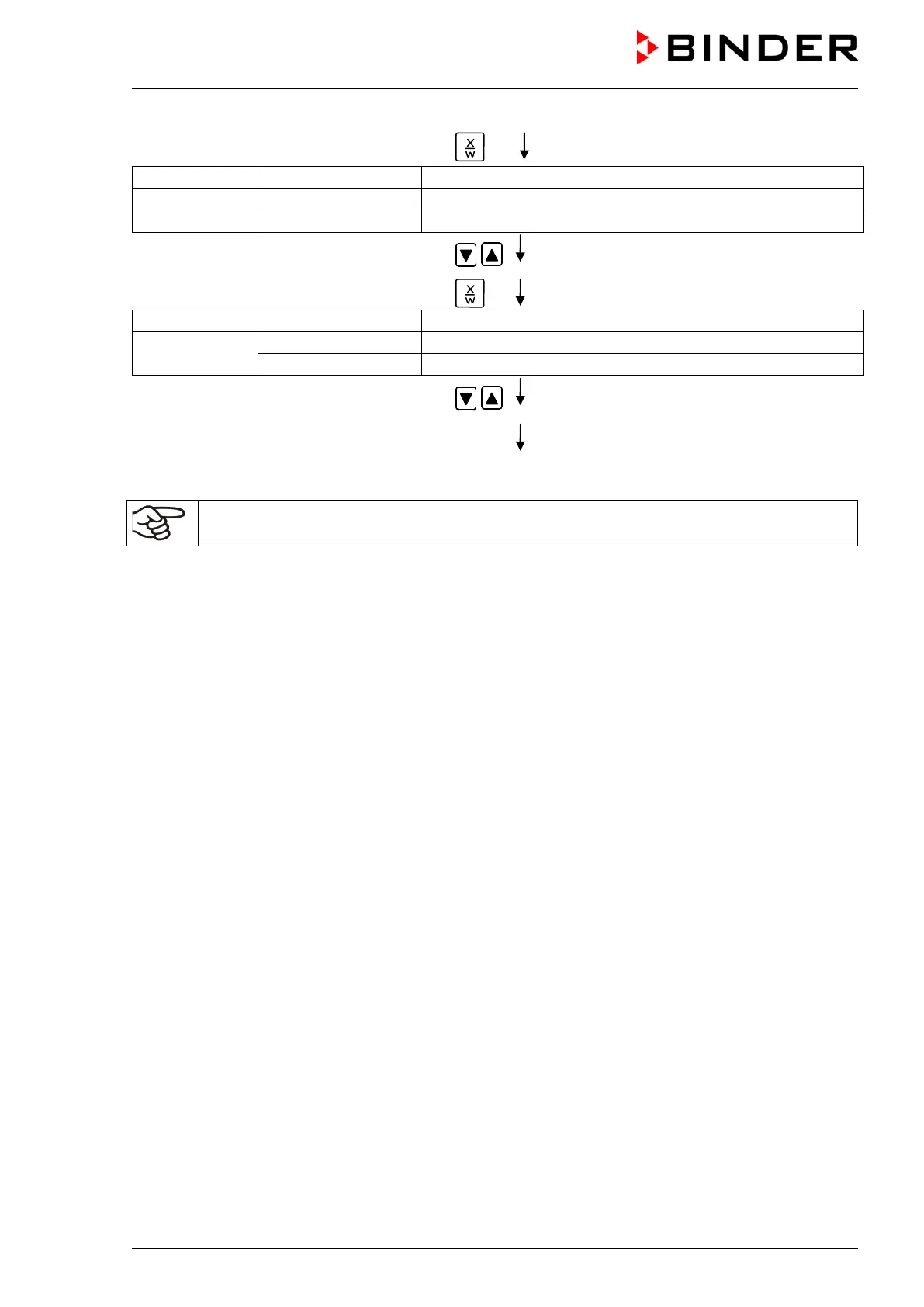
Hit key
(actual temperature set-point)
Display 2 shows
(variable: temperature in °C)
(information: go on with X/W)
Entry of temperature set-point of 30 °C of
S04 with arrow keys
Hit key
(actual section length set-point)
Display 2 shows
alternating
(variable: section length in hhh:mm)
(information: go on with X/W)
Enter section length set-
1 min. with arrow keys
Value is displayed in both displays.
Hit key EXIT
several times or wait 120 sec.
Controller returns to Normal Display
Make sure that there are no more program sections (S05 etc.) existing due to previous
programming. If so, they must be deleted (see chap. 8.4)



 To Next Page