E30 Digital Electrocardiograph User’s Manual
4-12
Note: When 【Power off delay】 or 【LCD off delay】 is off, both of
the functions are useless. The electrocardiograph will enter into the
status of “standby” or “power off” if the device is not been used
within the preset time of 【LCD off delay】 or 【Power off delay】.
4.8.1 Time Setup
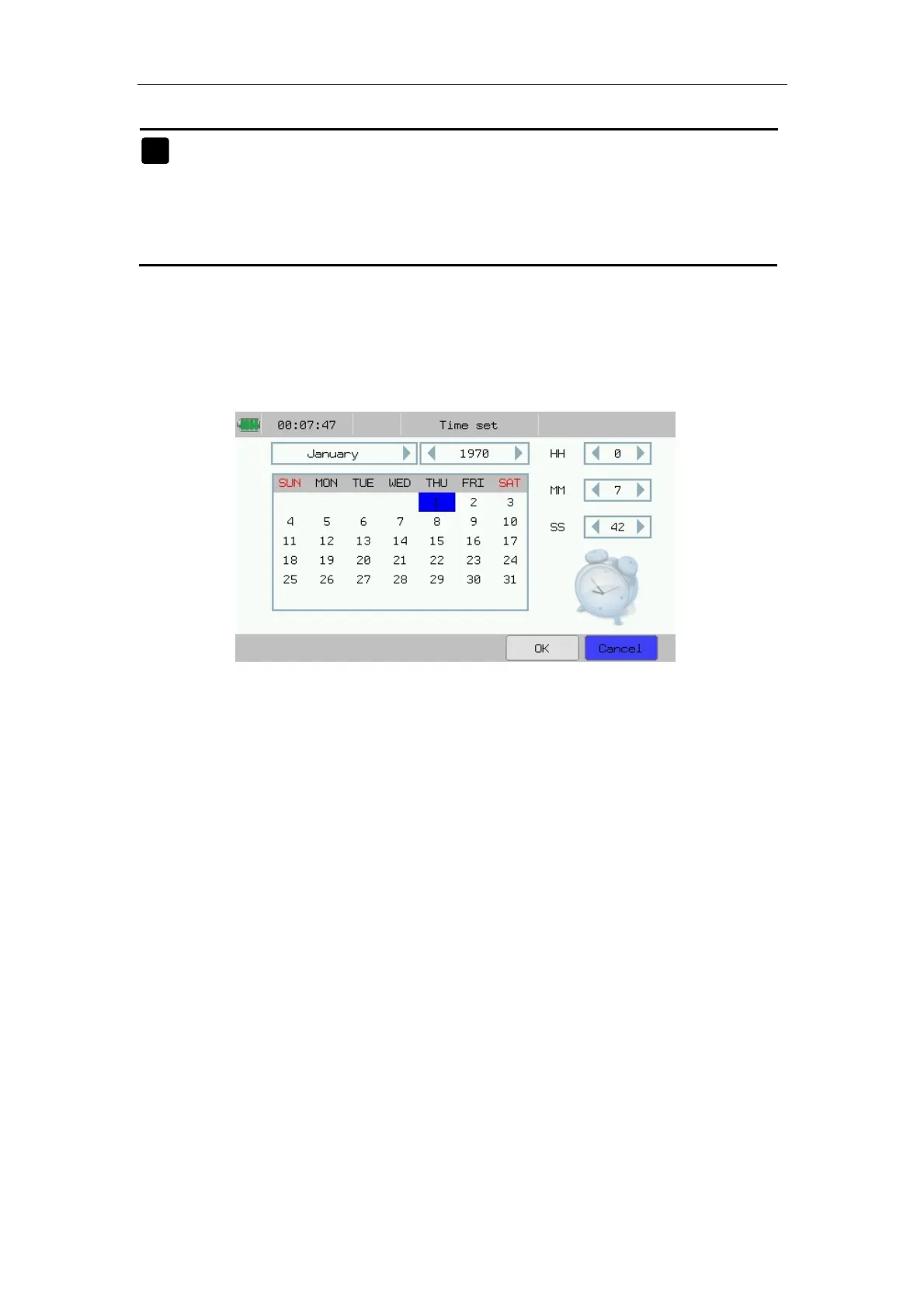
In the system setup interface, press 【Time set】 to enter the time set
interface. Shown as following chart:
Fig.4-13: Time Setting
In the interface, you may conduct the following operations:
——Select respectively【Year】/【Month】/【Day】/【HH】/【MM】/
【SS】: Users can set the current data and time.
After setup of Date-Time, select 【OK】.
)



 To Next Page