V 1.31
2021. 05 136 / 171 Doc. # : BN-OP-C7
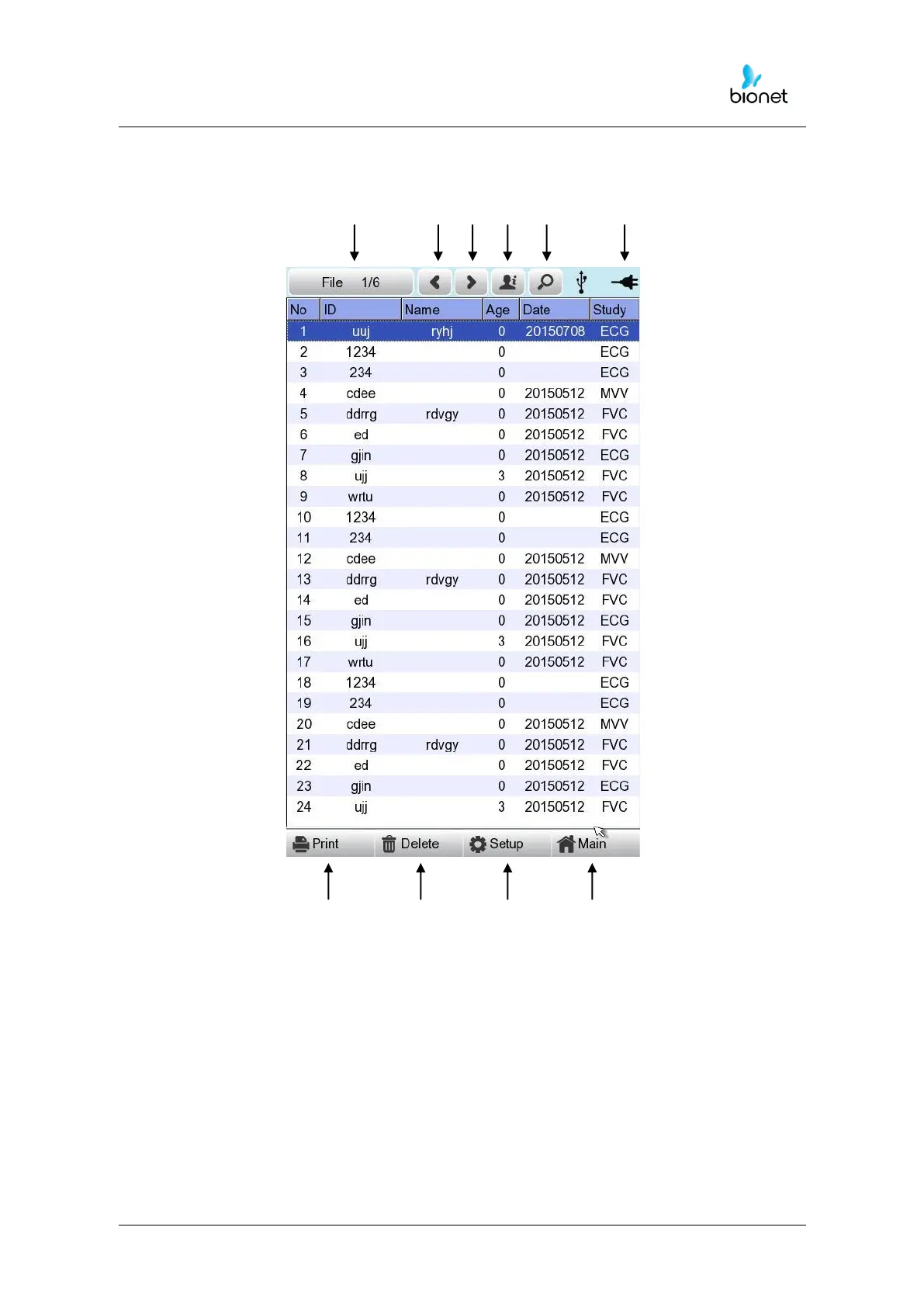
1) Display and function
ⓛ ② ③ ④ ⑤ ⑥
⑦ ⑧ ⑨ ⑩
① Page information
- For example, [1/20] means that you see the first page among total 20
pages. 1 Page contains 24 lines of Data.
If Rotary is selected, the focus will be moved to Data list.
② Button to skip to the previous page
③ Button to skip to the next page
④ Button to check the patient’s information of the chosen data saved
⑤ Button to search the data you want
⑥ State of battery or AC power connection



 To Next Page