V 1.31
2021. 05 58 / 171 Doc. # : BN-OP-C7
7) Rhythm Mode Printing
In rhythm mode printing, the measured ECG signals would be printed in real-time.
Rhythm mode printing allows operators to perform the following two functions: one is to
verify that signals in all channels are active before recording ECGs, and the other is to print
the ECGs rhythm status of the patient for a longer duration.
Printing speed can be set to 5mm/s, 12.5 mm/s, 25mm/s, 50mm/s, 100mm/s and signal
level can be set to 2.5mm/mV, 5mm/mV, 10mm/mV, 20mm/mV, and Auto.
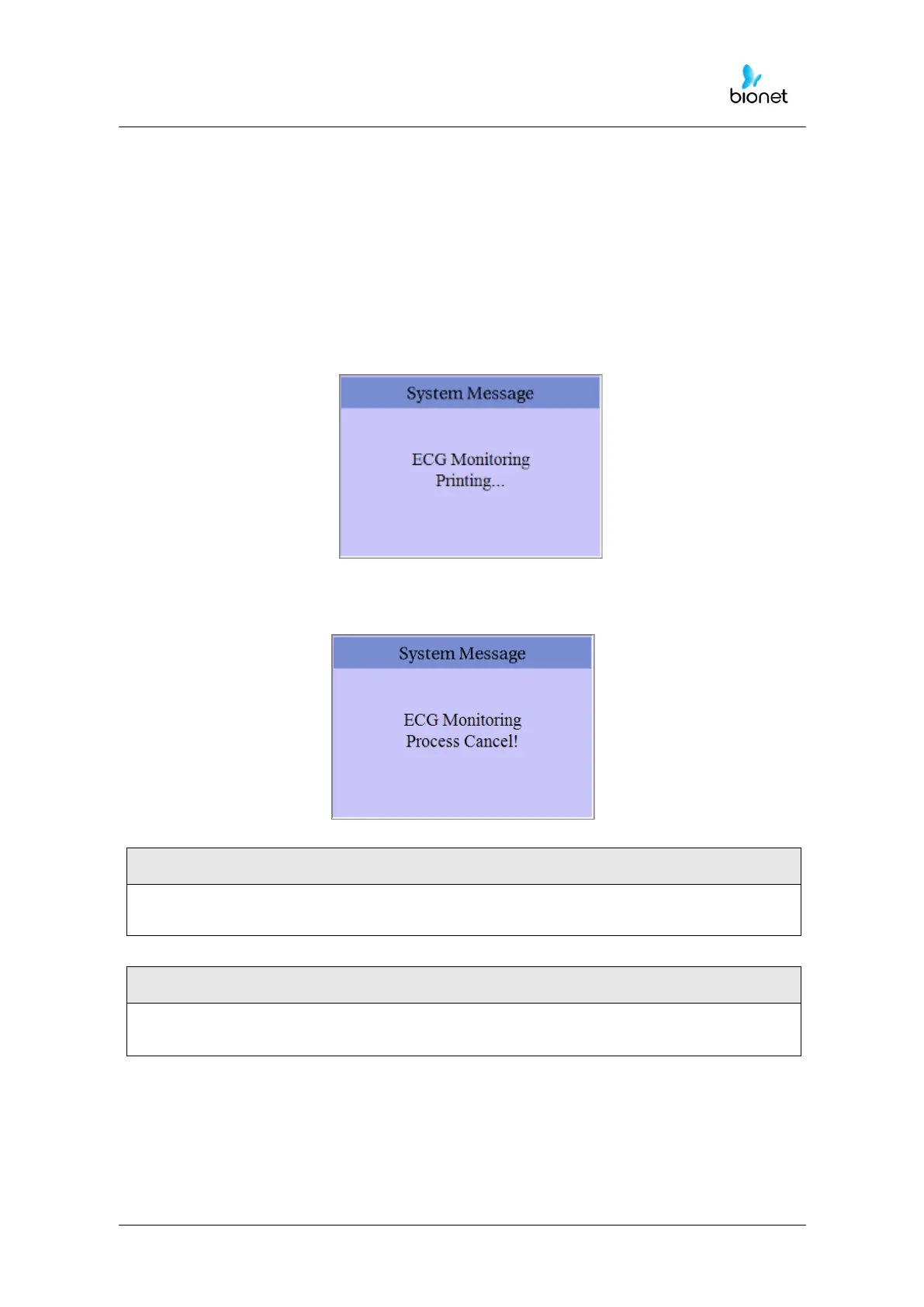
When pressing the ‘RHYTHM’ key on the control panel, you will see the message as
shown below and printing will start in accordance with the speed you set up.
Press ’ESC’ key to stop printing the ECG rhythm. After pressing the key, the system will
stop printing and the display system setting after indicating the following message for 1
second on the LCD:
You should avoid connecting or disconnecting a USB device while printing out, as it
could cause the printer module to rattle.



 To Next Page