V 1.31
2021. 05 70 / 171 Doc. # : BN-OP-C7
10) Copy Mode Printing
Copy Mode Printing is a function to print out the same report as the previously printed
report. In Copy Mode, users can also print out the same previous data but with changed
settings such as filter type, sensitivity, printing speed, channel form, and rhythm number if
more than one rhythm is recorded.
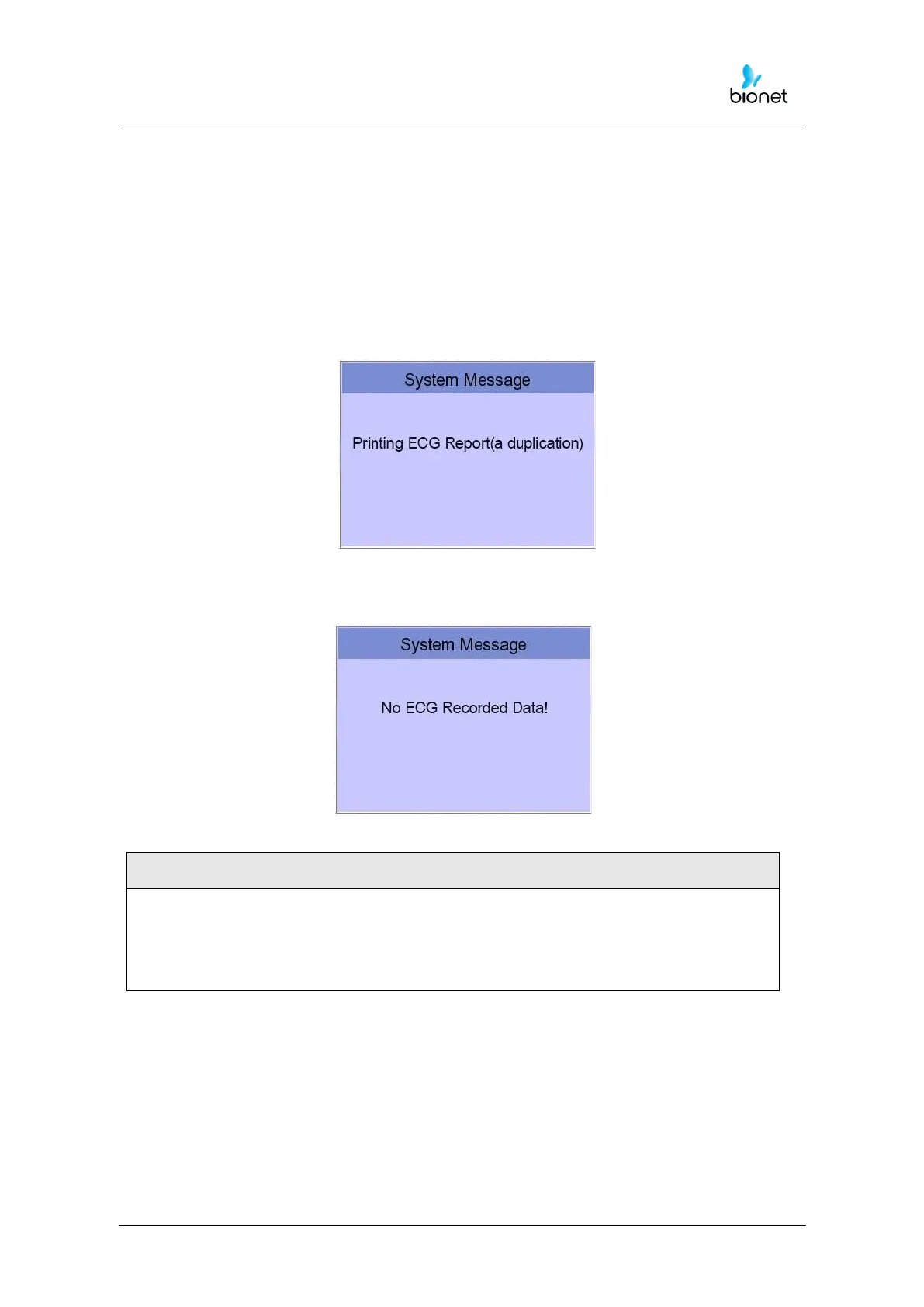
Copy Mode can be entered by pressing the ‘COPY’ key following an EKG recording. After
pressing the COPY Key, the following message will be displayed on the LCD screen, and
the printing process will start:
If Copy Mode Printing is called without performing an EKG recording, there would be no
EKG data to copy. In this case, the following message box will be displayed:
Copy function will become unavailable as data is considered as not existing if
Long time function was set after 10-second recording or before 10-second
recording. Copy function will become unavailable if the predetermined value of
Long Time is changed.



 To Next Page