V 1.31
2021. 05 71 / 171 Doc. # : BN-OP-C7
If you change the filters on a previously saved ECG, it will adapt to the new filter.
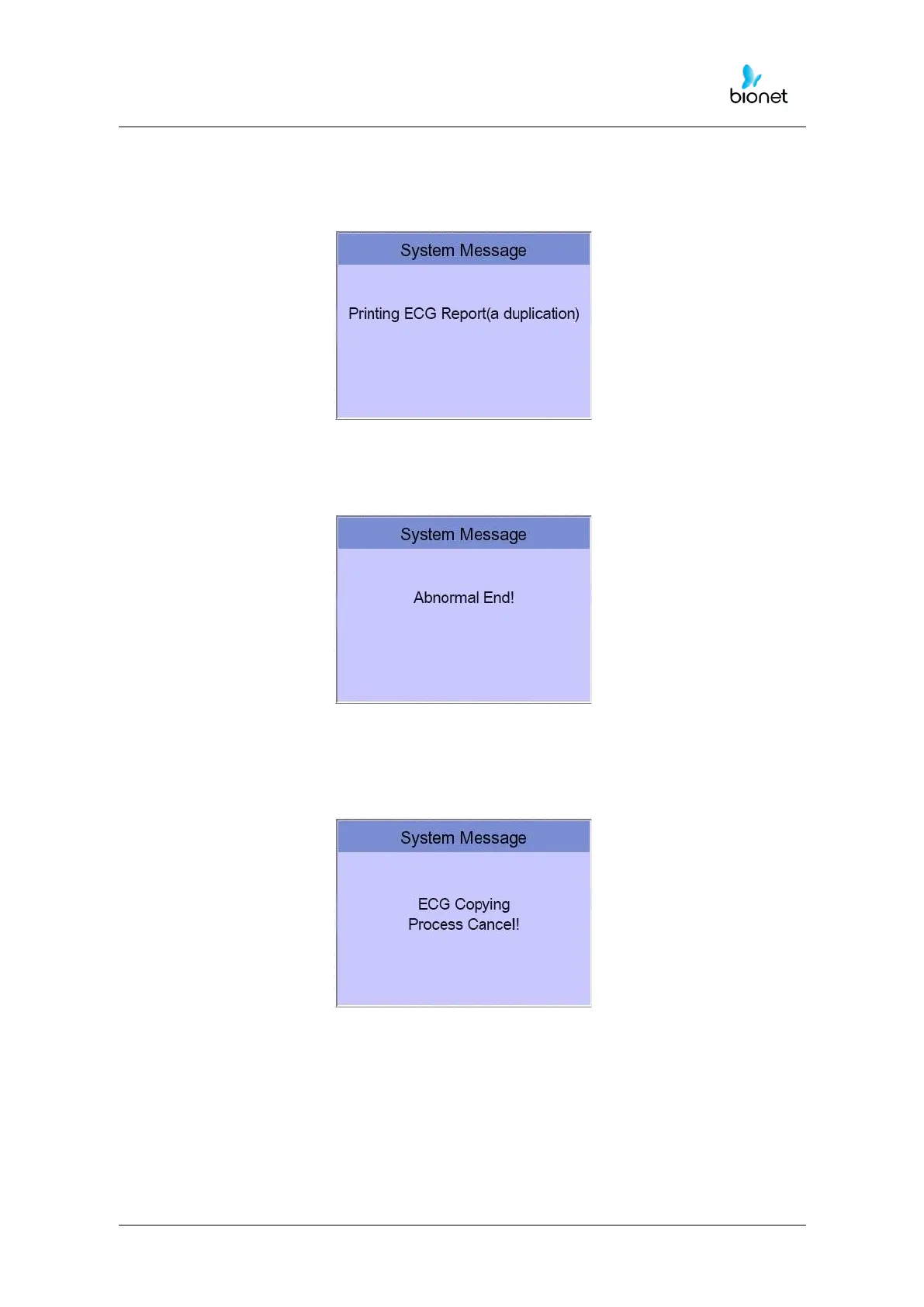
When the new filter is adapted completely, it will start printing after showing the
message as below.
When printing is abnormally completed, the state of the system setting will be
displayed after showing the message as shown below for a second.
If you want to stop the process of printing, press the ‘ESC’ key. Then the process
will stop, and you will see the ECG Main page after the message shown for a
second as below.



 To Next Page