V 1.31
2021. 05 152 / 171 Doc. # : BN-OP-C7
3) Data deleting
When pressing the ‘Delete’ button, a small pop-up menu will show up. You can
choose to press the ‘select’ or ‘all’ button.
When you press the ‘Select’ button, one data will be deleted, but if you press the
‘All’ button, every data in the list will be deleted.
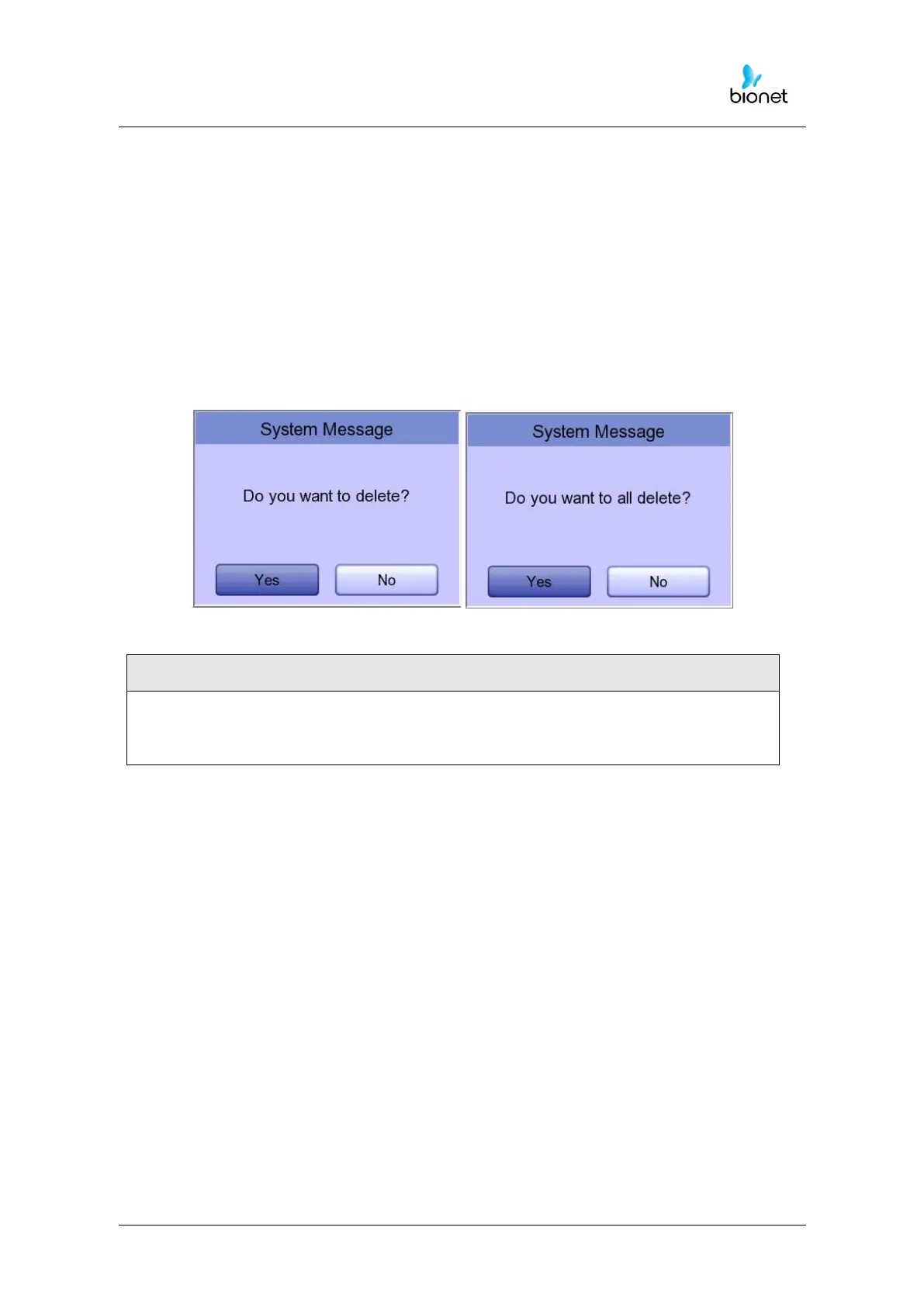
In order to help the user not to make a mistake when deleting the data, a
message shown as below will appear to reaffirm whether you really want to delete
the data.
Please think carefully before selecting the ‘All’ button, as it will permanently
delete all of the ECG data.



 To Next Page