V 1.31
2021. 05 44 / 171 Doc. # : BN-OP-C7
3) Starting ECG recording
- Input the patient’s information follow the entering procedure.
- Connect leads to the patient with the preparation steps for measuring
electrocardiogram.
- Check the setting for filter, size of signals, printing speed, channels and rhythm. Set up
the new values if you want to modify them.
- If the waveform displayed on the LCD is abnormal or has excess noise, follow the
instruction of “Countermeasures by Bad Lead Connection”.
- If the waveform displayed on the LCD is normal, press the ‘RECORD’ key to record the
electrocardiogram of the patient.
- Press the ‘COPY’ button to print out the previously saved 10-second data or modified
data.
- Press the ‘RHYTHM’ key to monitor the ECG waveform through the printer not through
the LCD.
- Press the ‘ESC’ key to stop the operation while printing or recording.
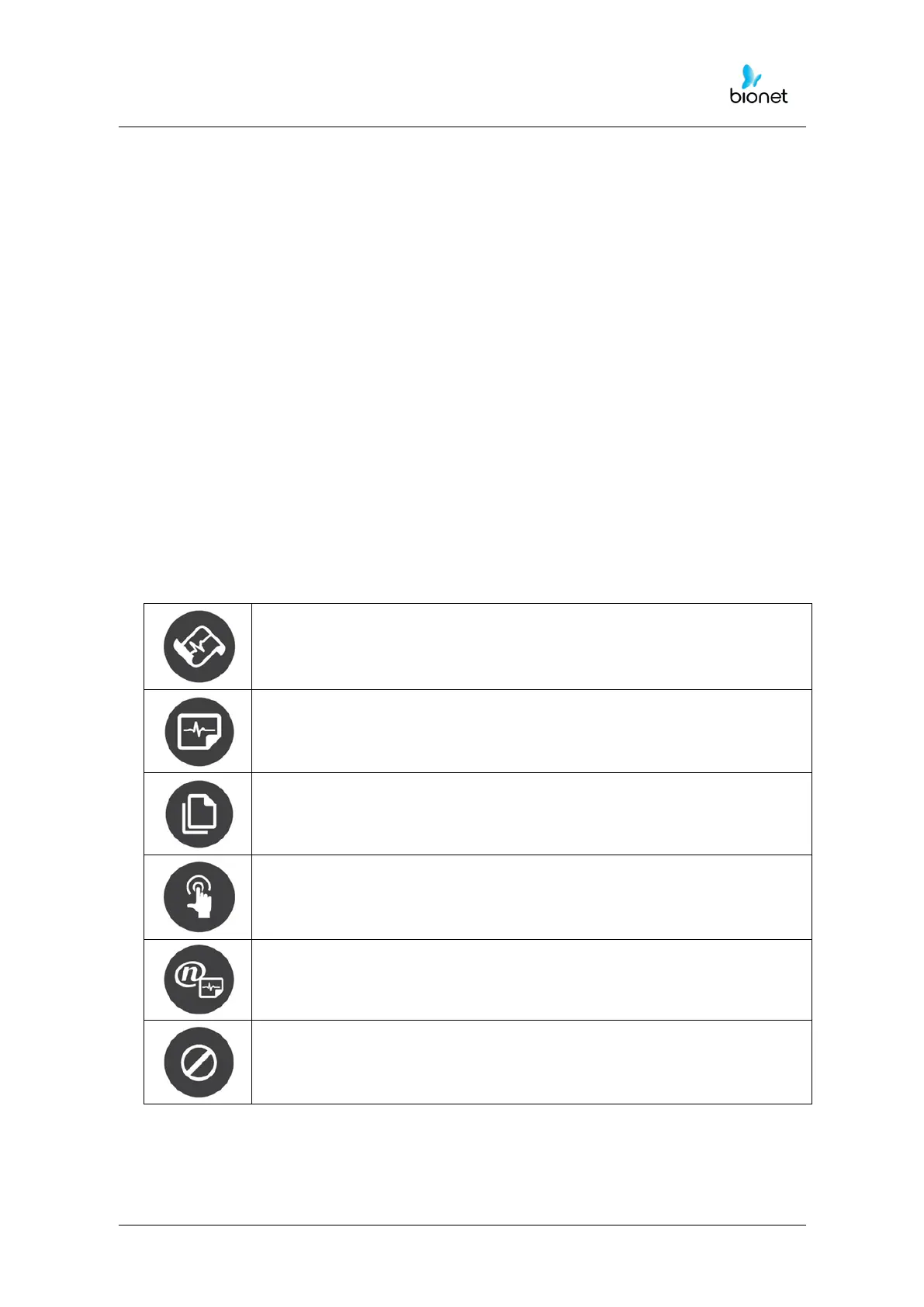
The following buttons will be most commonly used when operating Cardio7e/Cardio7.
10sec. and long-term readings (1min., 3min., 5min., 10min.) are saved
and are printed as an output form after processing.
It operates the product in the most frequently used operation from
the ECG diagnosis test to data saving.



 To Next Page