V 1.31
2021. 05 154 / 171 Doc. # : BN-OP-C7
5) Switching menu
When selecting the Main button at the main page of the ECG file management, a line
window will show up. You can choose ECG or FILE to go to the chosen page.
The patient’s information of selected data does not transmit, when moving to another
main screen.
- ECG: skip to ECG main screen
- FILE: skip to ‘File Management’ screen
- Spiro: skip to spirometry measurement screen
6) Patient information
When selecting saved data at the ECG file management page by using rotary key
or touch screen, the focus will appear at the data list.
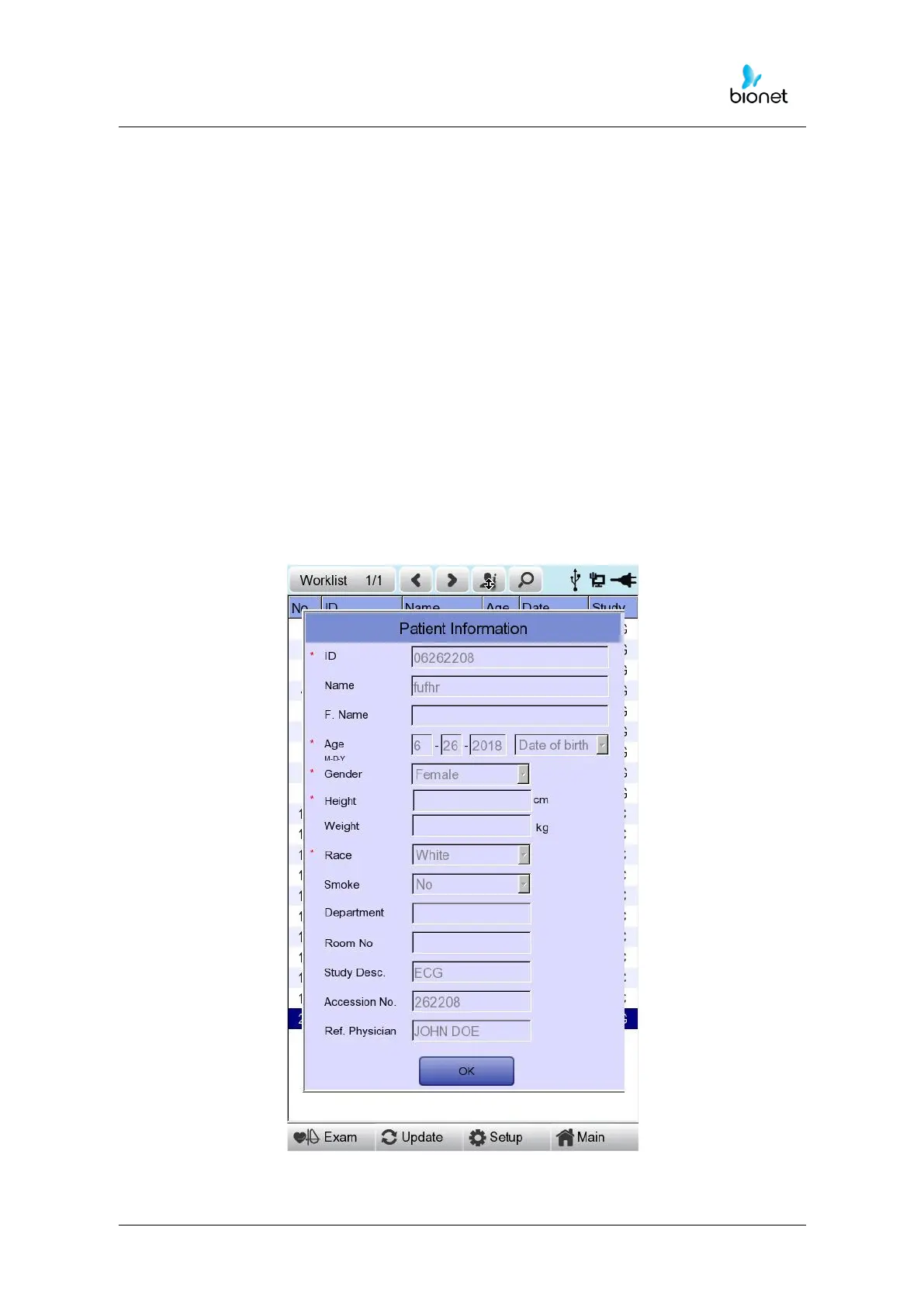
Press the ‘Info’ button to see the ‘Patient Information’ page. After checking all of
the information, press the OK button and then the ‘Patient Information’ page will
disappear.



 To Next Page