V 1.31
2021. 05 34 / 171 Doc. # : BN-OP-C7
7) System Start
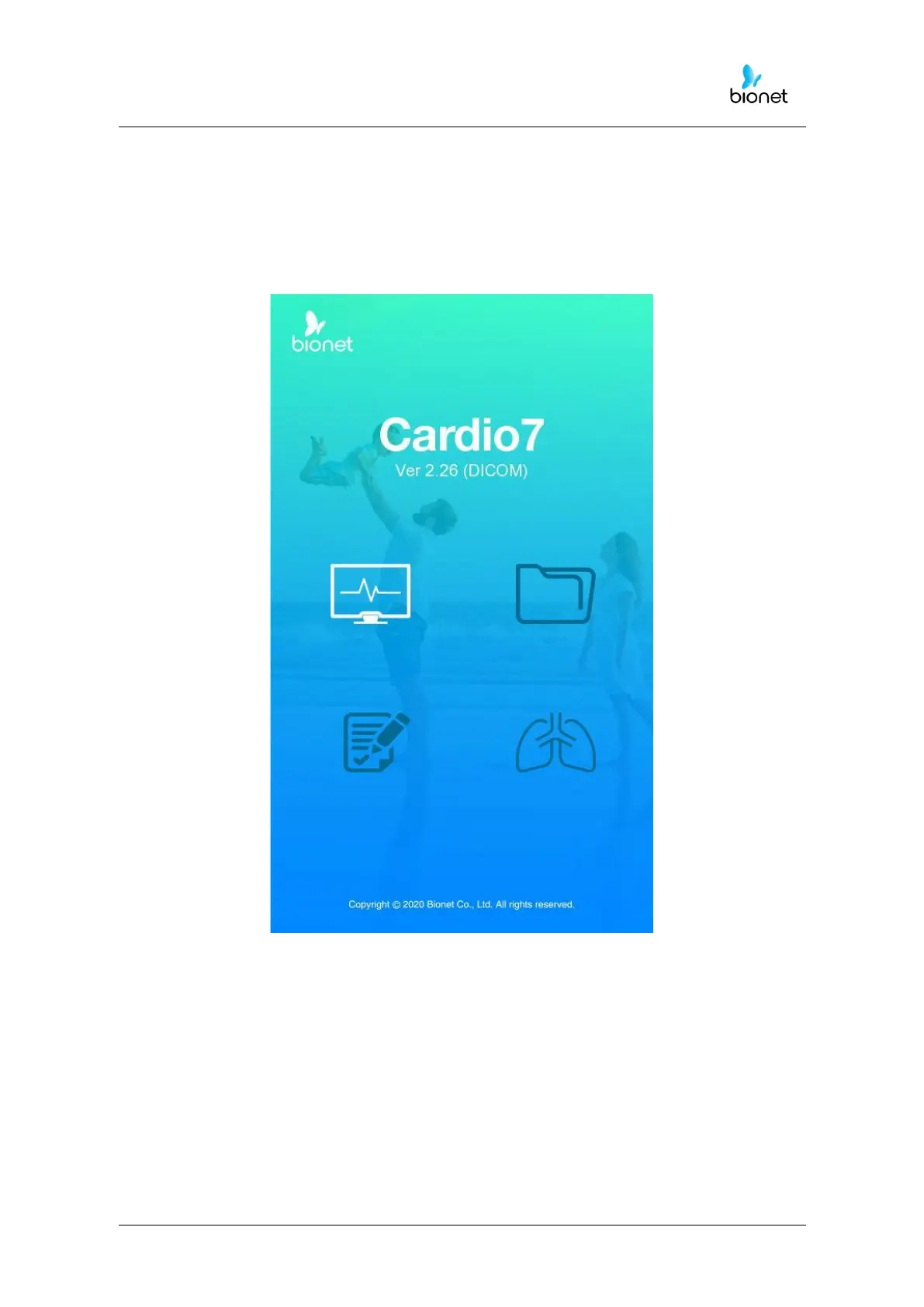
When every preference is set, the company name will be displayed when the switch is
turned on, and then after approx. 10 seconds, the initial menu selection will appear on the
screen, as shown in the figure below.
You can move to the main page of the chosen menu by touching the menu on the
screen or rotating the key on the control panel.



 To Next Page