V 1.31
2021. 05 137 / 171 Doc. # : BN-OP-C7
⑦ Button to print out the chosen saved data
⑧ Button to delete the data
⑨ Button to set up the environment of ‘File Management’
⑩ Button to move to other main screen from ‘File Management’
At the initial file management page, the first data of the list has the focus. The
focus will automatically move to the menu bar at the bottom of the screen, when
you click the data by touching the screen or rotating the rotary key on the control
panel.
If there is no data in the page, the focus can be found on [Print] button.
When there is no patient information you want to select, please press [<] or [>]
button or the ‘Search’ menu to move to other pages.
- Menu direction (Rotary Key’s right spin)
Print → Delete → Setup → Main →Page information→ [<] → [>] → Info → Search → Print
- Menu direction (Rotary Key’s left spin)
Print → Search → Info → [>] → [<] →Page information→ Main → Setup → Delete → Print
2) Data printing
When selecting a saved data at the ECG file management page by using rotary
key or touch screen, the focus will appear at the data list.
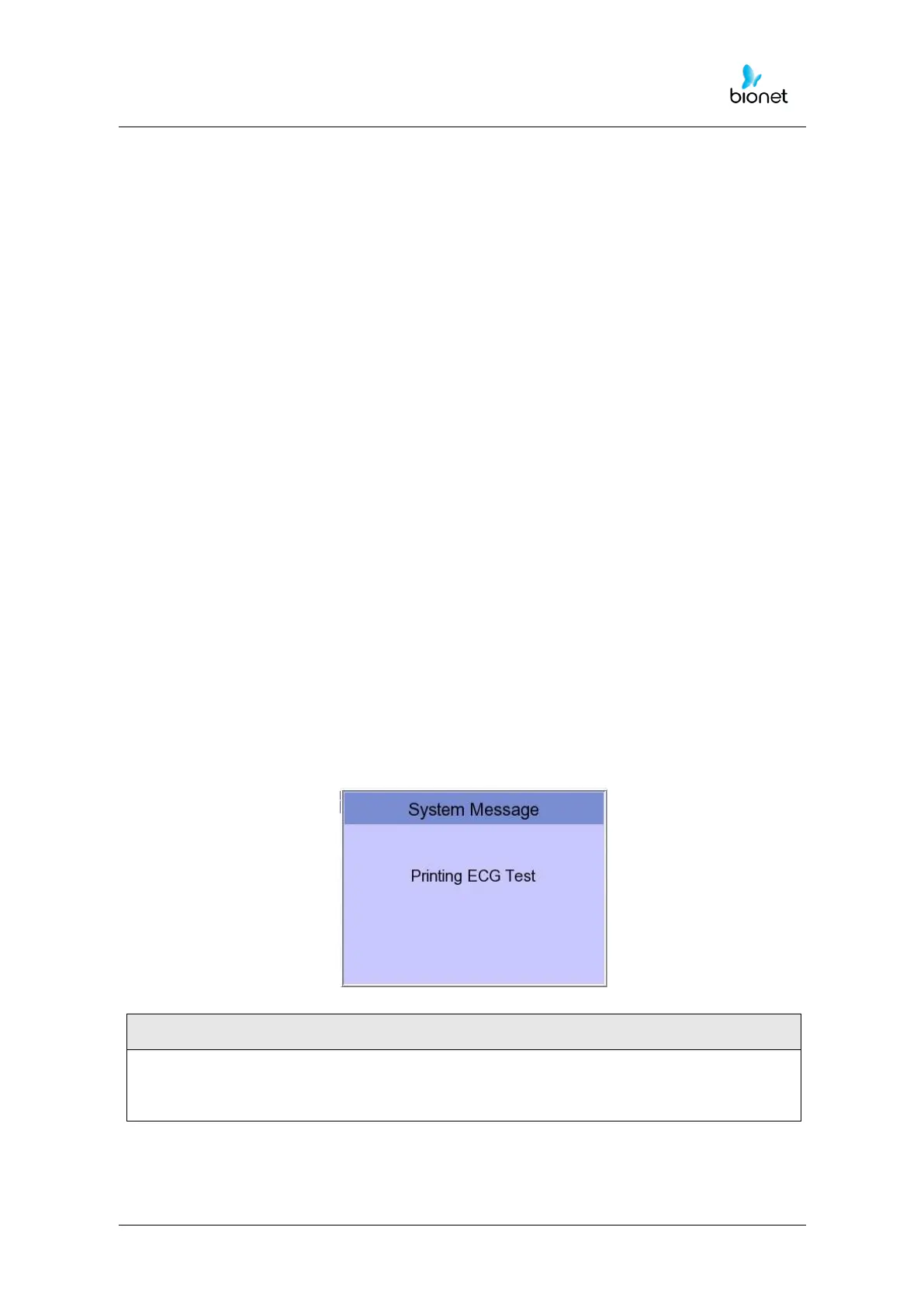
Press the ‘Print’ button to print out the data. Then you will see a message as shown
below.



 To Next Page