V 1.31
2021. 05 142 / 171 Doc. # : BN-OP-C7
6) Patient information
When selecting a saved data at the ECG file management page by using a rotary
key or a touch screen, the focus will appear at the data list.
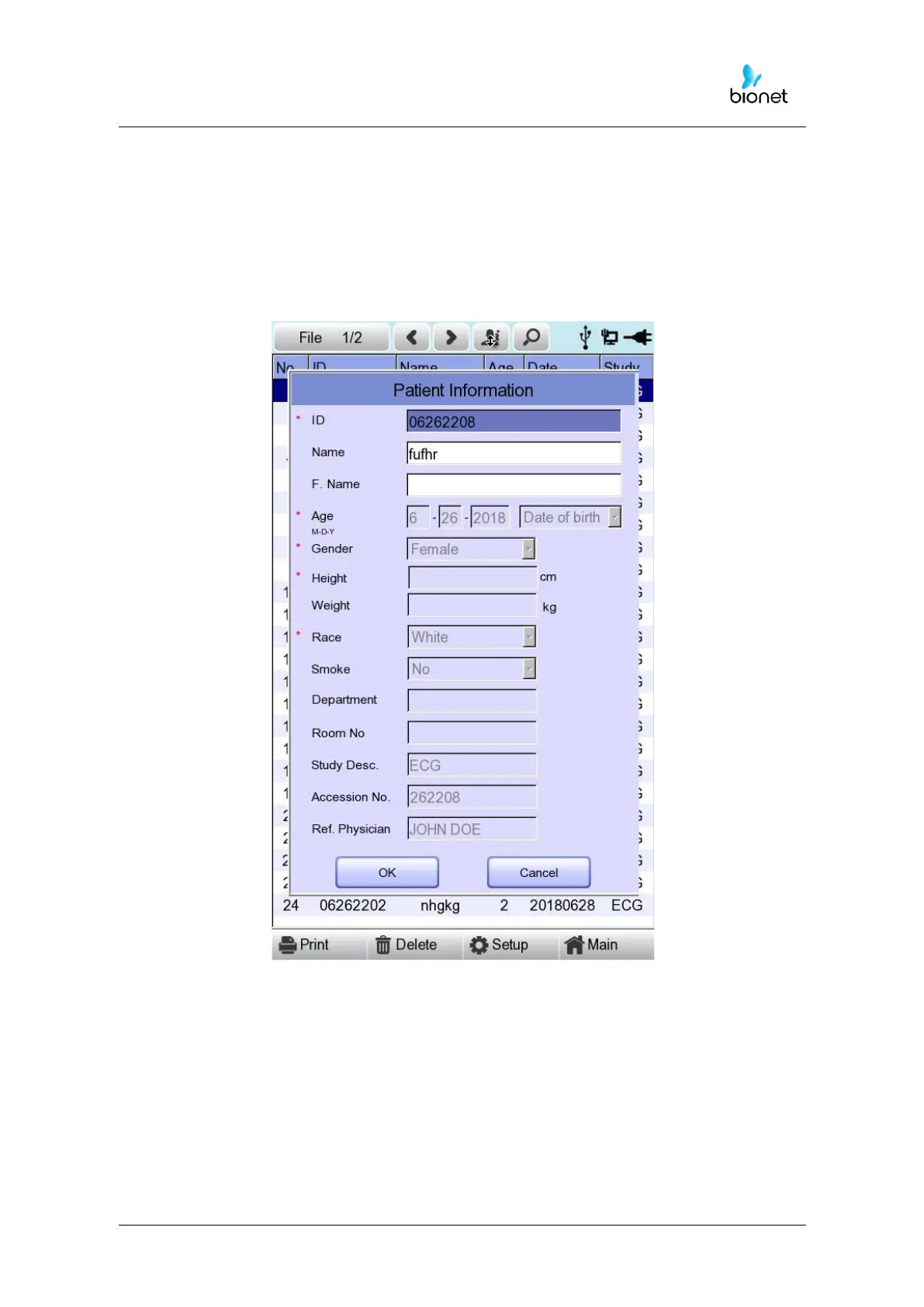
Press the ‘Info’ button. Then you will see a ‘Patient Information’ window as shown
below. Information other than patient name cannot be changed.



 To Next Page