V 1.31
2021. 05 72 / 171 Doc. # : BN-OP-C7
11) System Setup
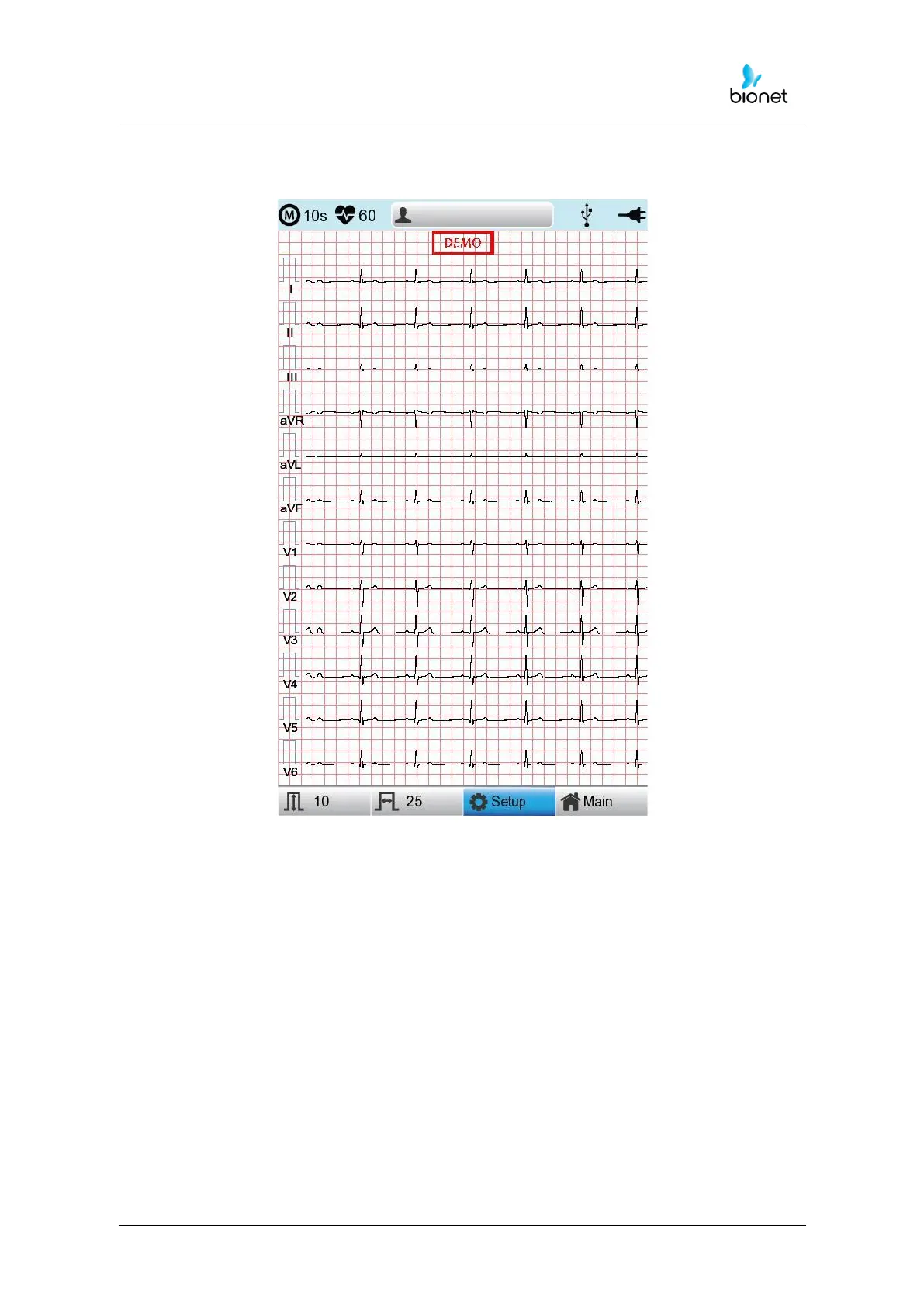
Choose the 'Setup' button on the initial ECG main screen to change preferences.
Setup menu consists of Basic Setup, Network Setup, Hospital Setup, ECG Setup, Record
Setup and Service Setup and you can change the setting at each window. The main page
shows Basic Setup.
After finishing the settings, press 'OK' to save the new information or press 'Cancel' to
cancel it. You can choose 'Exit' or 'ESC' button to exit from the setup menu.
‘Default’ button is used to default every setting.



 To Next Page