V 1.31
2021. 05 73 / 171 Doc. # : BN-OP-C7
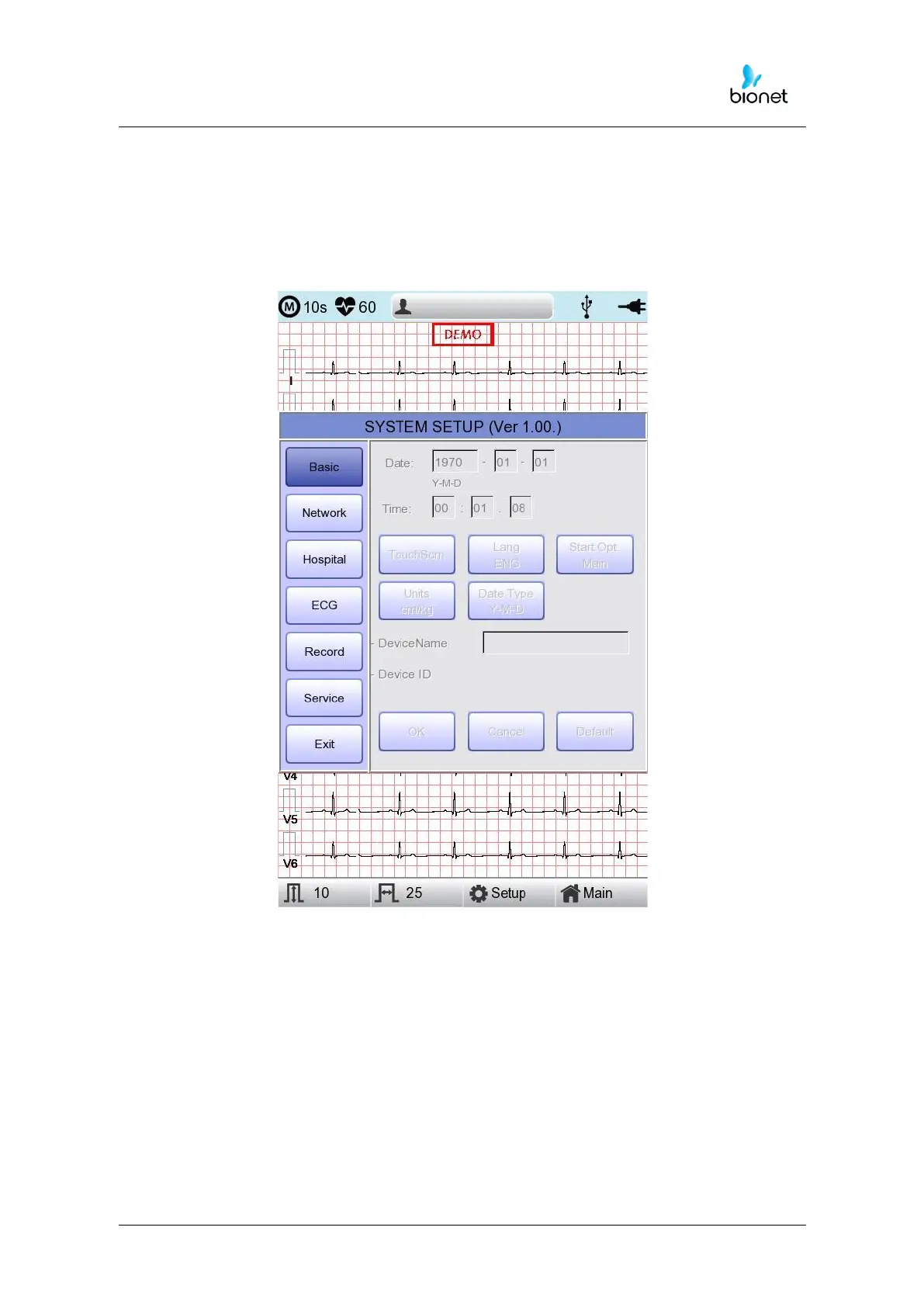
Basic Setup
When choosing Basic menu at the left side of the Setup page, you will see the page for
Basic Setup.
Basic Setup consists of Date, Time, Touch screen, Start Option, Unit, Date Type and
Device Name menus.



 To Next Page