V 1.31
2021. 05 140 / 171 Doc. # : BN-OP-C7
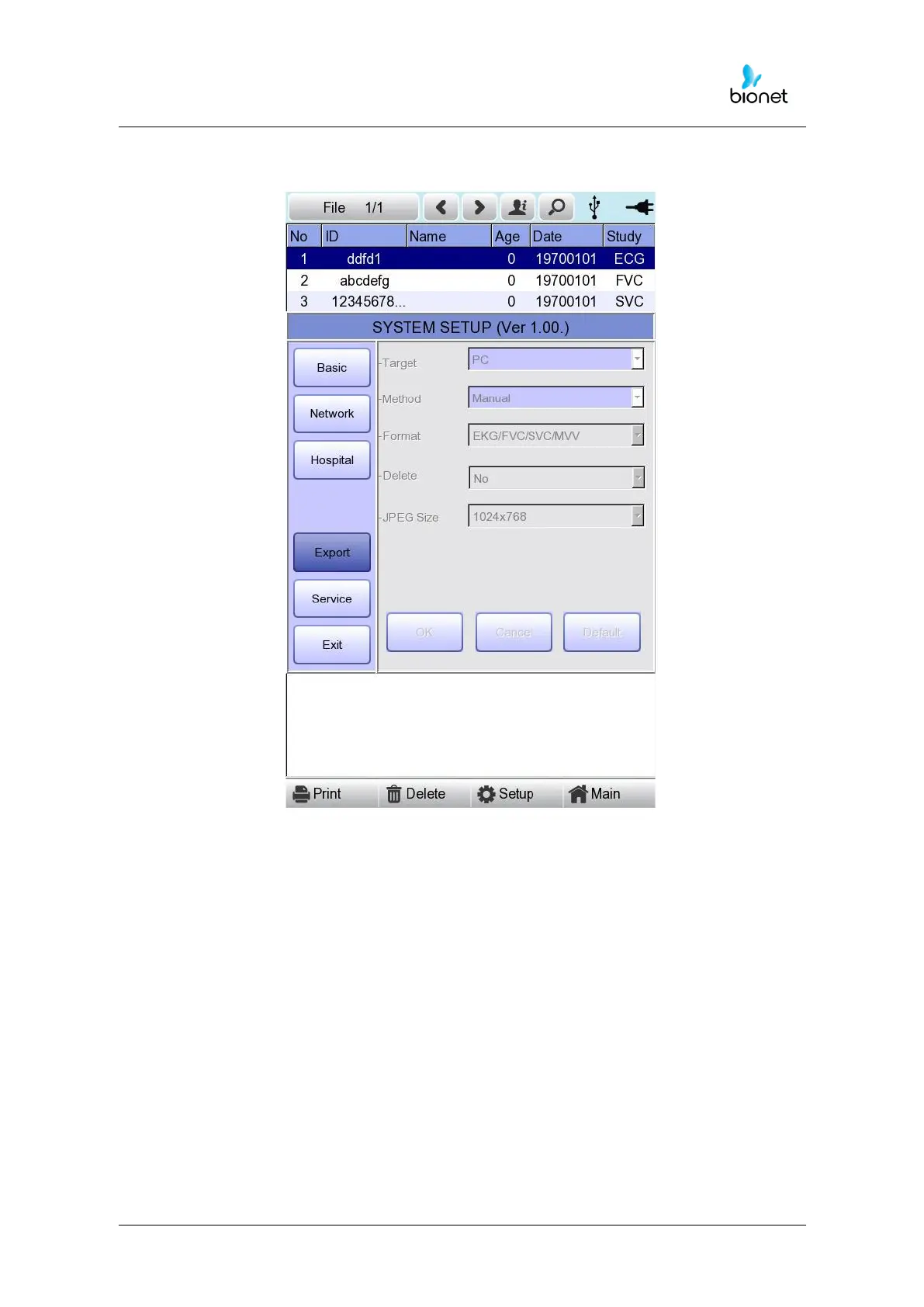
When clicking the ‘Export’ button, you will see ‘Export’ window as shown below.
When clicking the ‘Target’ button, a POP-UP window will show up and it will
disappear when selecting one of BMS Server or USB.
- BMS Server/PACS Server
: To save the data in the BMS Server or PACS Server.
- USB: To save the data in the external USB Memory
When clicking the ‘Method’ button, a small line window will show up and it will
disappear when selecting Manual, Select, All or All New.
- Manual: menu window allows user to select either ‘Selected, All, All New, Cancel’ or
‘Selected, Cancel’ whenever transferring data
- Select: To transfer the selected data
- All: To transfer all data
- All New: To transfer the newly saved data



 To Next Page