V 1.31
2021. 05 147 / 171 Doc. # : BN-OP-C7
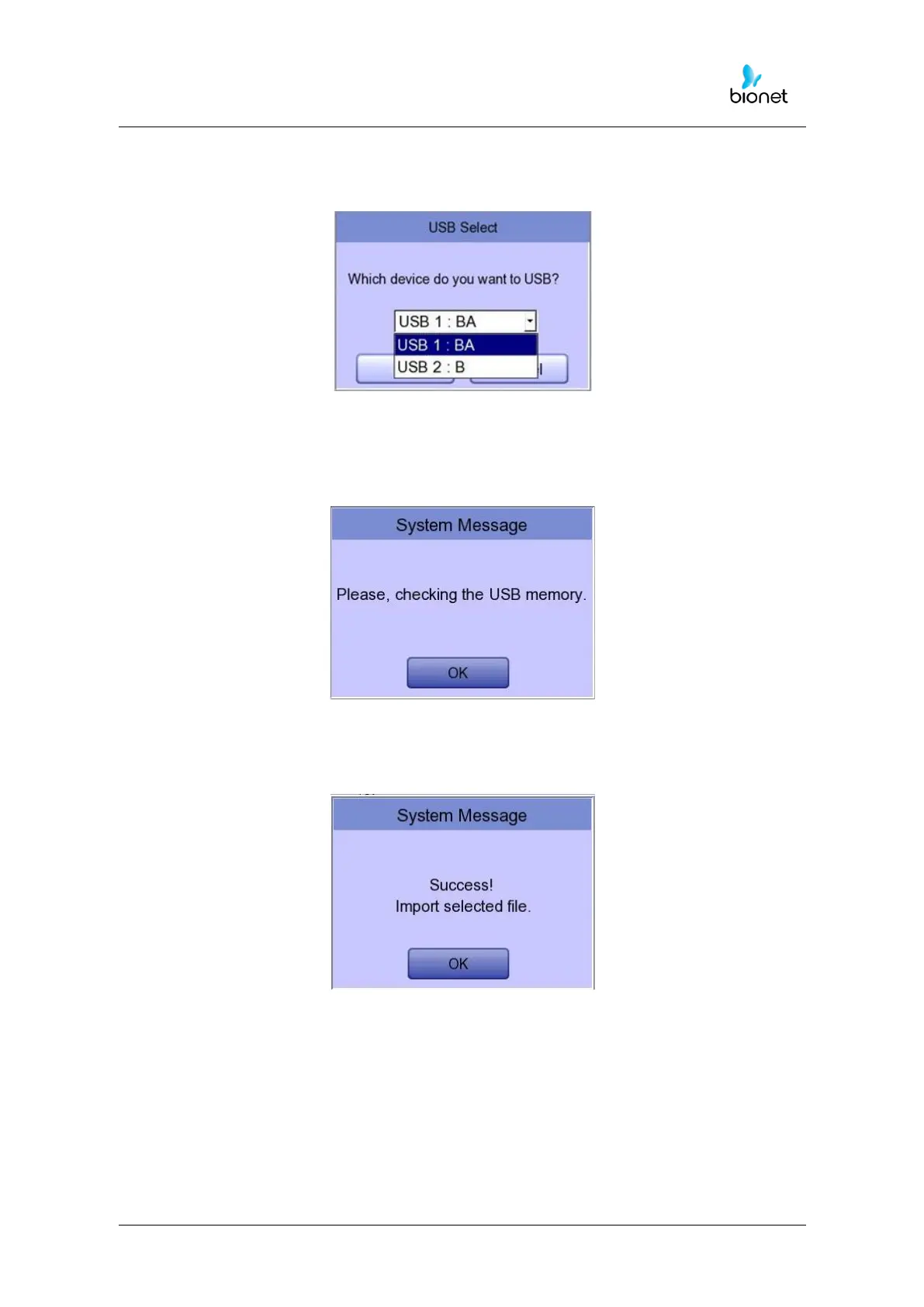
If 2 different USB memory devices are connected, a system message window prompting
you to select one of them will appear.
If the external device is not connected to Cardio7e/Cardio7, the error message
will be shown as below.
If you select the ‘Selected’ menu in the ‘Import File List’ screen, after receiving the
selected data from the external device a system message will be shown as below.



 To Next Page