V 1.31
2021. 05 50 / 171 Doc. # : BN-OP-C7
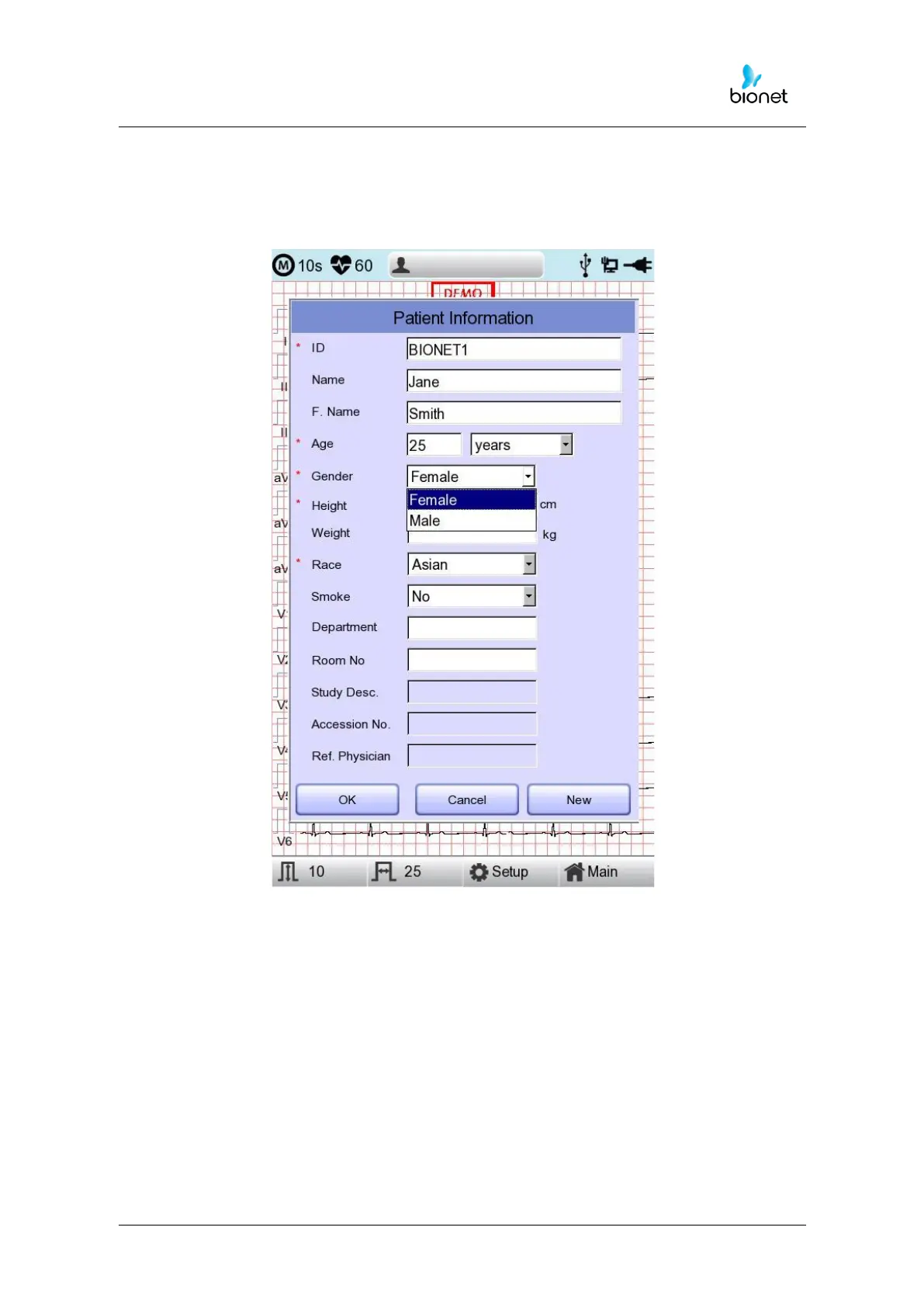
When clicking the Gender Line, the letter Male or Female will be shown respectively. After
selecting the data which you want, input all the information of the patient. When pressing
OK button, the information will be saved, while pressing cancel button will cancel the
setting. The default of the Gender line will be set as a Female.



 To Next Page