V 1.31
2021. 05 52 / 171 Doc. # : BN-OP-C7
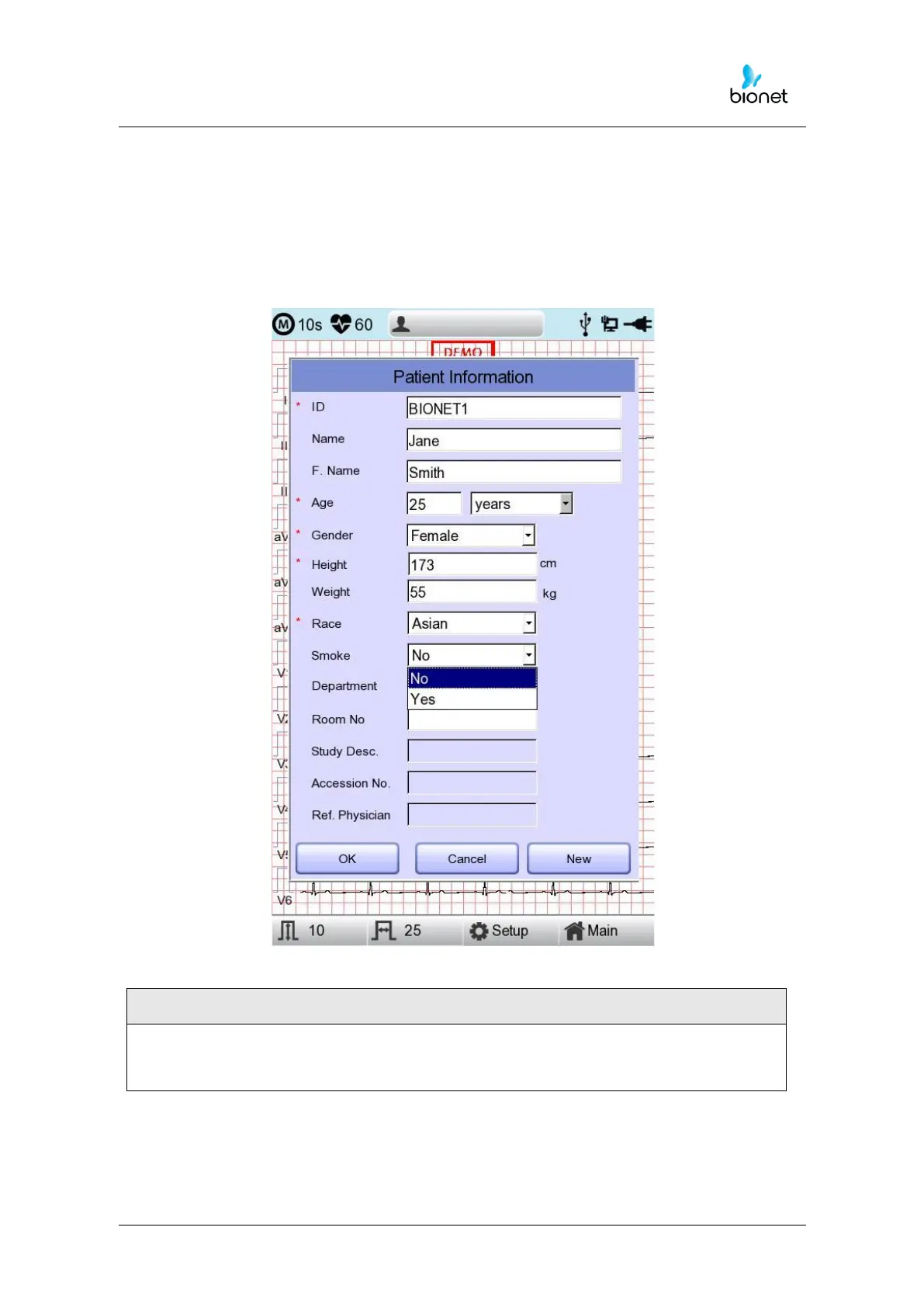
You can decide whether or not to smoke by clicking Smoke. The default setting for Smoke
is “No.”
When you have completed inputting all information, you will see the window as shown
below. After checking all information then pressing OK button, the information will be
saved, while pressing cancel button will cancel the setting.
When pressing the ‘New’ button, all of the information will be initialized.



 To Next Page