October152009–InstallationGuideDraft–EditPurposesOnly Page41
Installation Guide – October 2009 – Edit Purposes Only
2009
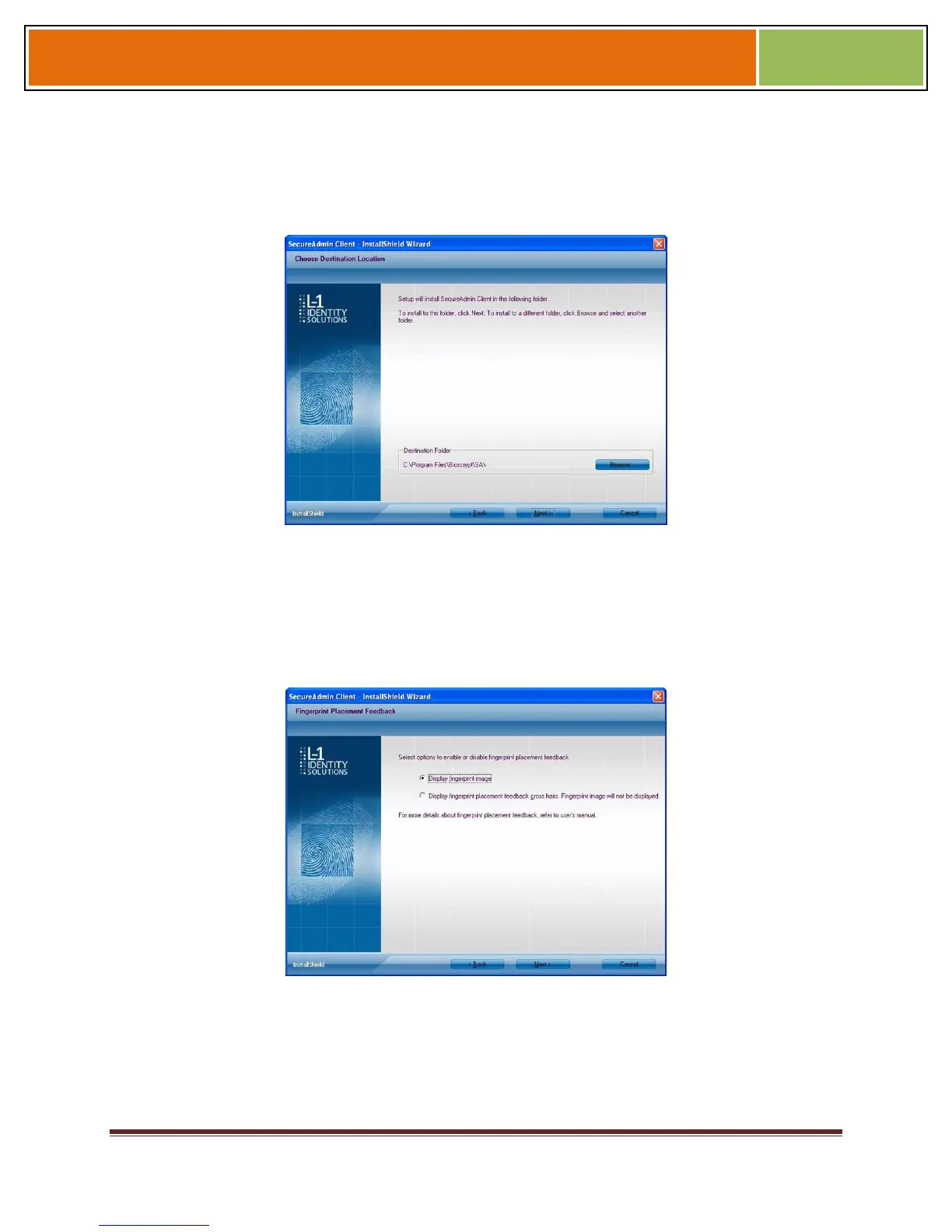
The L-1 Identity Solutions License Agreement is displayed. Select the appropriate radio
button to agree with the terms and then click the Next button. The Choose
Destination Location screen is displayed.
Figure 3-17 SecureAdmin Client Choose Destination Location
Accept the default installation folder and click the Next button or click Browse to choose
your own installation path. After you specify a destination folder, the Fingerprint
Selection Feedback selection screen is displayed.
Figure 3-18 Fingerprint Placement Feedback Option Selection
Select the appropriate radio button to either display or to not display fingerprint data. If
Display Fingerprint Image is selected, a fingerprint will be displayed while
enrolling templates. If the Display Fingerprint Placement Feedback option is
selected, then SecureAdmin displays crosshair placement feedback instead of
fingerprint images while enrolling templates.


 To Next Page