October152009–InstallationGuideDraft–EditPurposesOnly Page71
Installation Guide – October 2009 – Edit Purposes Only
2009
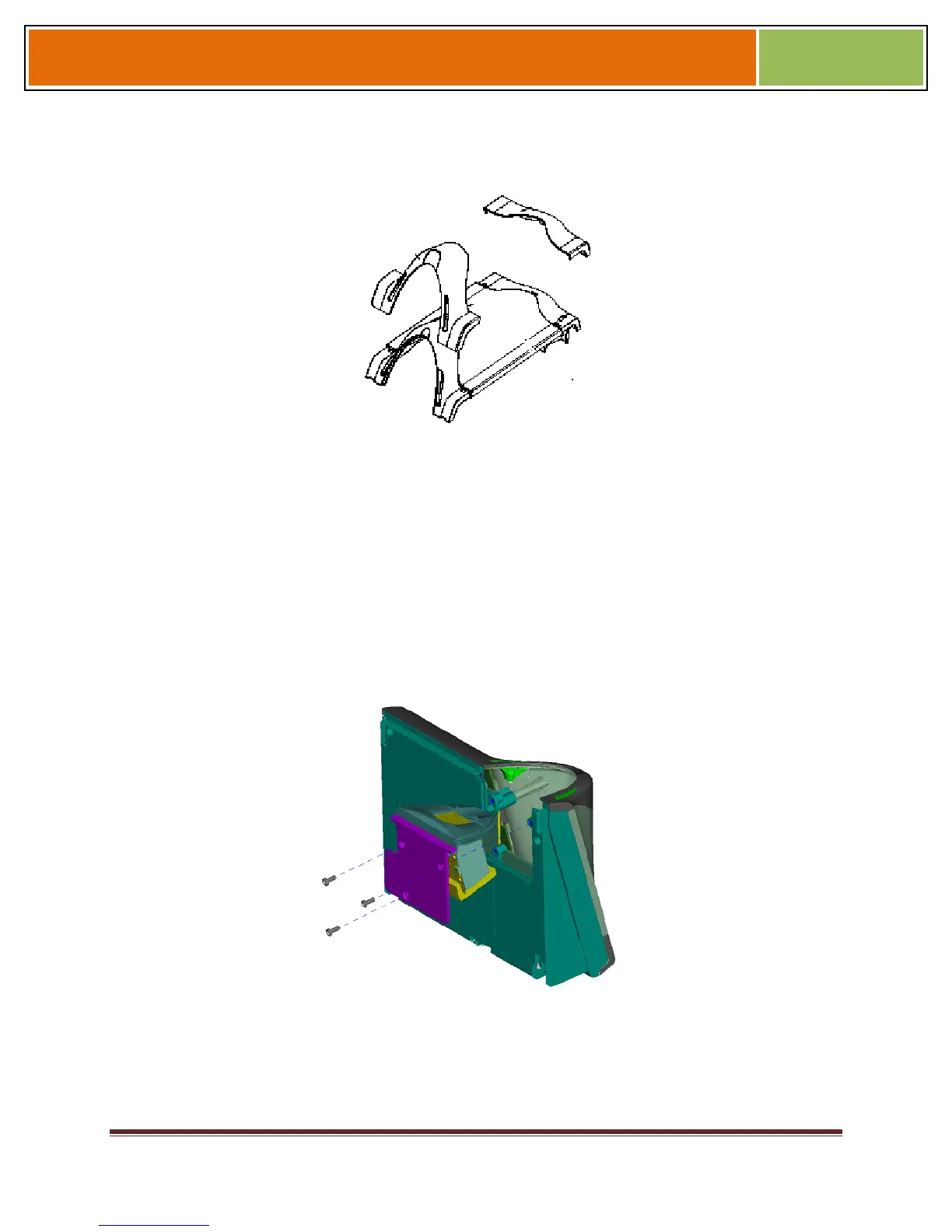
Figure 7-3 Non-Removable Parts (V-Flex 4G)
7.1.1.2.2 V-STATION 4G
To replace the sensor module in a V-Station 4G device, follow these steps:
7. Remove the security screw.
Tilt the device at an angle approximately 90 degrees to the wall.
Remove the three Philips screws.
Figure 7-4 Removal of Sensor Module from V-Station 4G Device
Gently slide the sensor back plate, sensor mask, and sensor out of the V- Station 4G
device. Be careful not to damage any internal wiring.


 To Next Page