October152009–InstallationGuideDraft–EditPurposesOnly Page64
Installation Guide – October 2009 – Edit Purposes Only
2009
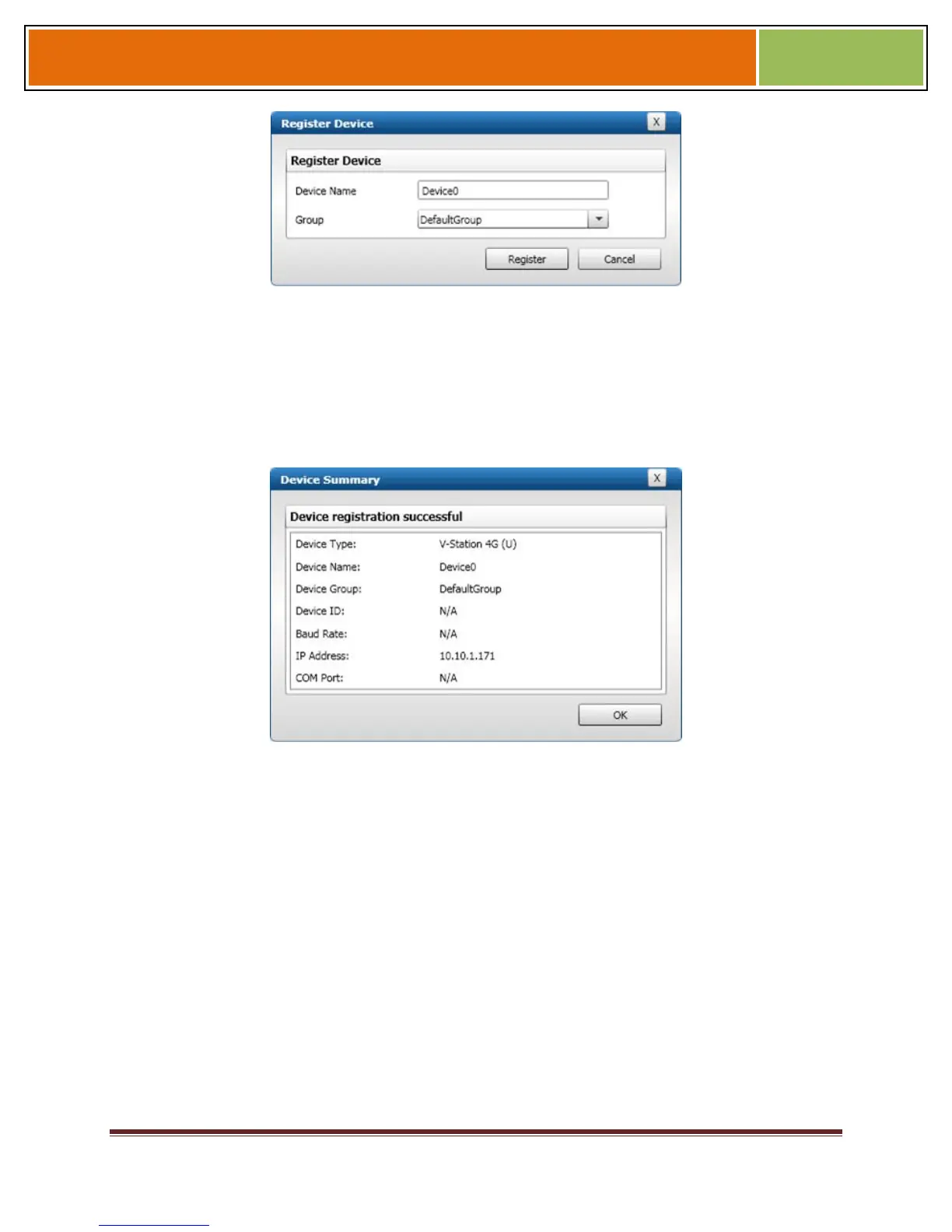
Enter a Device Name.
Select a Group.
Click Register. A Device Summary is displayed.
Figure 6-4 Device Summary Dialog Box
Click OK.
Click Close. The device is registered.
6.1.1.2 TO REGISTER A DEVICE VIA A CLIENT
5. Launch SecureAdmin.
Double-click the Network tab. Three buttons are displayed.
Click the Register via client button. The Step 1 Find Device dialog box is displayed.
Figure 6-5 Step 1 Find Device Dialog Box


 To Next Page